

Squarespace Mega Menu Alternative: How to Customise Navigation Without a Rebuild
Quick answer: If you just want your Squarespace navigation to look more polished, you likely don't need a mega menu — a navigation styling kit gives you pill-shaped links, better dropdowns, nav badges and a nicer mobile menu without rebuilding anything. A mega menu is only worth the extra complexity if you have a large number of pages that genuinely need columns or grouped sections to stay organised.
Squarespace Mega Menu Alternative: A Simpler Way to Upgrade Your Navigation
If you've searched for a Squarespace mega menu plugin, there's a good chance what you actually want is a better-looking navigation - not necessarily columns, images and multi-level dropdown layouts. A full mega menu is a big commitment: more code, more places for things to break, and often more than most sites need.
A simpler alternative is a navigation styling kit — one that keeps your existing Squarespace menu structure exactly as it is, but upgrades how it looks. Think pill-shaped nav links, softer dropdown styling, a rounded mobile menu, and small badges to flag new or popular pages. No rebuild, no restructuring your pages and folders, no mega menu framework to maintain.
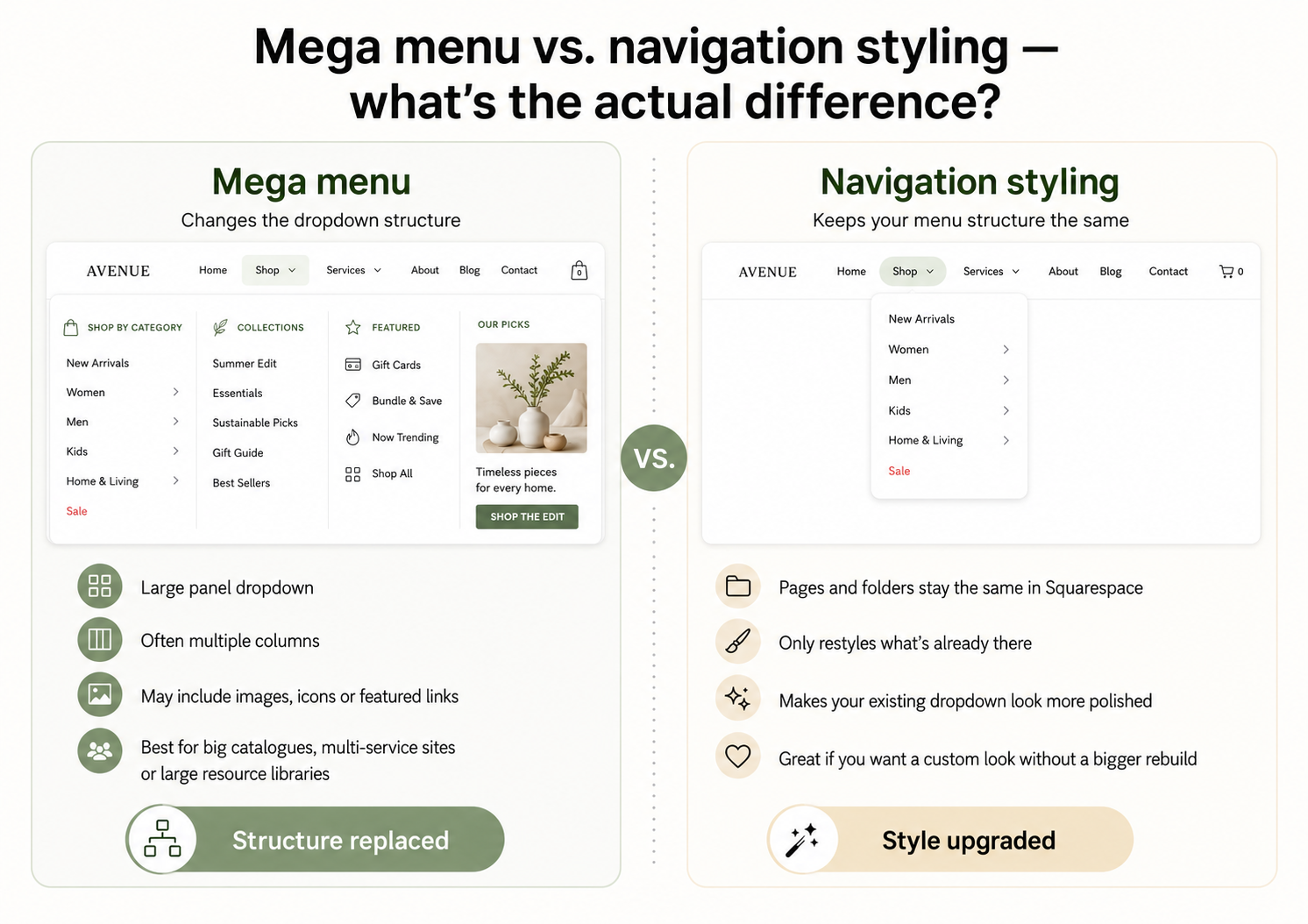
Mega menu vs. navigation styling — what's the actual difference?
A mega menu replaces your dropdown with a large panel, usually multiple columns, sometimes images, icons or featured links. It's built for sites with a lot of pages to organise: big e-commerce catalogues, multi-service businesses, large resource libraries.
A navigation styling kit doesn't touch your menu structure at all. You still add pages and folders in Squarespace exactly as normal — the kit just restyles what's already there, so your existing dropdown looks more polished instead of being replaced by something bigger.
How do I know which one I actually need?
A quick way to check: if your current navigation feels cluttered or hard to organise, you likely need a mega menu. If your navigation is organised fine but just looks plain, cramped or unfinished, styling is usually the fix — and it's a lot less to maintain.
Most small business, charity and portfolio sites fall into the second group. A handful of dropdown links styled well will usually look more premium than a half-used mega menu with empty columns.
What a navigation styling upgrade actually changes
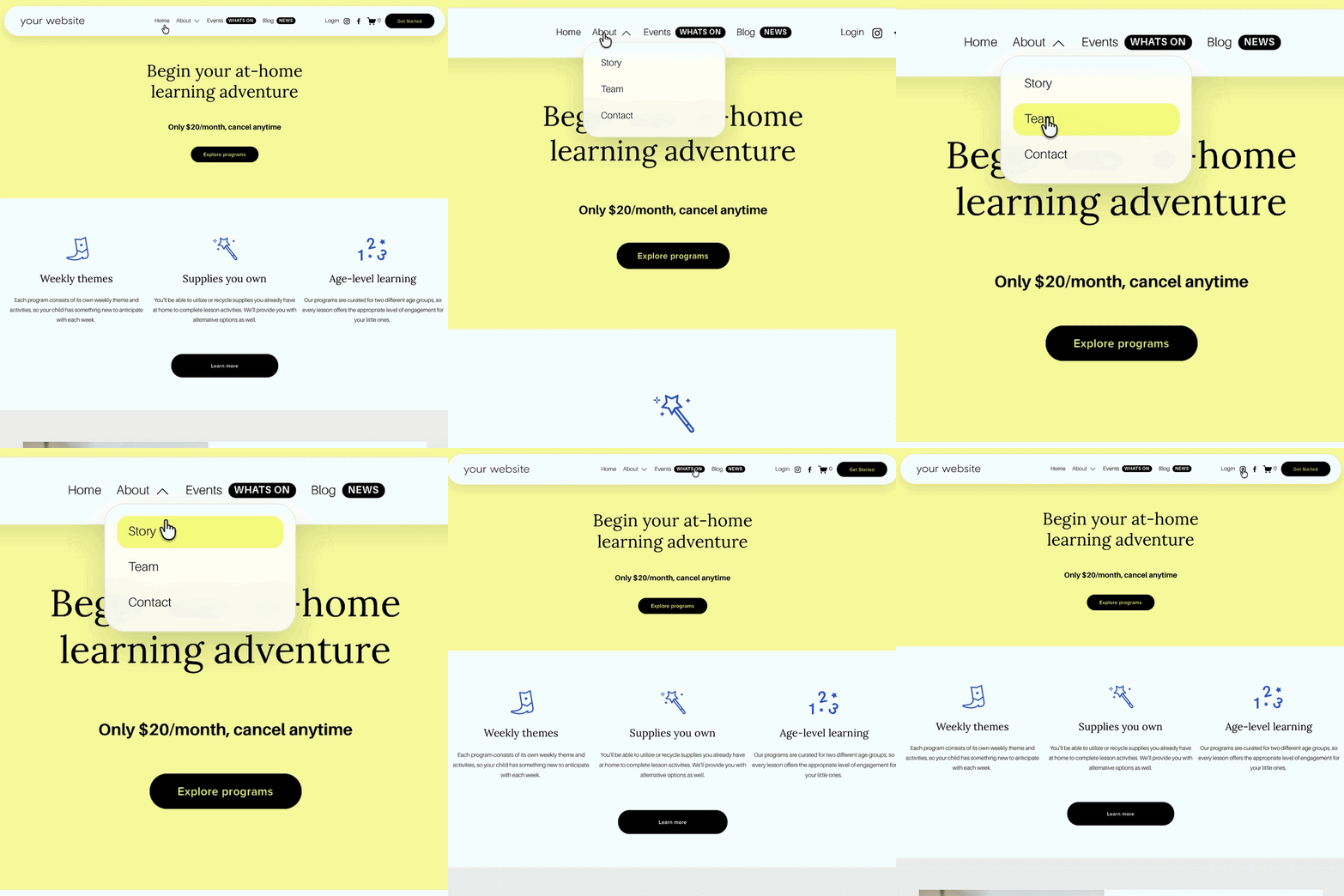
Desktop nav — soft pill-shaped links instead of plain text
Header — a full rounded "floating" header bar option
Dropdowns — rounded corners, soft shadows, optional frosted/glass effect
Badges — small NEW / SALE / POPULAR labels next to chosen links
Mobile menu — a rounded overlay card style instead of the default flat full-screen menu
Mobile header — matching pill-style header on smaller screens
None of this requires touching your page structure, and it works with the navigation you've already built.
If your Squarespace 7.1 header could use exactly this kind of polish without a rebuild, the Squarespace Navigation Upgrade Kit covers all of the above for £39.
Frequently Asked Questions:
-
Not in the traditional sense — Squarespace's native navigation doesn't support mega menu layouts out of the box, and building a true mega menu usually requires a fairly involved custom code build. For most sites, a styled version of the existing dropdown menu achieves a similar "premium" feel with far less complexity.
-
Only if you have a large number of pages that genuinely need columns, images or grouped sections to stay organised. If your navigation is a manageable number of links that just needs to look better, a styling upgrade is usually the simpler and more reliable choice.
-
Yes. A navigation styling kit lets you restyle your existing menu — pill shapes, dropdown styling, mobile menu design and nav badges — without changing your page structure or adding mega menu functionality.
-
No, styling-based upgrades are lightweight compared to a full mega menu build, since they work with Squarespace's existing navigation rather than replacing it with new markup and scripts.
-
Yes — the Squarespace Navigation Upgrade Kit can be used on multiple sites, including client projects.
Looking for more ways to make your Squarespace website stand out? Browse the full range of Squarespace plugins at The Square Genius.
Did I help you? Consider buying me a coffee as thanks!
More Squarespace Plugins from The Square Genius:
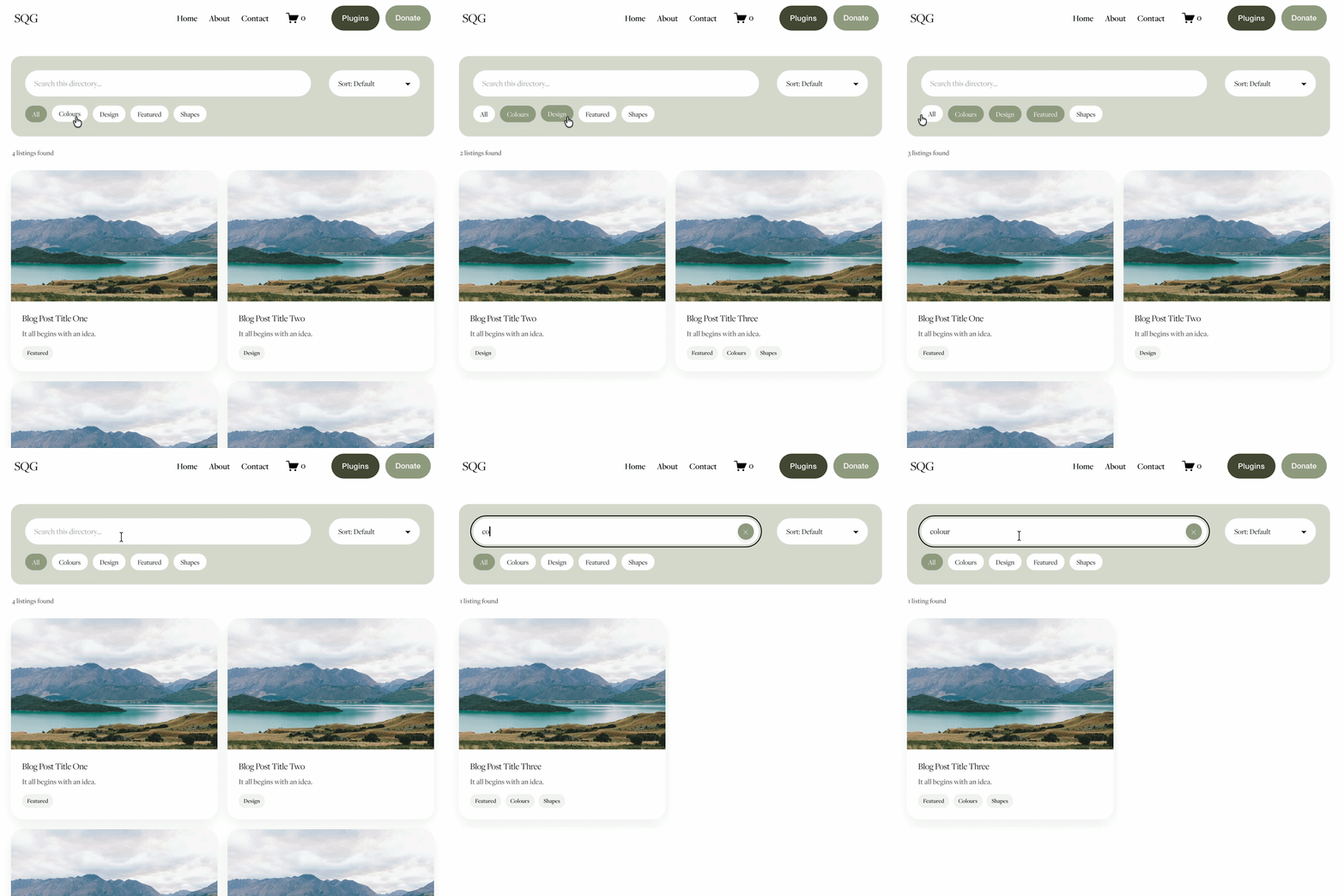
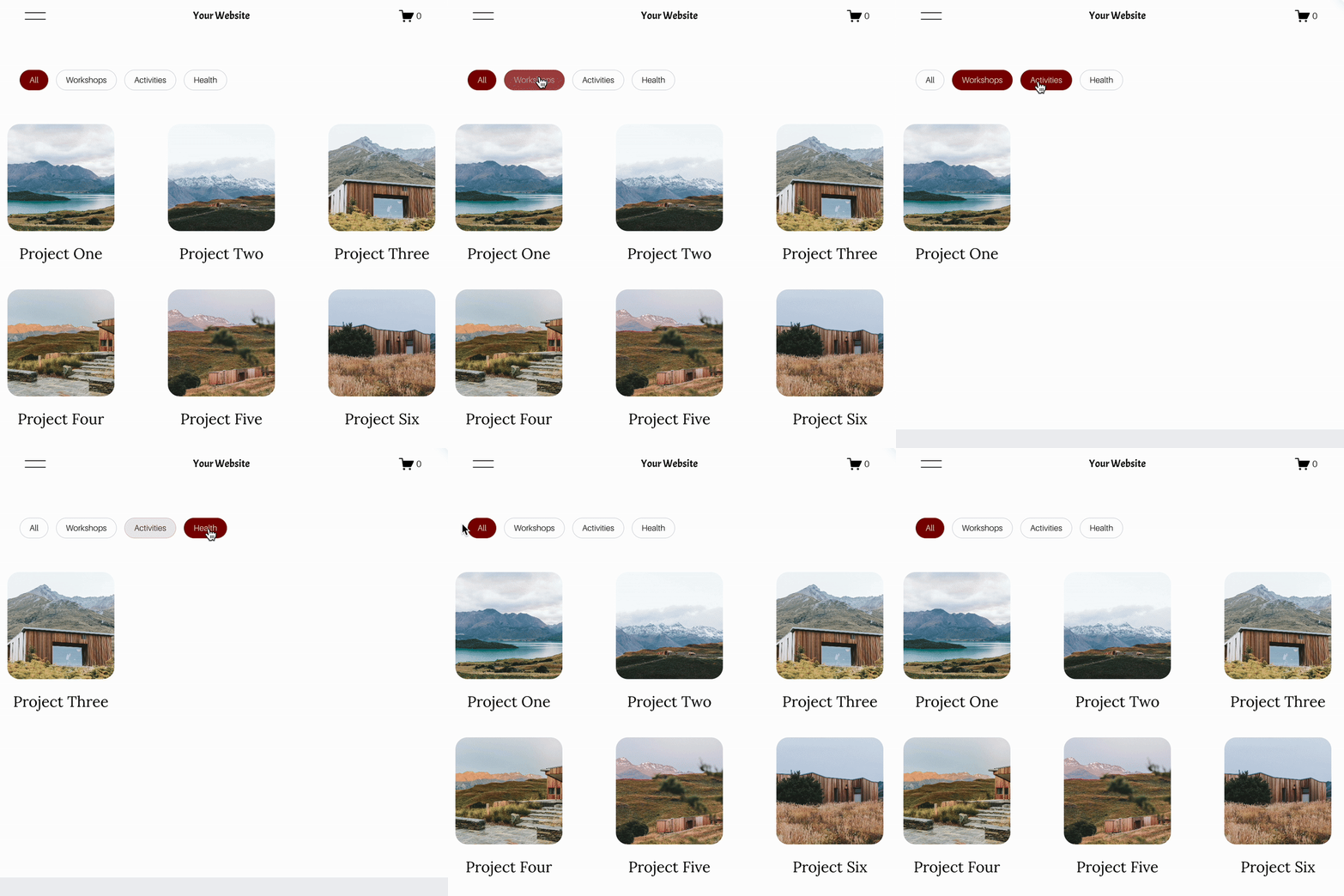
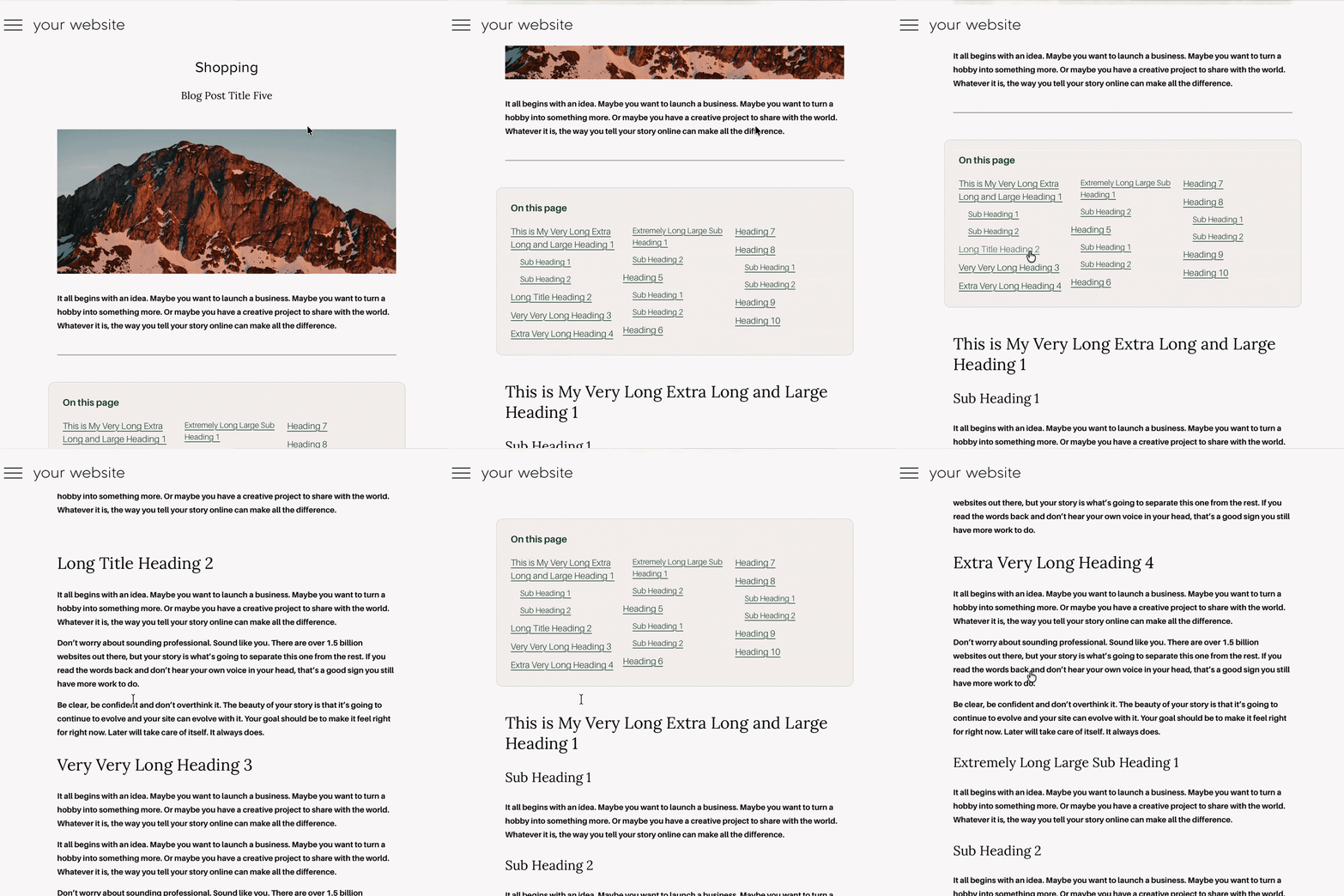


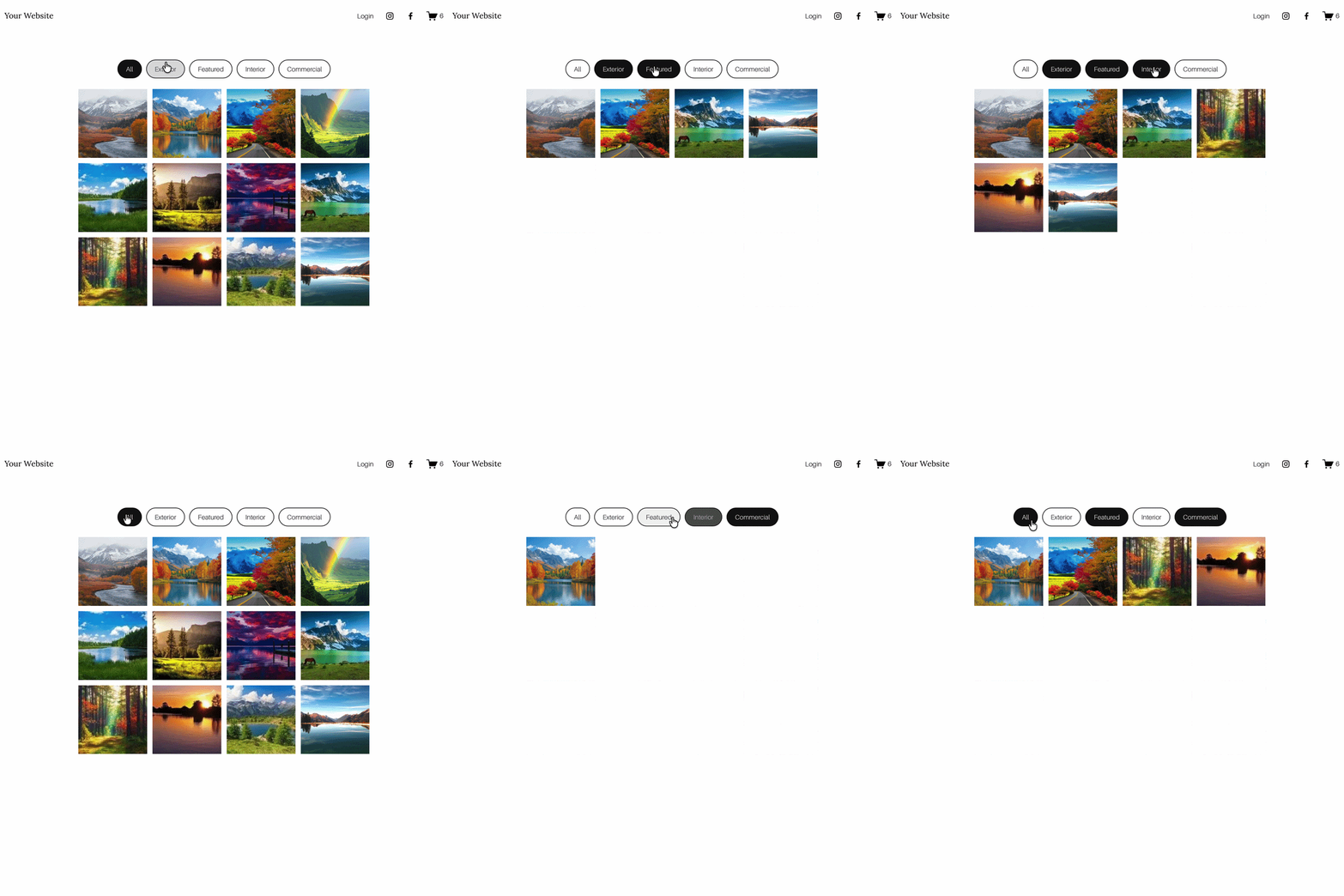




Looking for an easy way to add filters to Squarespace?
The Genius Squarespace Filter Plugin helps you turn busy portfolio pages, blogs, event pages and galleries into a cleaner, easier to browse experience.
Visitors can quickly filter your content by category, topic, service, location, resource type or any labels you choose, instead of scrolling through everything.
Perfect for portfolios, blog archives, event listings, galleries (grid, masonry & strips only) resource hubs and larger content collections, this plugin gives your visitors a smoother way to explore your content without the cost or complexity of custom development.
Portfolio Filter Demo ➜
NEW Advanced Dropdown Portfolio Filter Demo ➜
Gallery Filter Demo ➜
Blog Filter Demo ➜
Event Filter Demo ➜
Key Features:
Simple to install and customise
Filter options for portfolio pages, galleries, blogs and events
Includes the new advanced dropdown portfolio filter
Ideal for Squarespace sites needing more in depth filtering options with a simple user experience
Beginner friendly setup with copy and paste instructions
Designed for Squarespace 7.1 websites