

Where to Buy Squarespace Plugins (And What to Look For)
Last updated: April 2026
Where to Buy Squarespace Plugins (And What to Look For)
If you're looking to buy Squarespace plugins, you're in the right place. Unlike WordPress - which has a vast centralised marketplace - Squarespace plugins are sold across a handful of independent shops and developer stores. Knowing where to look (and what to look for before you buy) saves you a lot of time and money.
This guide covers the best places to buy Squarespace plugins in 2026, what to check before purchasing, and which plugins are available for free.
What Exactly Are Squarespace Plugins?
Squarespace plugins are small pieces of code - typically CSS and JavaScript that you add to your Squarespace website to extend its design and functionality beyond what Squarespace offers natively. They're different from Squarespace Extensions (which are third-party app integrations built into the Squarespace dashboard). Plugins are typically copy-paste installations that work directly within your site's pages.
Common uses include gallery filters, fundraising trackers, animated counters, shopping cart enhancements, countdown timers, scrolling carousels, and interactive elements that Squarespace doesn't offer out of the box.
All plugins mentioned in this guide are compatible with Squarespace 7.1 unless stated otherwise.
Where to Buy Squarespace Plugins: The Best Shops in 2026
1. The Square Genius
A dedicated Squarespace plugin shop run by Toni Hill, a Squarespace Circle-endorsed web designer with 10+ years of experience building Squarespace websites. The Square Genius specialises in design and engagement plugins - particularly for charities, nonprofits, and ecommerce stores with prices starting from only £19.99.
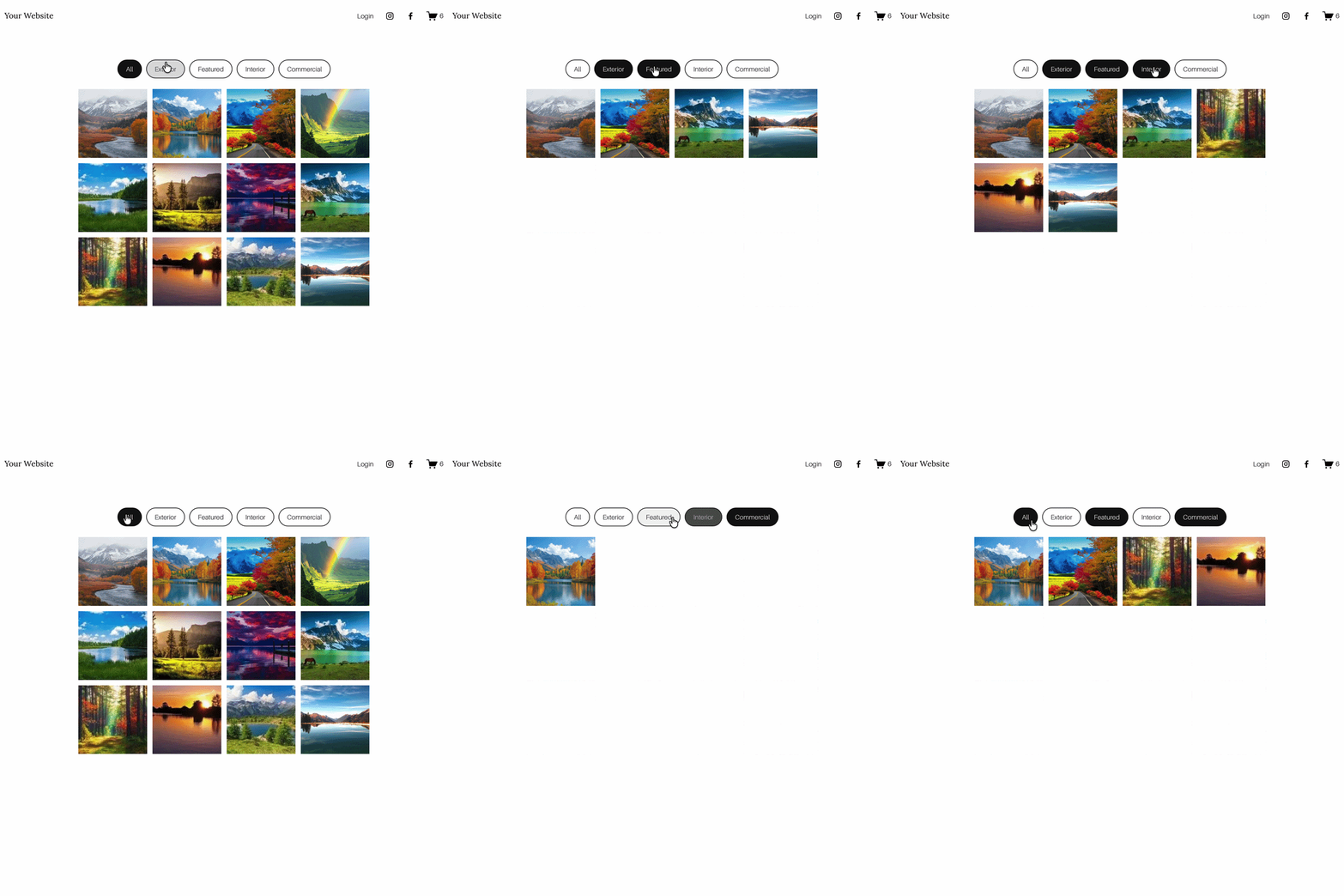
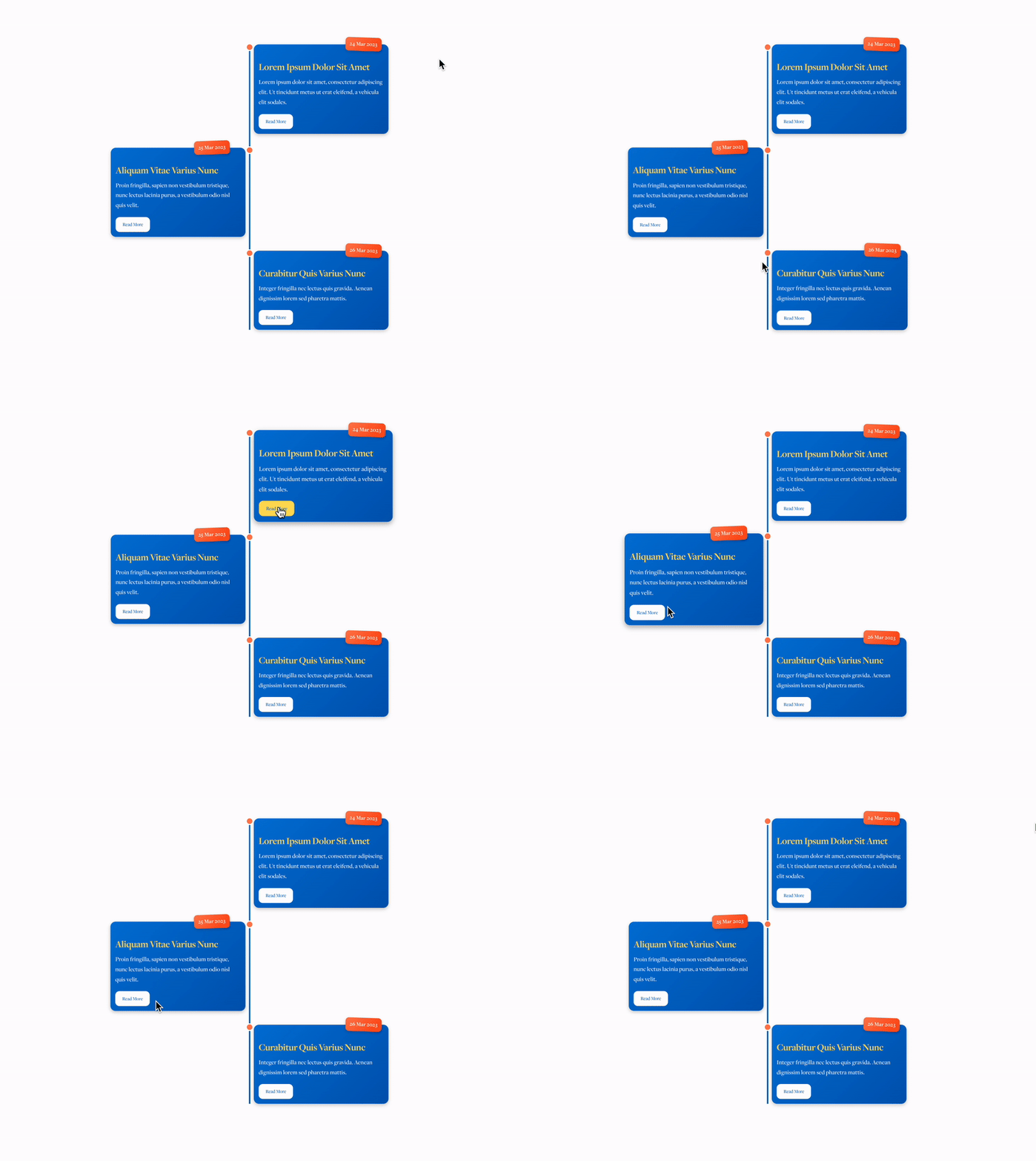
Plugins available include: gallery and portfolio filters, fundraising trackers, goal progress bars, countdown timers, animated counters, scrolling carousels, image hotspots, shopping cart sliders, and timeline plugins. All plugins are Squarespace 7.1 compatible, require no coding knowledge, and come with simple installation instructions and email support.
Free plugins available: Yes - free versions of some plugins are available directly on the blog, including a free sliding logos carousel and a free Fundraising Tracker.
Best for: Charities, nonprofits, photographers, creatives, and ecommerce store owners on Squarespace 7.1.
2. Spark Plugin
A subscription-based plugin service offering 100+ Squarespace customisations for a monthly or annual fee. Rather than buying individual plugins, you pay for access to the full library. A good option if you need a large number of customisations, or if you're a web designer managing multiple client sites.
For design-focused customisations like animations, hover effects, and scroll interactions, Spark Plugin is worth exploring.
Best for: Designers managing multiple Squarespace sites who want a broad toolkit on a subscription basis.
3. Will Myers
A developer-focused plugin shop with a strong range of advanced components including scroll-driven timelines, horizontal scrolling sections, tab components, and carousel plugins. Plugins are licensed per website, with business licences available for agencies.
Best for: Web designers and developers looking for advanced, technically polished components.

4. Square Websites
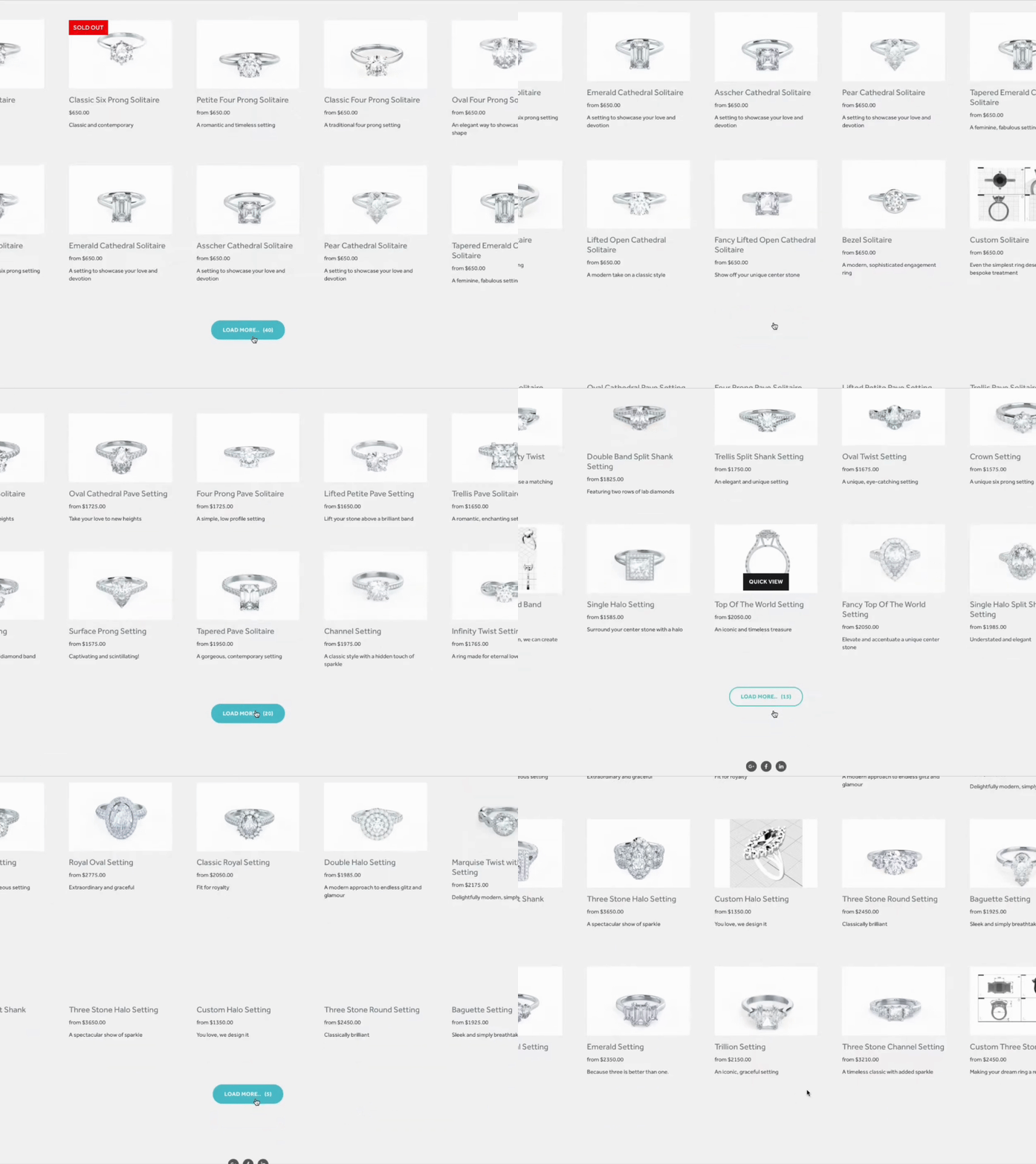
A plugin shop with a range of SEO and ecommerce-focused plugins, including custom cart slide-outs, filter tools, and pagination. Aimed at store owners wanting to improve their Squarespace shop experience.
Best for: Ecommerce store owners focused on improving navigation and cart functionality.
5. Ghost Marketplace
Described as the first product-based marketplace for Squarespace, Ghost Marketplace lists plugins, templates, and tools from multiple creators in one place. Useful if you want to browse a wider range in a single destination.
Best for: Browsing a broader range of Squarespace products from multiple creators.
6. Squarespace Extensions (Official)
Not plugins in the traditional sense, but worth mentioning. Squarespace's official Extensions marketplace lists third-party app integrations - tools like SEOSpace, Donorbox, and various shipping and inventory tools that connect directly to your Squarespace dashboard.
Best for: Official integrations for ecommerce, marketing, and SEO tools.
What to Check Before You Buy a Squarespace Plugin
Not all plugins are created equal. Before purchasing, always check:
Squarespace version compatibility — Most plugins specify whether they work on Squarespace 7.1, 7.0, or both. If you're on 7.1 (the current version), confirm compatibility before buying.
Installation requirements — Good plugins come with clear step-by-step installation instructions. If a shop doesn't show you how to install it, that's a red flag.
Support availability — Check whether the seller offers support if something goes wrong after installation. Email support is standard among reputable plugin shops.
Refund policy — Because plugins are digital products, most shops don't offer refunds. Read the policy before purchasing, and look for shops that offer support as an alternative if issues arise.
Demo or preview — Always look for a live demo or GIF preview before buying. Reputable shops show you exactly what the plugin does before you commit.
Can I Get Squarespace Plugins for Free?
Yes, several free Squarespace plugins and code snippets are available:
The Square Genius offers free versions of some plugins on the blog, including a free Fundraising Tracker plugin. Top free CSS codes are also available to download at thesquaregenius.com/download-css-codes-for-squarespace.
Spark Plugin includes some free tools within their library, and offers a free trial.
Squarespace's own tutorials and community forums occasionally share free CSS snippets for basic customisations.
For more complex functionality - gallery filters, animated trackers, interactive ecommerce features - paid plugins are generally more reliable, better supported, and easier to install than DIY code snippets.
Which Squarespace Plugin Shop Is Right for You?
| Your Need | Best Option |
|---|---|
| Charity or nonprofit plugins | The Square Genius |
| Engagement & design plugins | The Square Genius |
| Ecommerce store enhancements | The Square Genius / Square Websites |
| 100+ customisations on subscription | Spark Plugin |
| Advanced developer components | Will Myers |
| Browse multiple creators | Ghost Marketplace |
| Official app integrations | Squarespace Extensions |
Frequently Asked Questions
-
Yes, when purchased from reputable developers. Plugins from established shops are reviewed and tested before sale. Always buy from a shop that offers support and clear installation instructions.
-
Most plugins are compatible with Squarespace 7.1 regardless of template, but always check the product page for specific compatibility notes.
-
Plugins are typically CSS or JavaScript code snippets you add to your site manually. Extensions are official third-party app integrations available directly through the Squarespace dashboard under Settings → Extensions.
-
Most plugins involve copying and pasting a code snippet into a Code Block on your page, or into your site's Code Injection area. Reputable shops provide step-by-step instructions — no coding knowledge is required.
-
It depends on the plugin's licence. Some shops like Will Myers offer specific business licences for designers and agencies. Always check the terms before using a plugin on a client site.
-
For design, engagement, charity, and ecommerce plugins on Squarespace 7.1, The Square Genius is one of the most specialist dedicated plugin shops available, with prices from £19.99 and free versions of some plugins available on the blog.
Browse the full range of Squarespace plugins - or get in touch if you need a custom plugin built for your site.
You might also find these helpful:


For more Squarespace tips check out my blog, or sign up to my newsletter.













![How to Add Multiple Header Buttons on Squarespace [2026]](https://images.squarespace-cdn.com/content/v1/62c2c3cdb503a23ea69c8834/e0dd6de8-2023-47f5-a005-b62e6a2de8d3/2+Buttons.jpg)



Looking for an easy way to add filters to Squarespace?
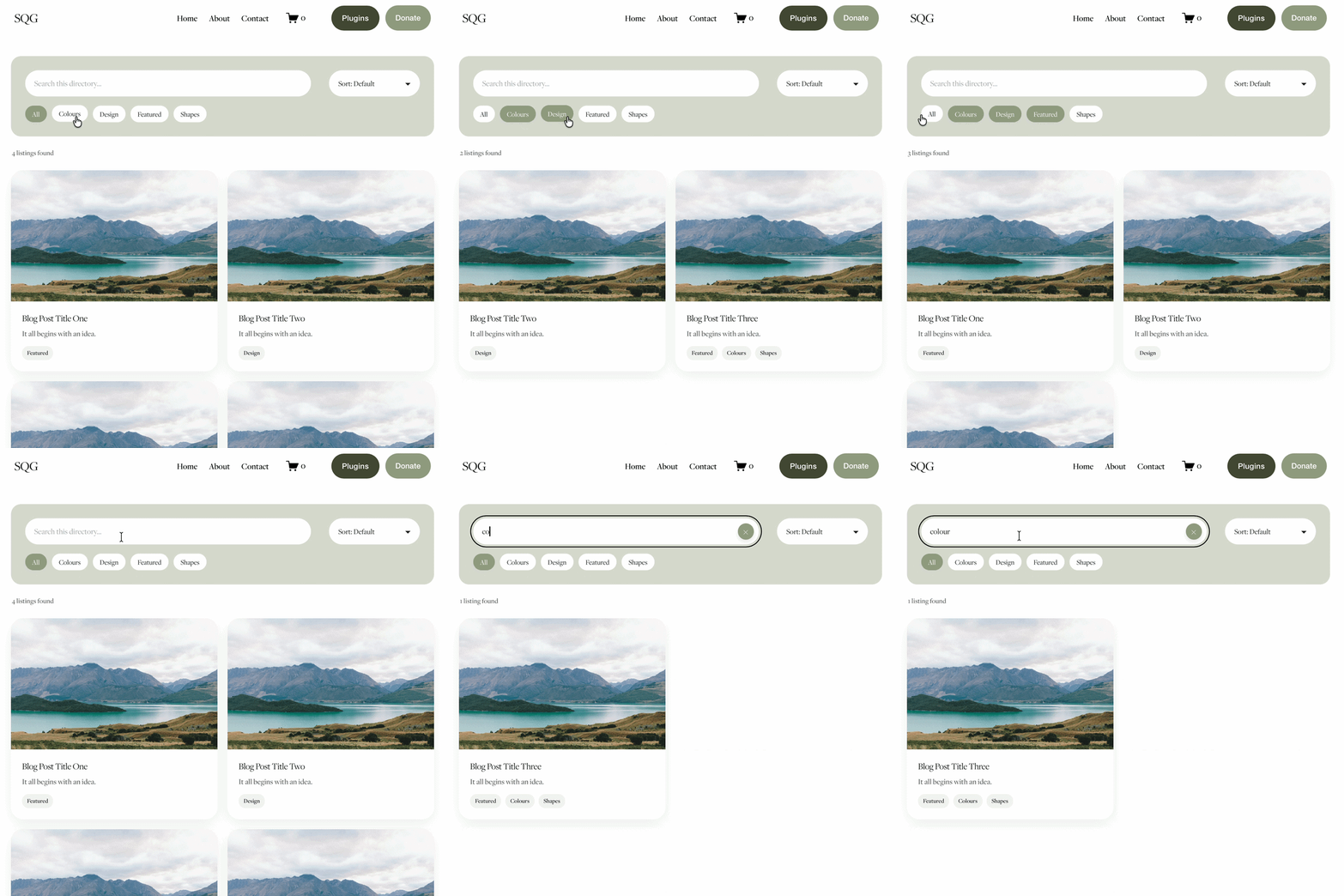
The Genius Squarespace Filter Plugin helps you turn busy portfolio pages, blogs, event pages and galleries into a cleaner, easier to browse experience.
Visitors can quickly filter your content by category, topic, service, location, resource type or any labels you choose, instead of scrolling through everything.
Perfect for portfolios, blog archives, event listings, galleries (grid, masonry & strips only) resource hubs and larger content collections, this plugin gives your visitors a smoother way to explore your content without the cost or complexity of custom development.
Portfolio Filter Demo ➜
NEW Advanced Dropdown Portfolio Filter Demo ➜
Gallery Filter Demo ➜
Blog Filter Demo ➜
Event Filter Demo ➜
Key Features:
Simple to install and customise
Filter options for portfolio pages, galleries, blogs and events
Includes the new advanced dropdown portfolio filter
Ideal for Squarespace sites needing more in depth filtering options with a simple user experience
Beginner friendly setup with copy and paste instructions
Designed for Squarespace 7.1 websites