 Image 1 of 6
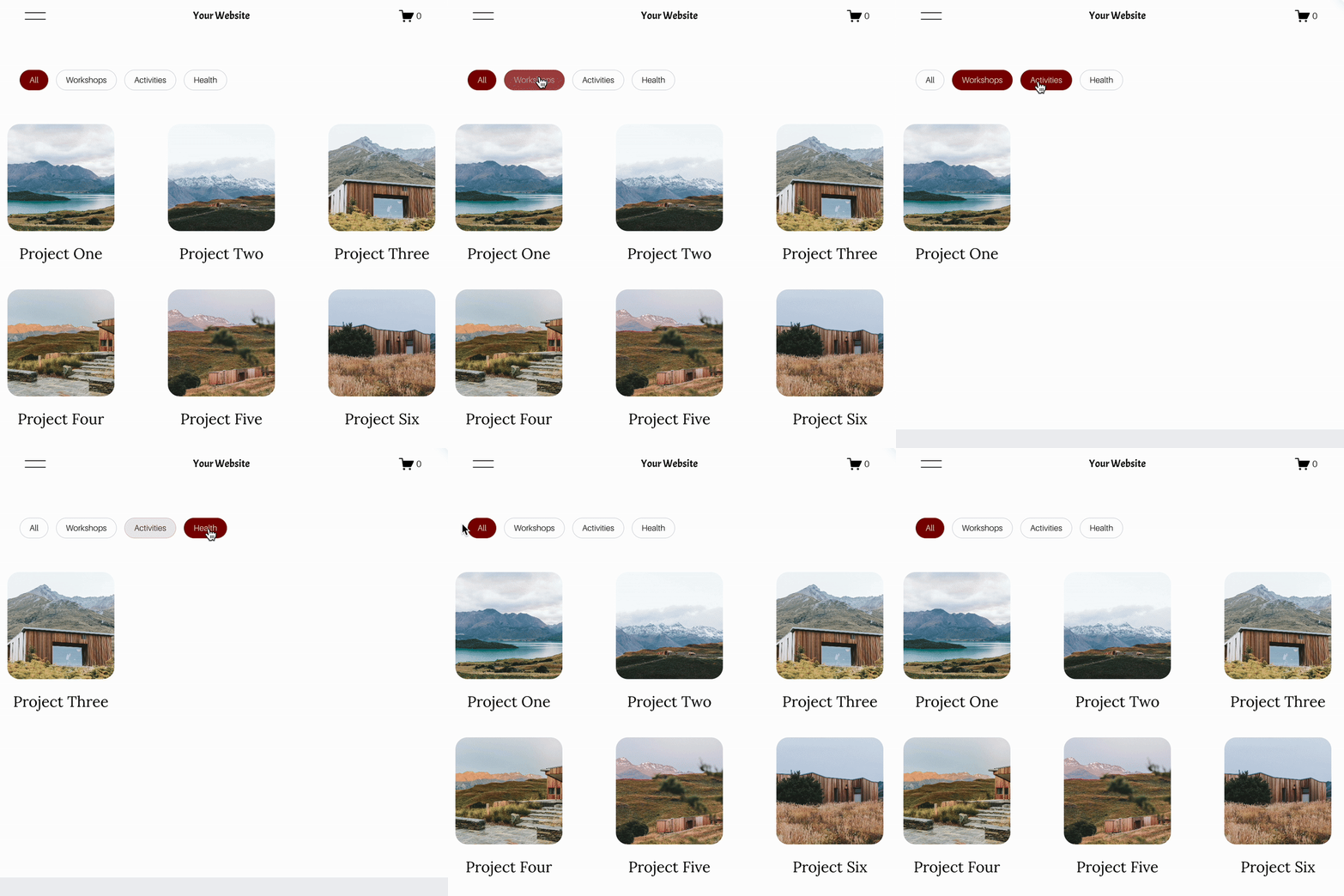 Image 2 of 6
 Image 3 of 6
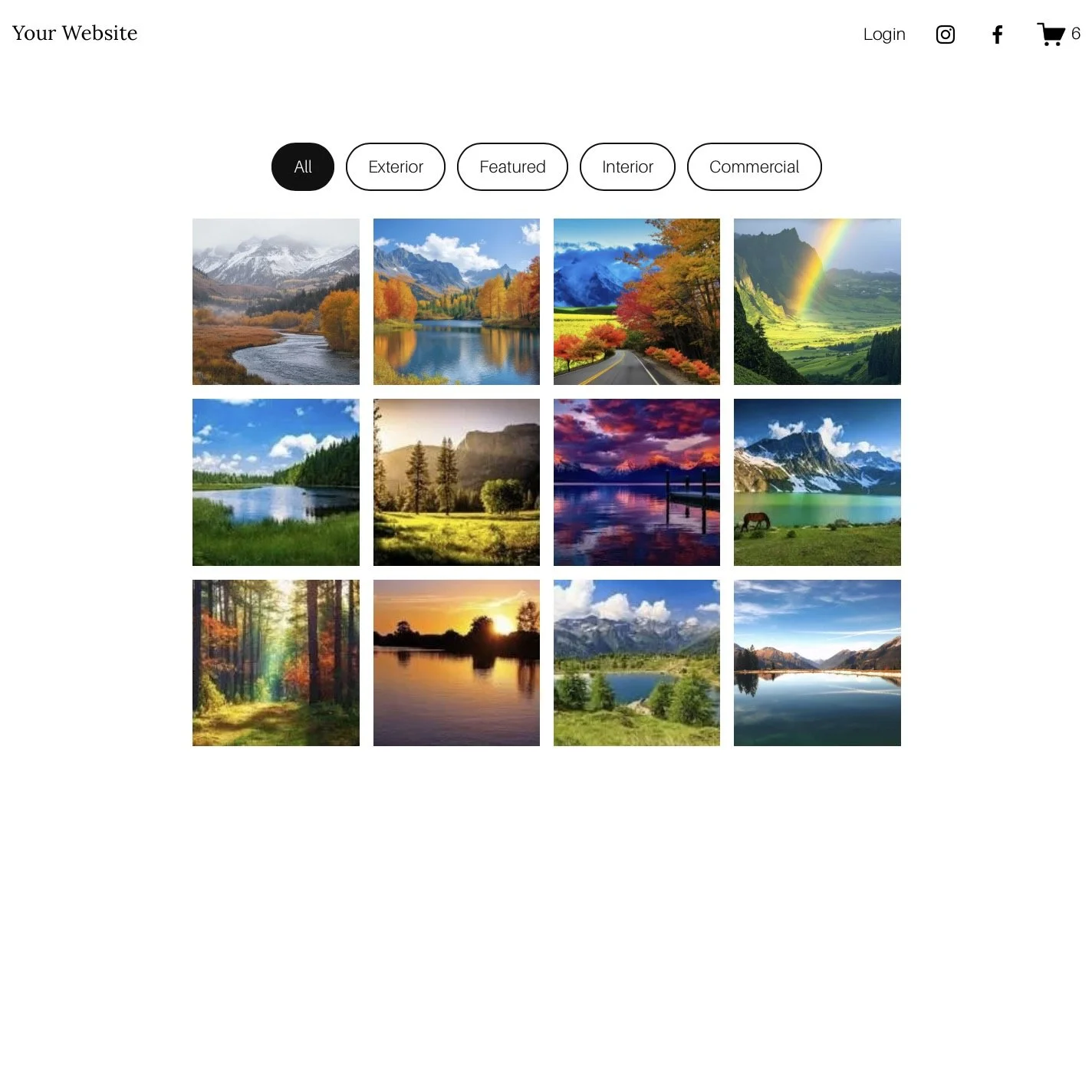 Image 4 of 6
 Image 5 of 6
 Image 6 of 6
Genius Squarespace Filter Plugin

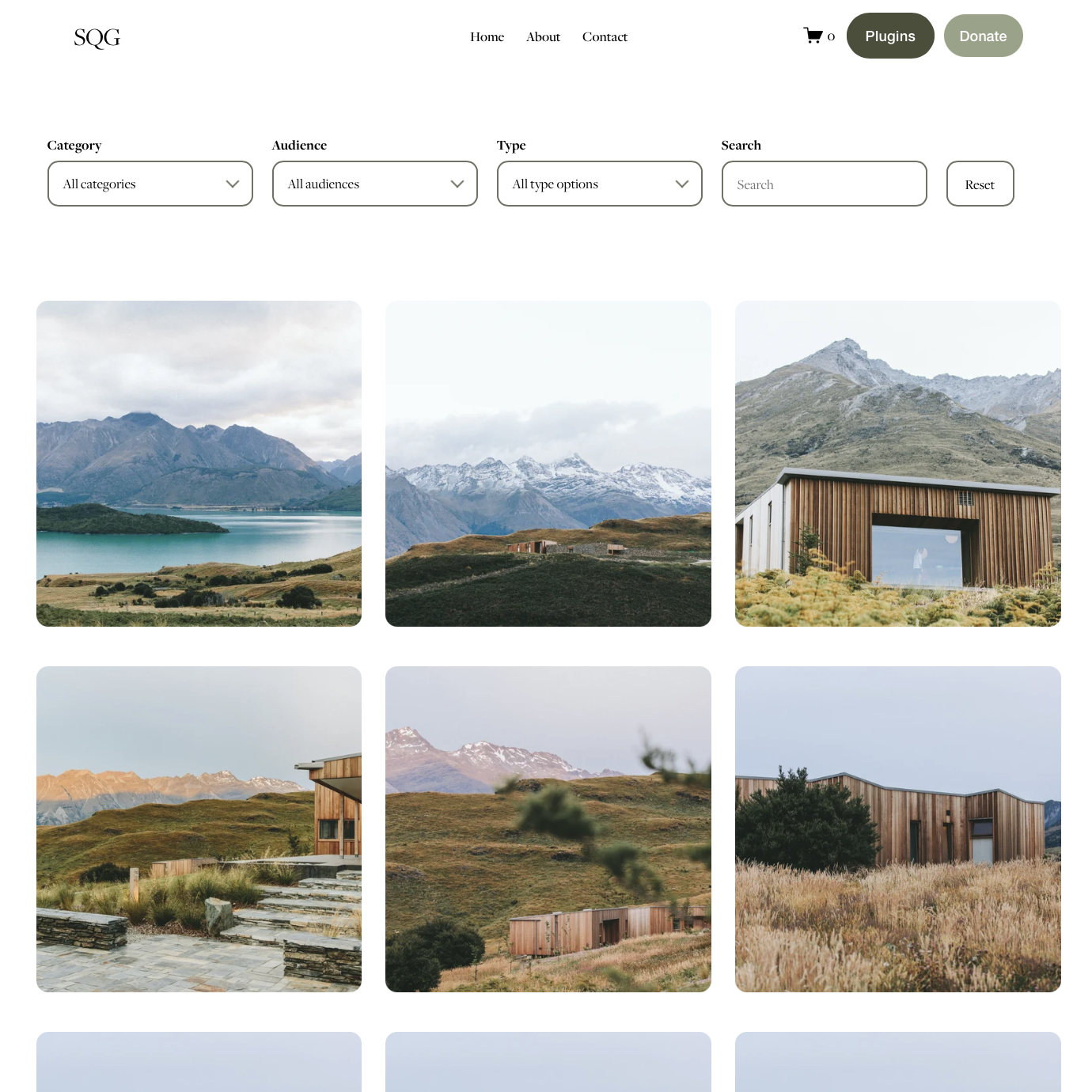
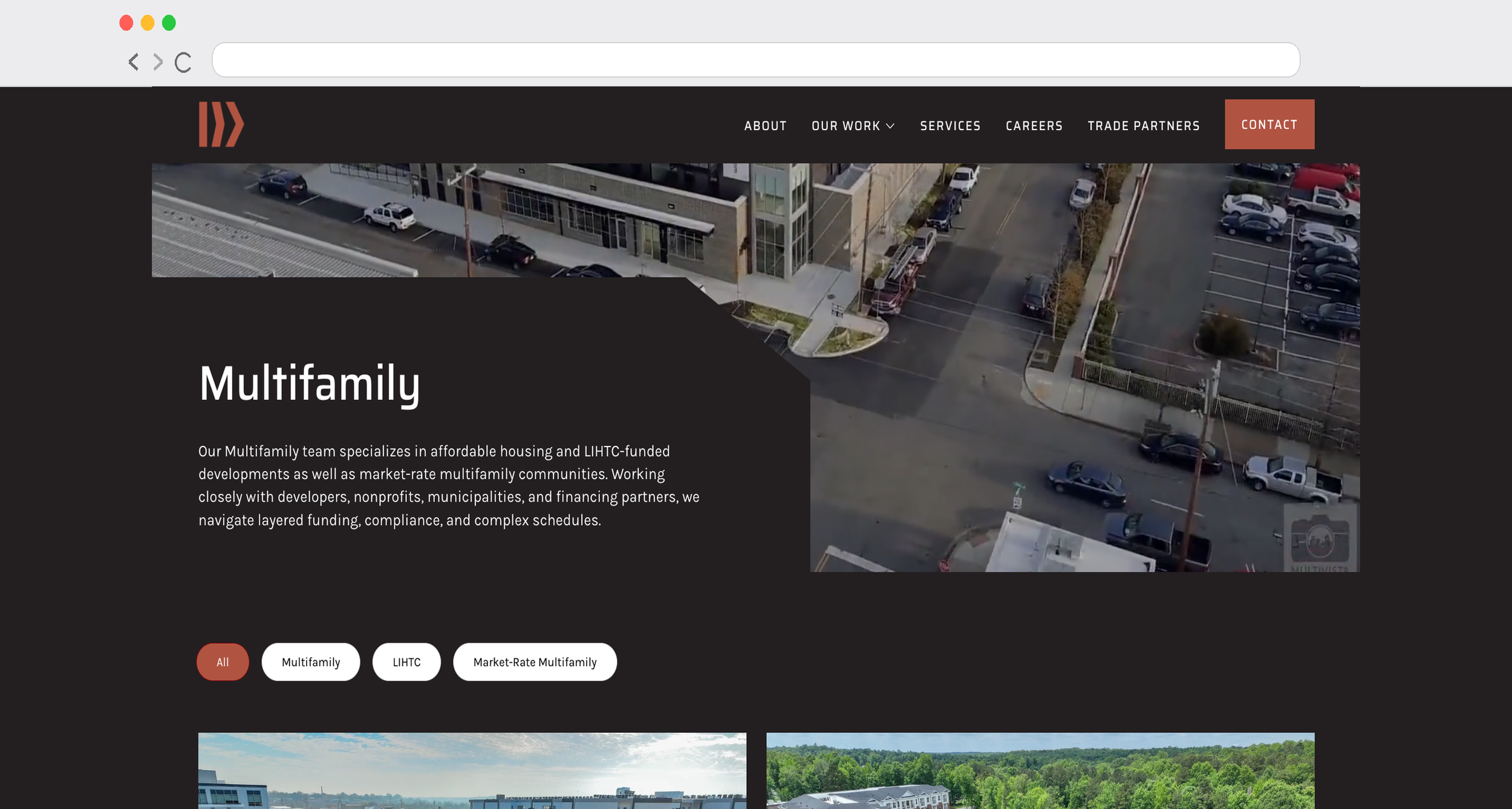
Customer examples using the Genius Filter Plugin:




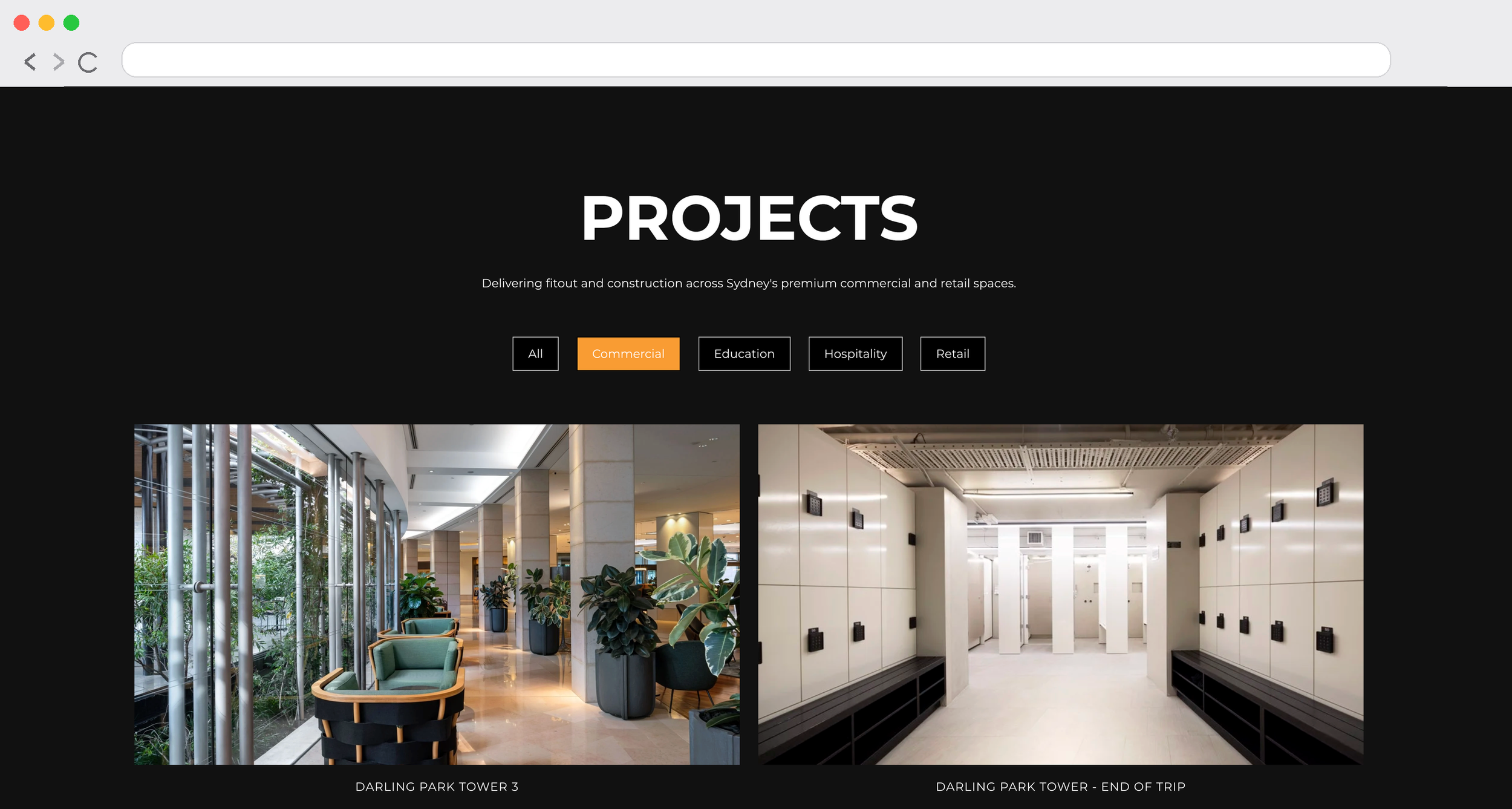

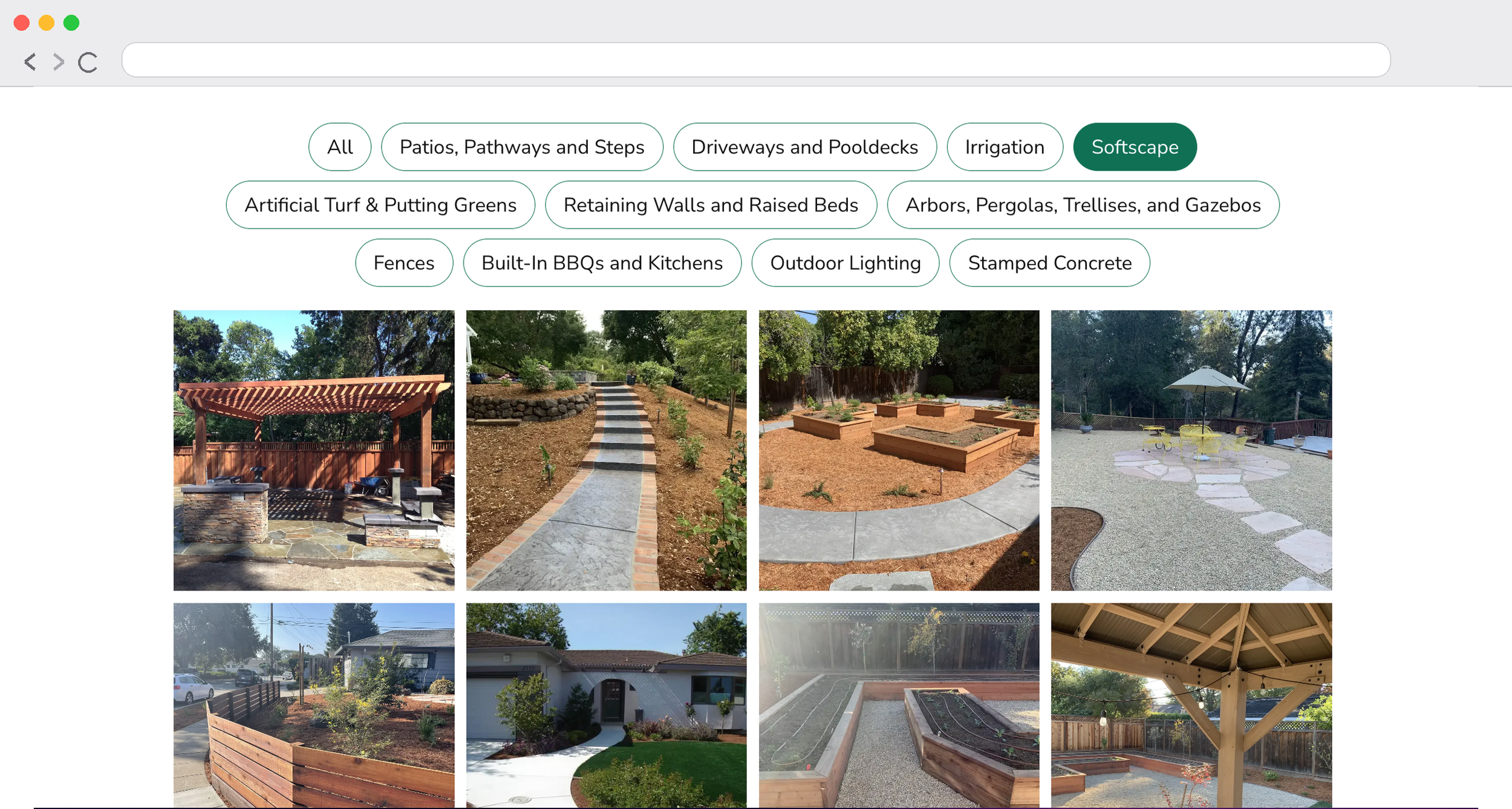
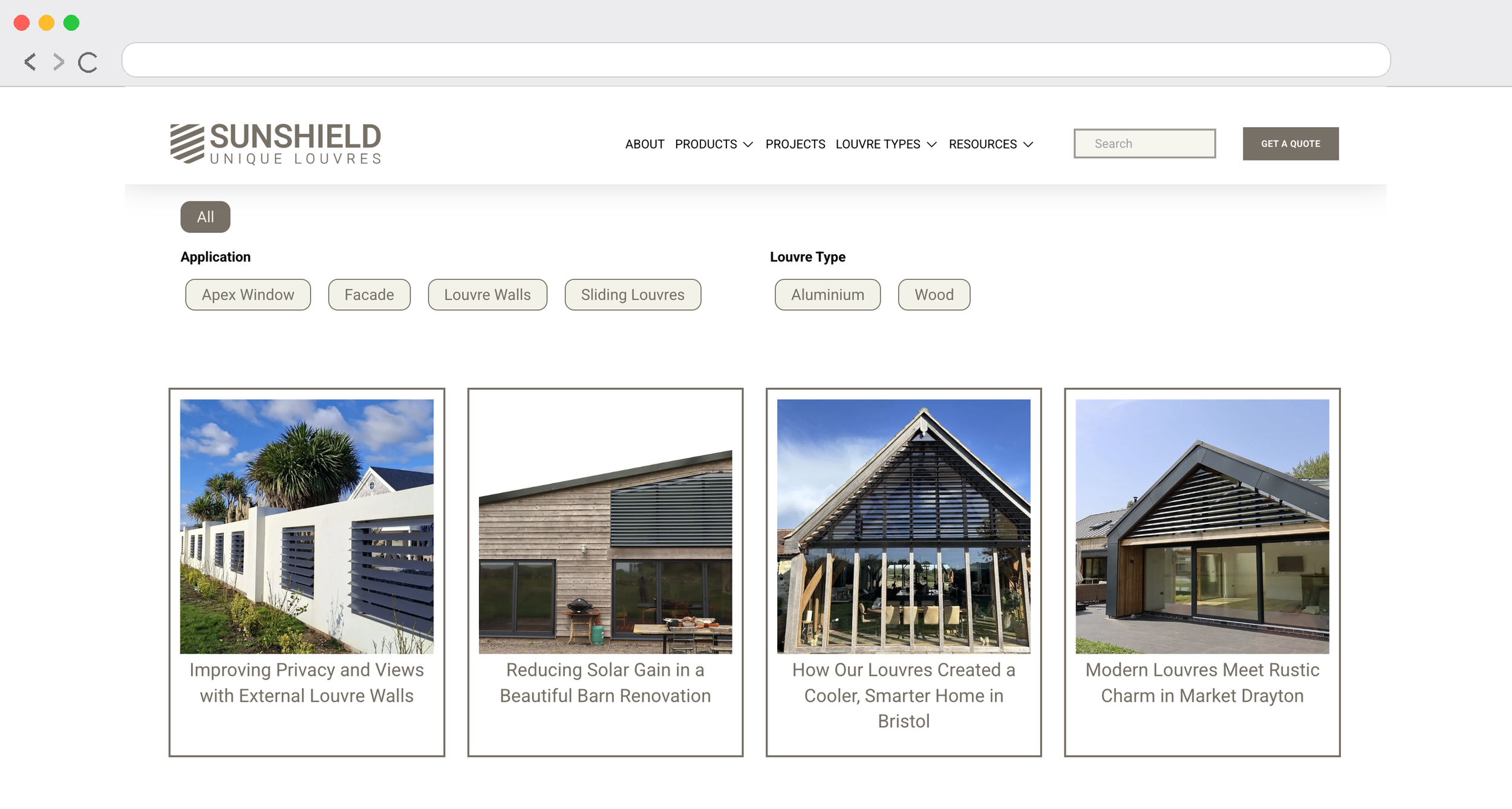
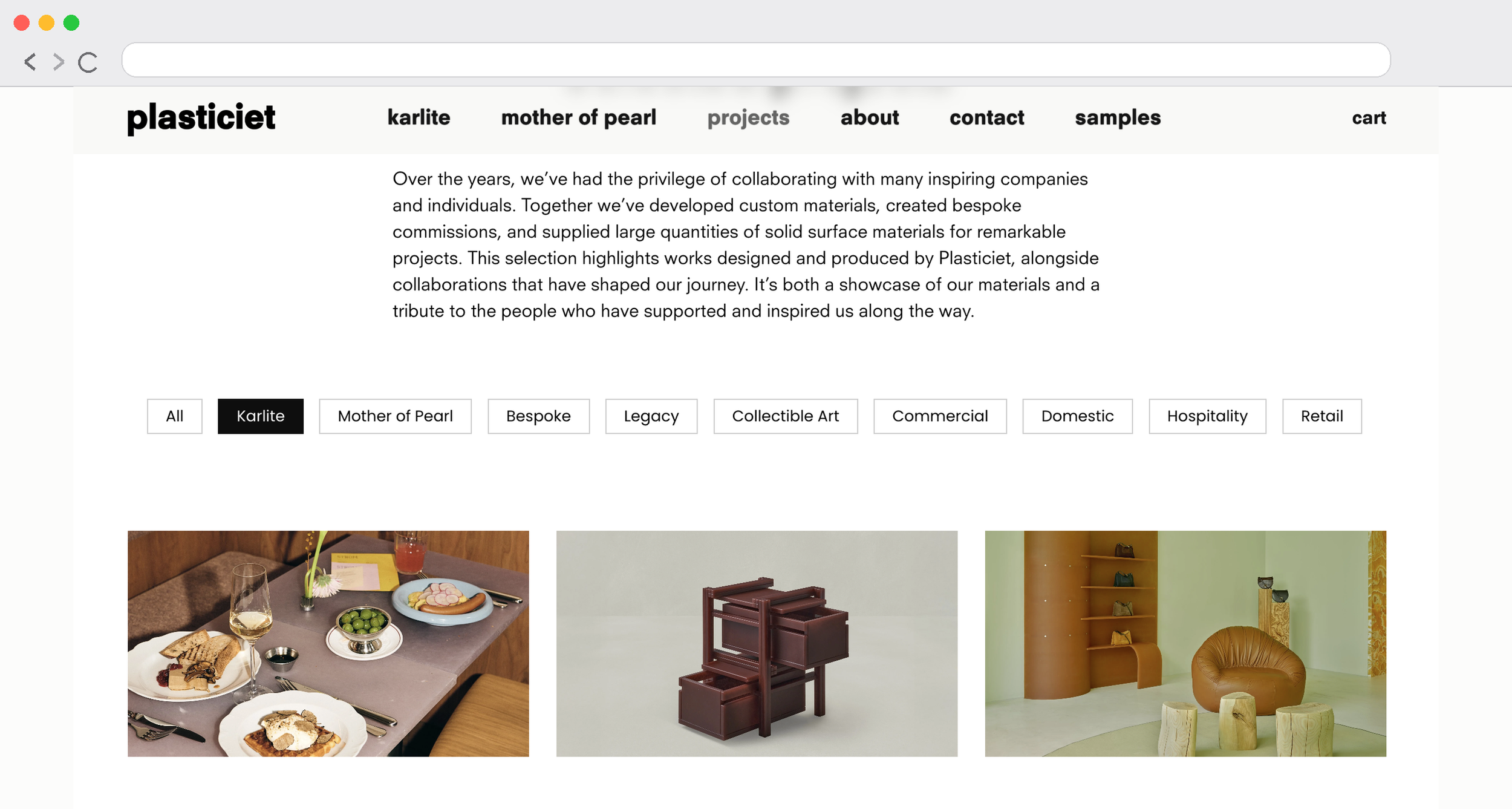

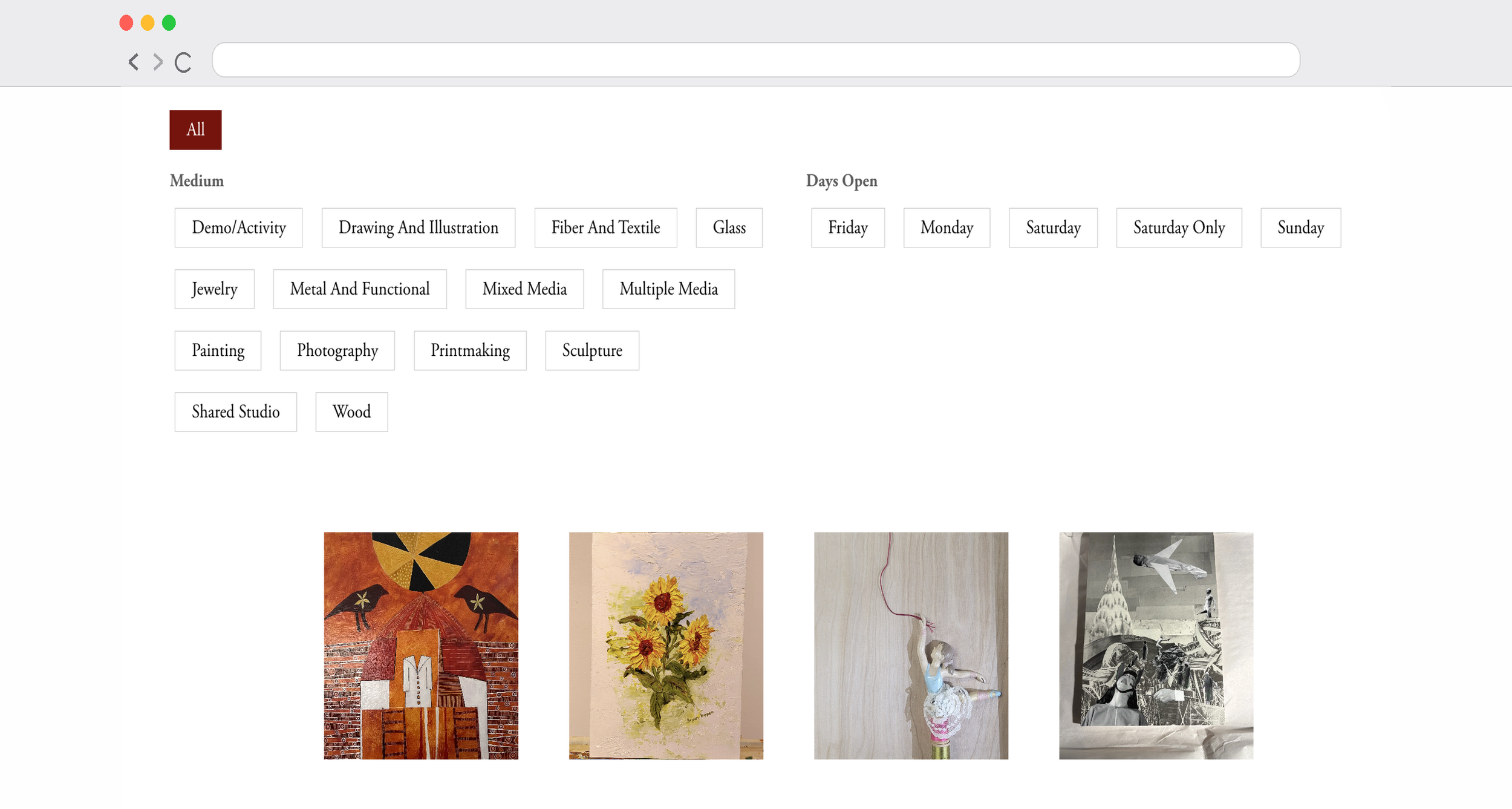
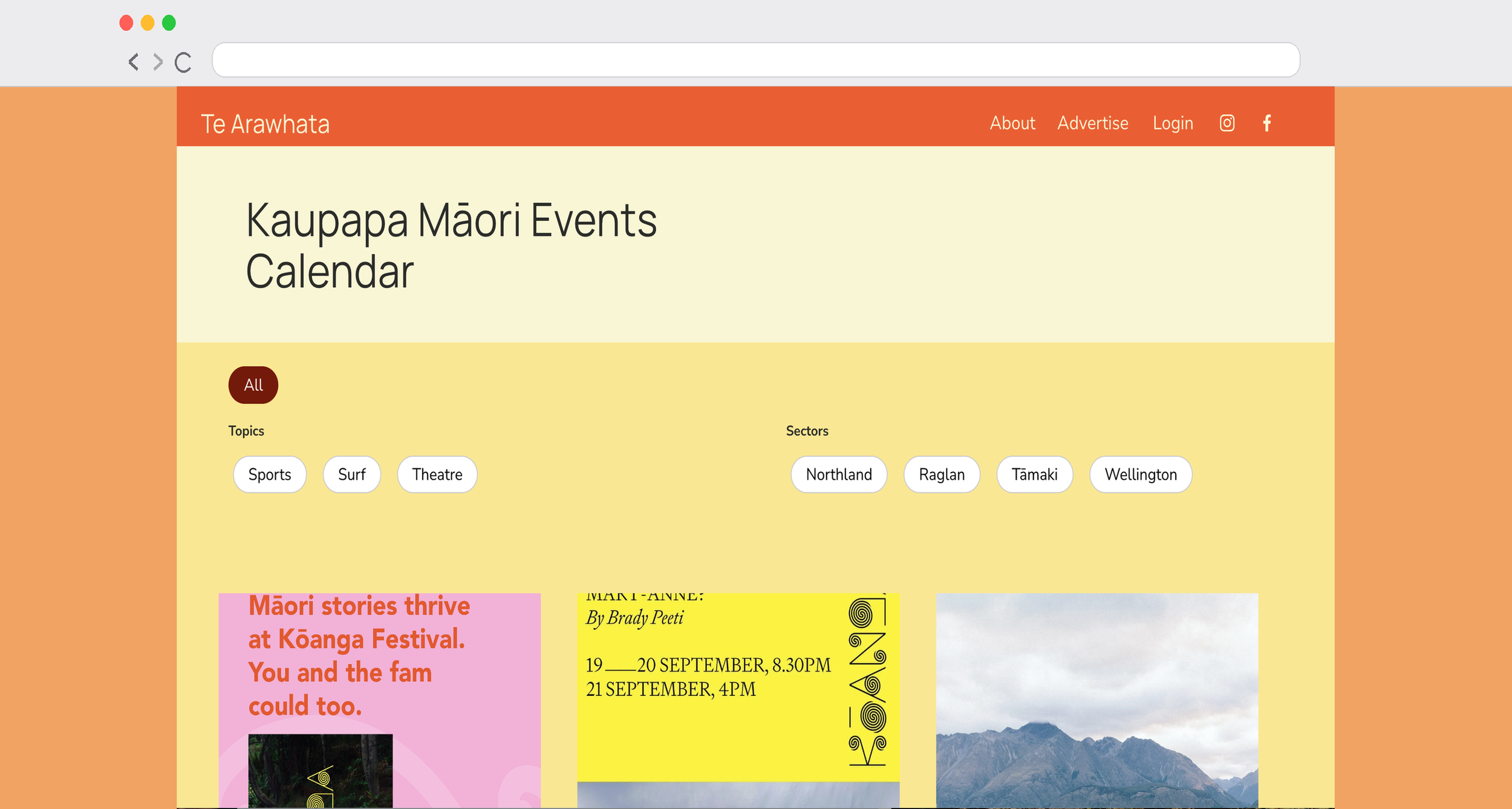
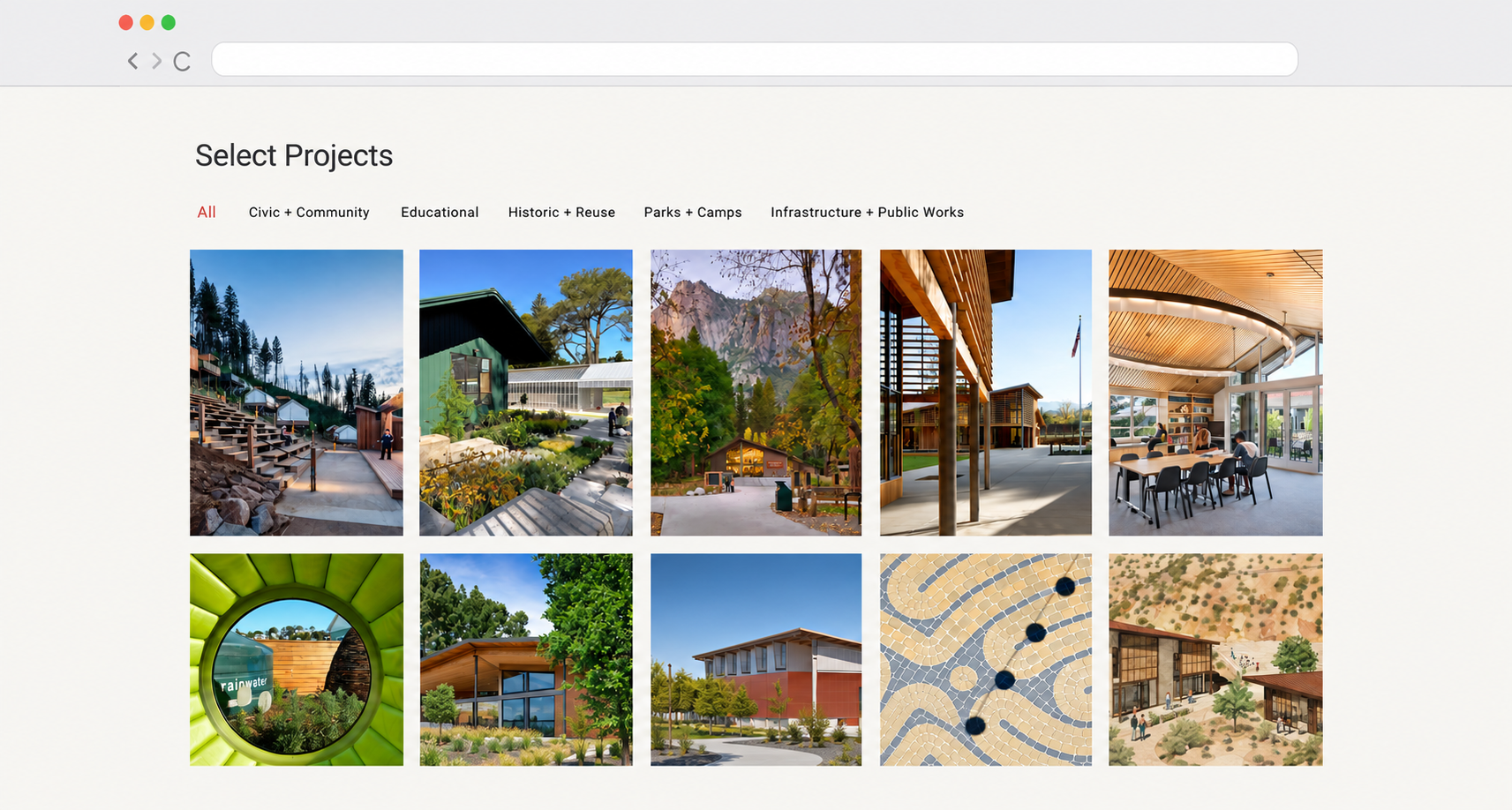


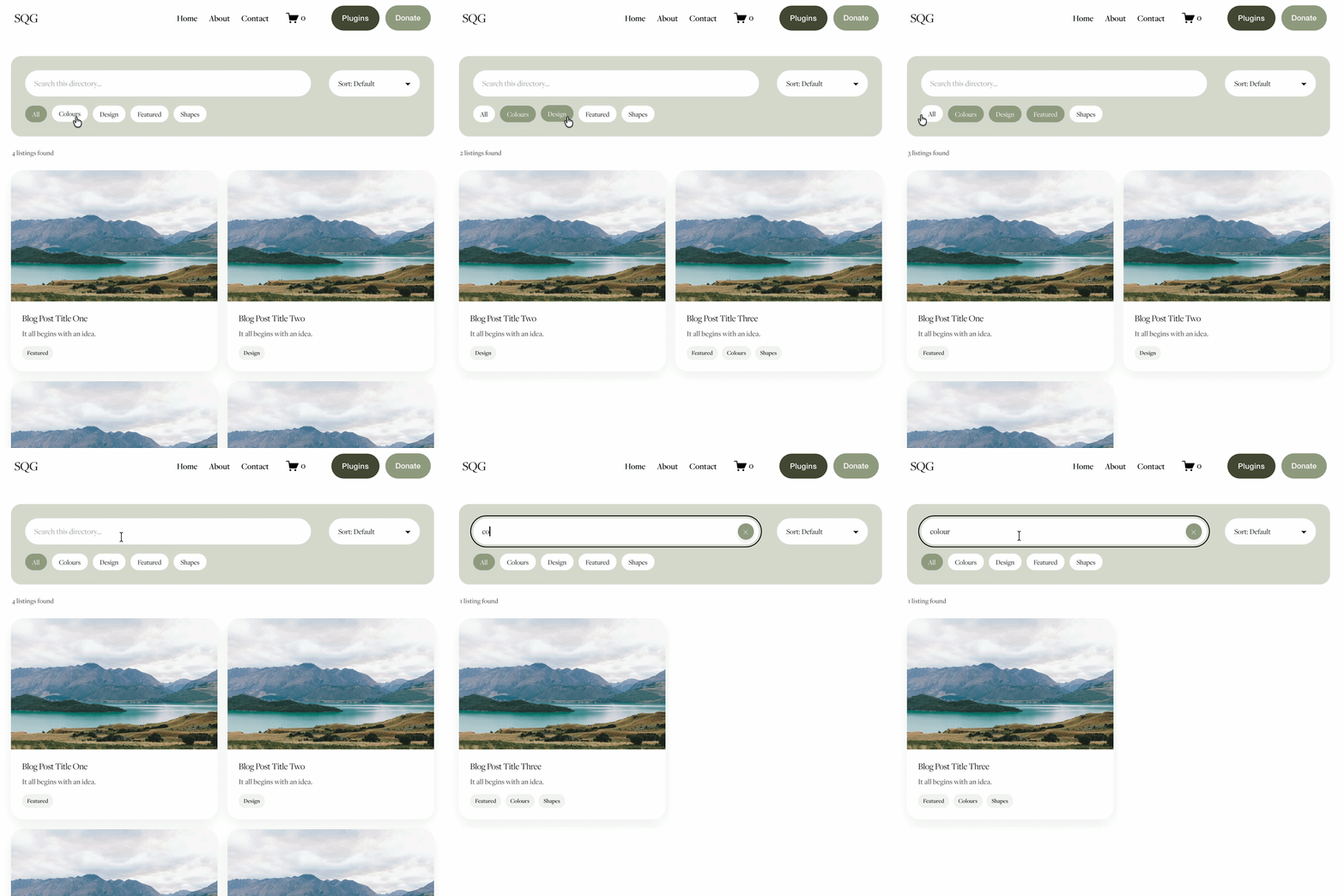
Why Choose the Genius Squarespace Filter Plugin?
If you’ve ever wondered how to add a filter in Squarespace, you’ll know it’s not built in by default. That’s where this plugin comes in.
Unlike complicated third-party add-ons, this plugin is designed to feel natural inside Squarespace:
Quick install – no coding required.
4 plugin types – choose from portfolio pages, gallery blocks, blogs, or events.
Unlimited filters – add as many as you need.
Clean design – blends seamlessly with your site style.
Simple UX – your visitors can find exactly what they need in seconds.
Perfect for creatives, small businesses, or charities who want their Squarespace portfolio filters to look slick, professional, and user-friendly.
If you want step-by-step guidance for specific use cases, check out how to filter a Squarespace blog or add filters to a Squarespace events page
Additional Benefits
Boost engagement: Make it easier for users to explore your content.
Improve conversions: Let visitors quickly find products, posts, or projects that match their needs.
Scalable: Works whether you have 5 items or 500+.
Lightweight: Built for speed – no bloated scripts or unnecessary features.
Customisable: Change colours, styles, and layouts to fit your brand.
This plugin isn’t just another filter – it’s a smart way to make your Squarespace site work harder for you.
FAQs About the Genius Squarespace Filter Plugin
-
It’s a simple, no-code plugin that adds filtering options to your Squarespace website. You can use it on portfolios, blogs, or events so visitors can sort through your content easily.
-
You can install it on as many portfolio, blog, galleries or event pages as you need across a website. Note: the plugin does not work on product pages
-
This plugin is only compatible with Squarespace 7.1 sites.
-
Installation is quick and beginner-friendly. Copy and paste the provided code into your site, then customise the filters to match your categories. Full instructions are included.
You can also follow our step-by-step walk-through in the blog guides for filtering blogs and filtering events.
-
I designed the Genius Squarespace Filter Plugin to be the most user-friendly and straightforward option. Unlike bulky alternatives, it’s lightweight, customisable, and blends beautifully into any Squarespace site design.
-
Universal Filter is a powerful option for advanced filtering across different data types. The Genius Squarespace Filter Plugin is designed for Squarespace users who want a simpler copy and paste setup for portfolios, blogs, gallery blocks and event pages, with friendly instructions and tutorial support.
-
Not at all. The plugin is designed for non-coders. If you can copy and paste, you can set it up. I’ve also included tutorial videos to help you set it up in no time!
-
No – the plugin is lightweight and optimised for speed, so your pages load quickly and smoothly.