 Image 1 of 8
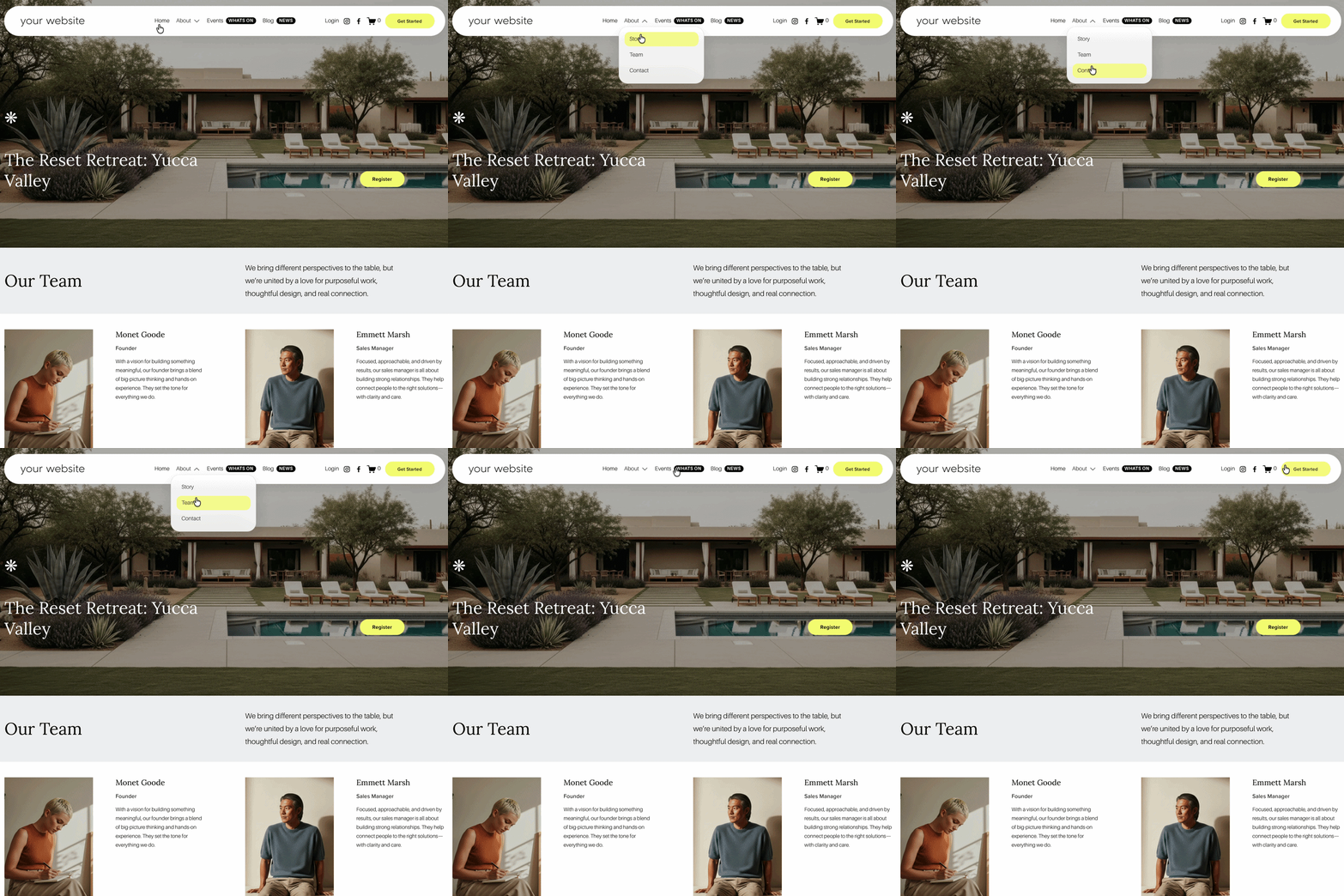 Image 2 of 8
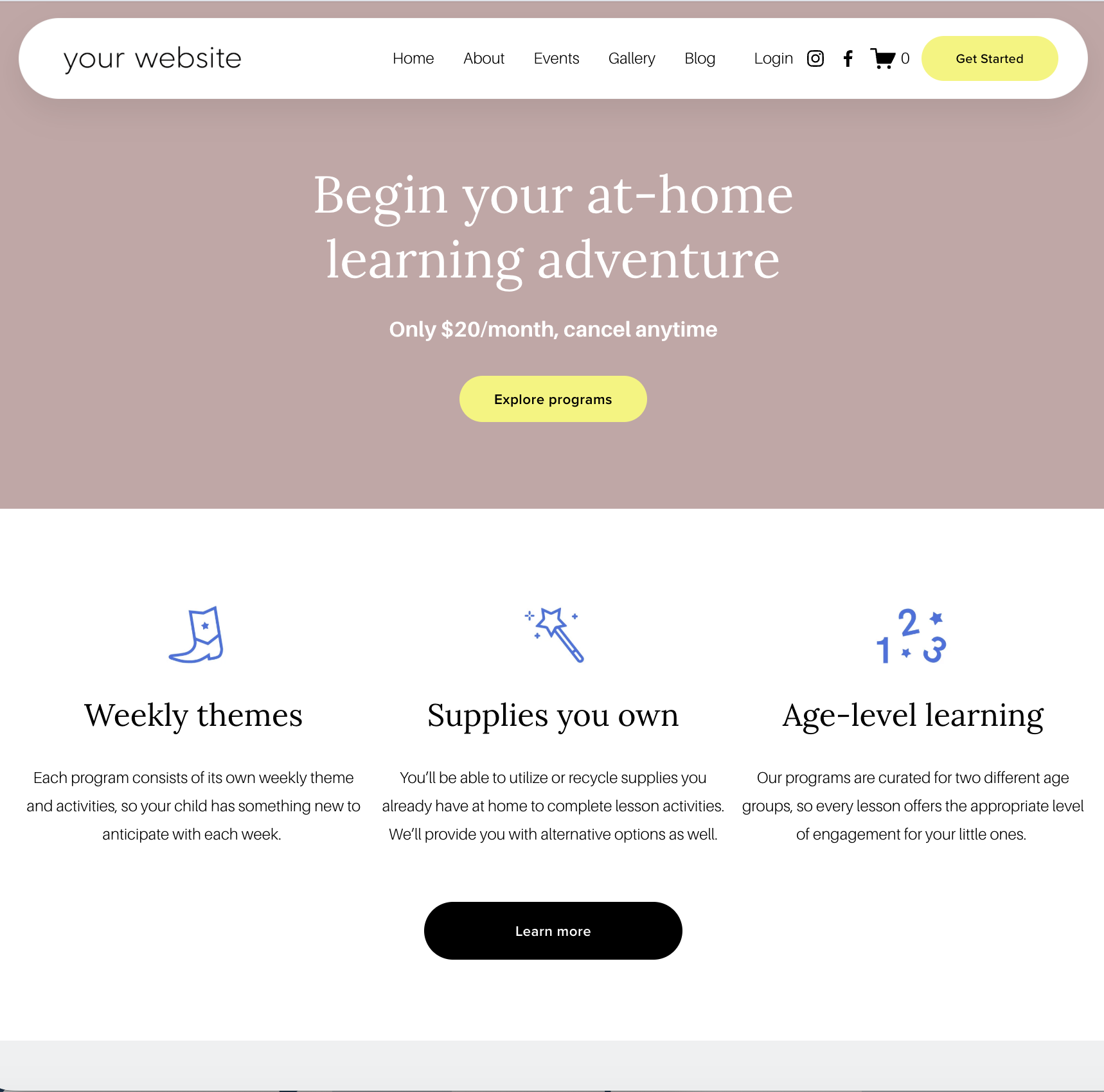 Image 3 of 8
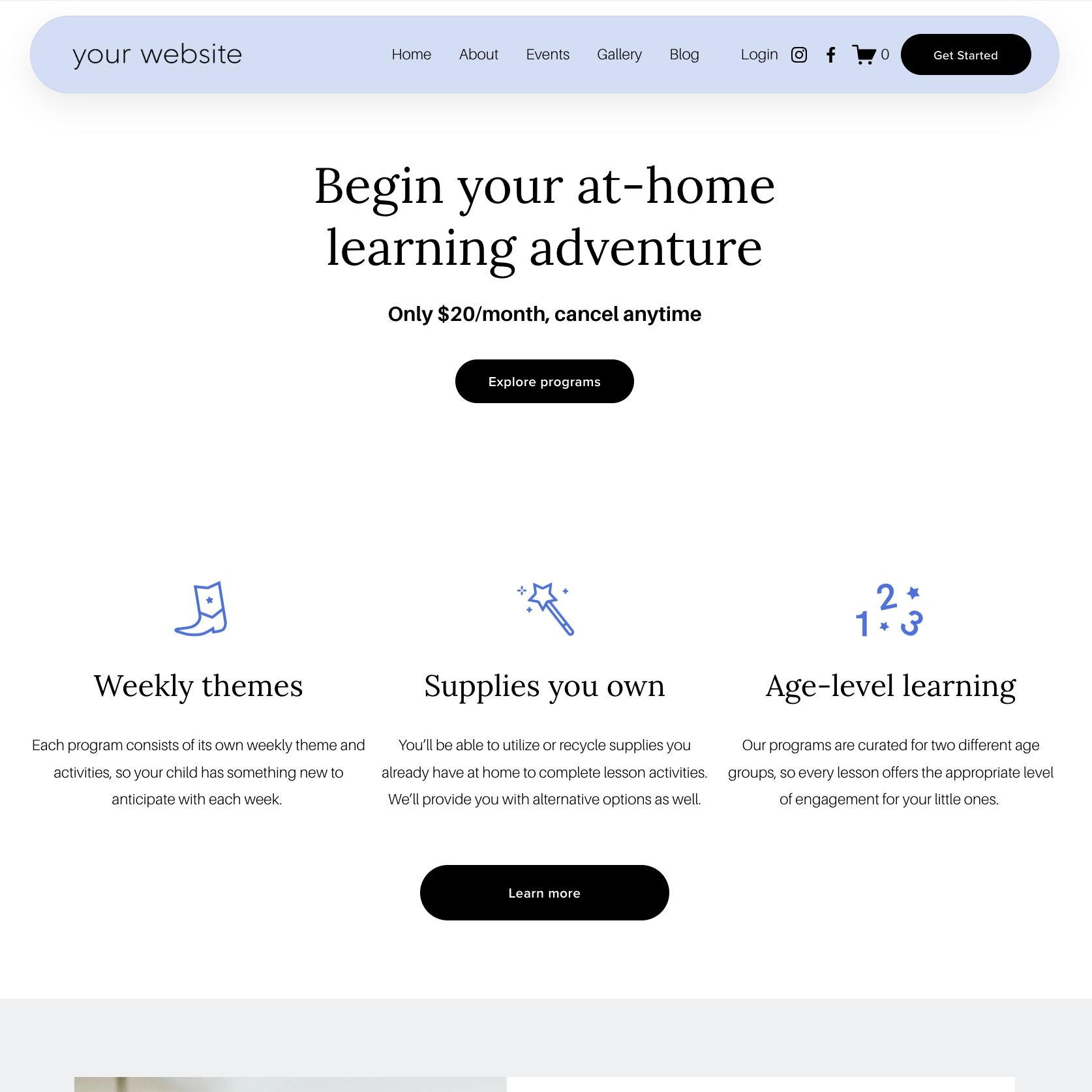 Image 4 of 8
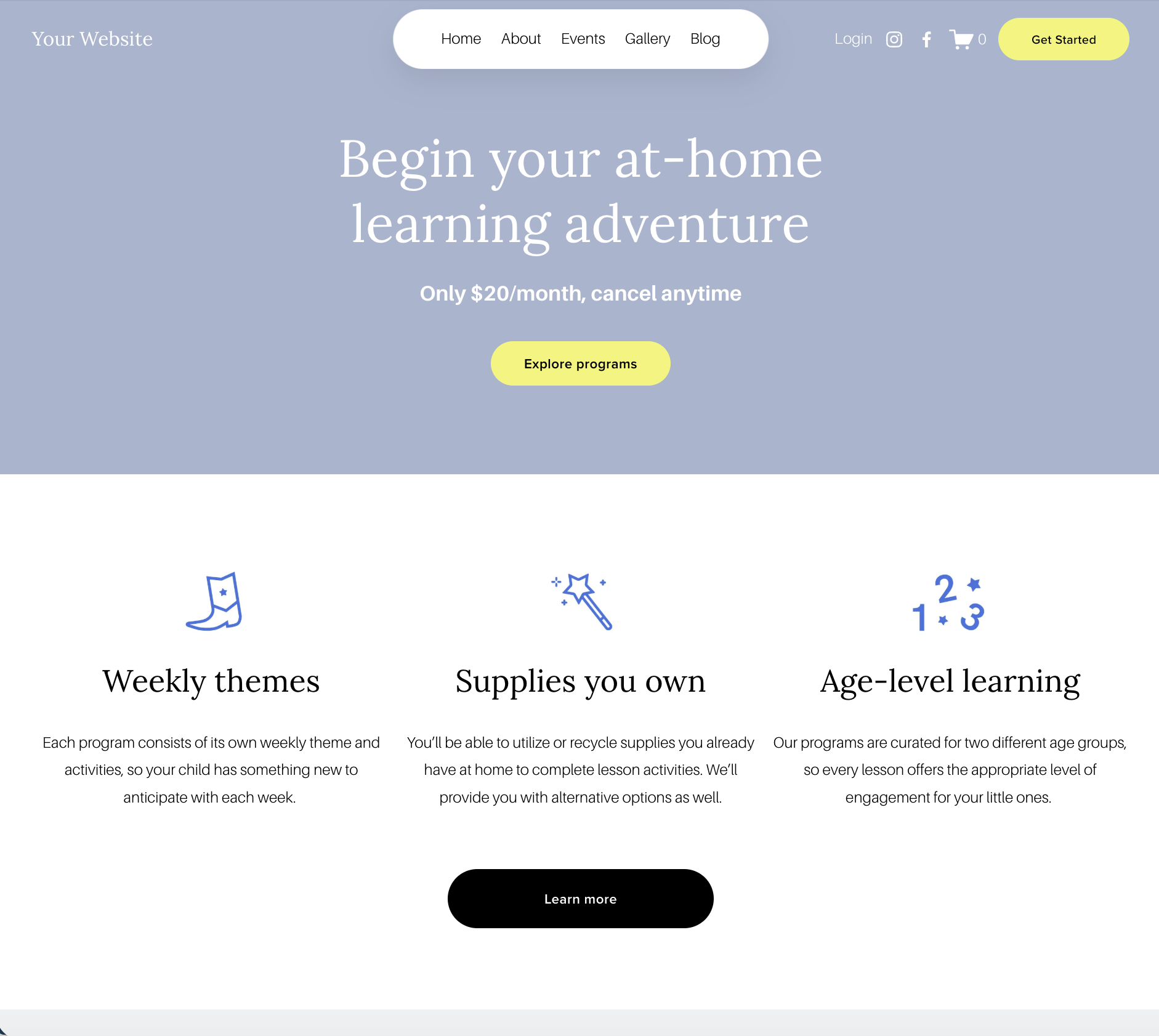 Image 5 of 8
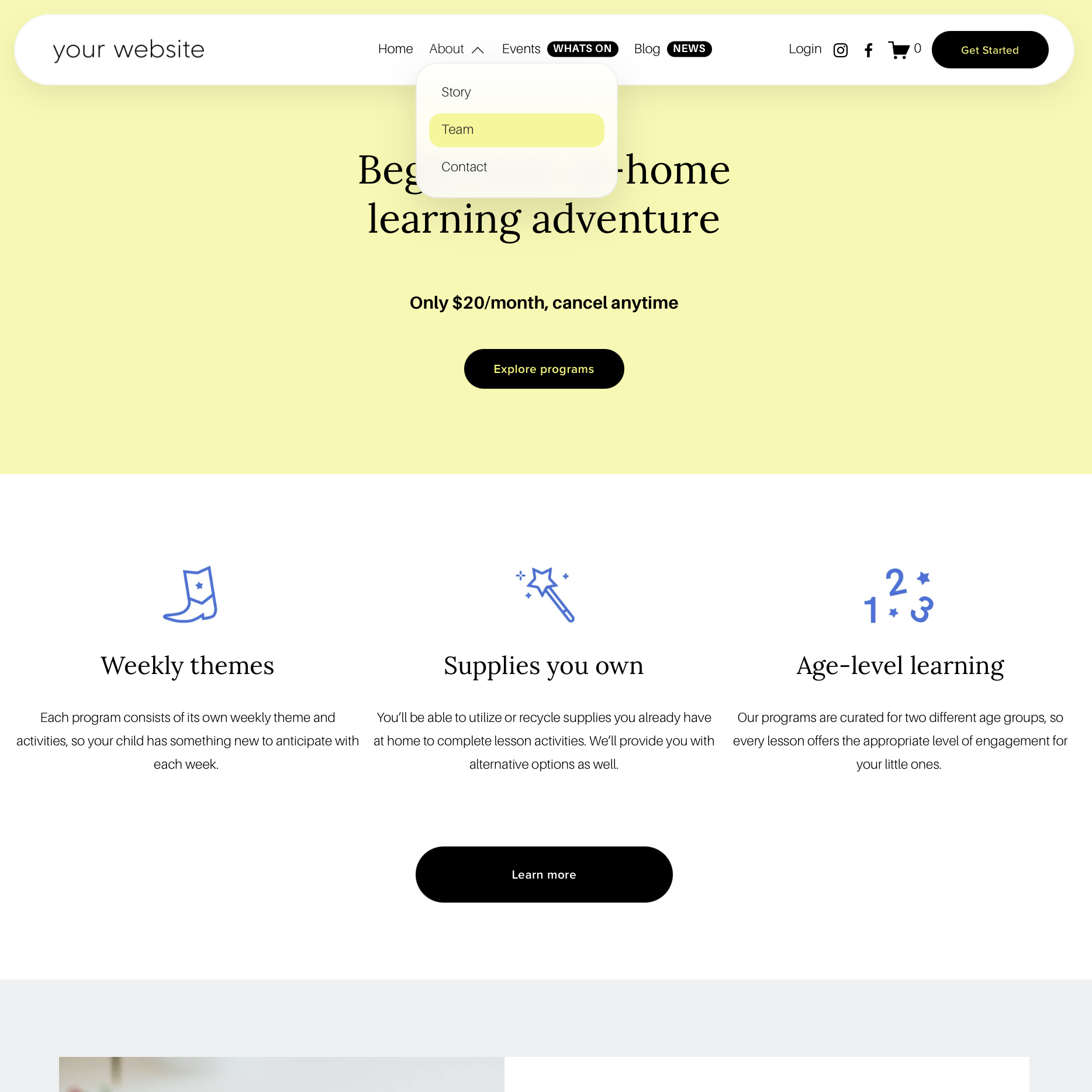 Image 6 of 8
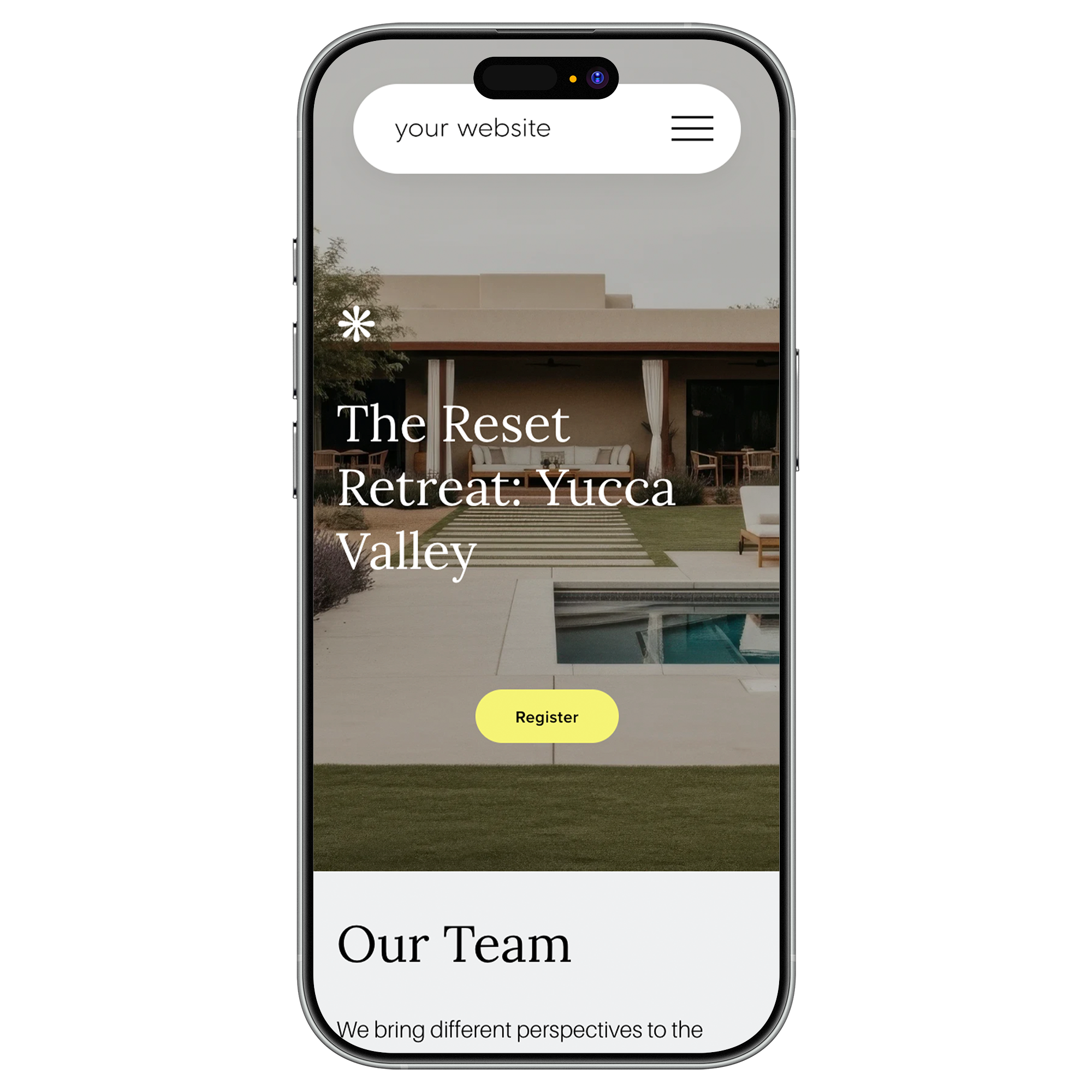 Image 7 of 8
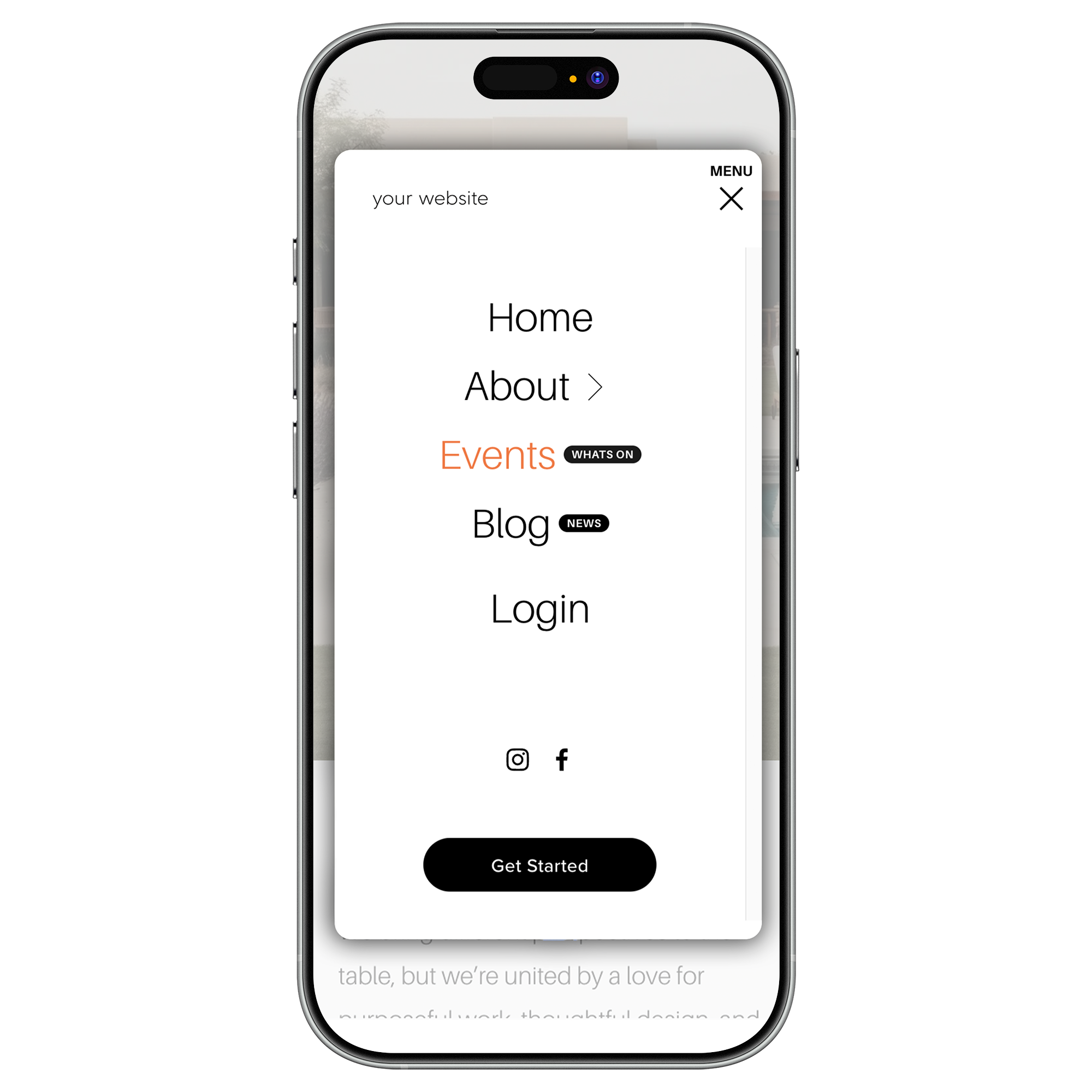 Image 8 of 8
Squarespace Navigation Upgrade Kit
Everything you need to upgrade your Squarespace navigation
A flexible navigation styling kit for creating pill-shaped menus, polished dropdowns, mobile menu styles and eye-catching nav badges.
Pill Shape Design for Nav Links
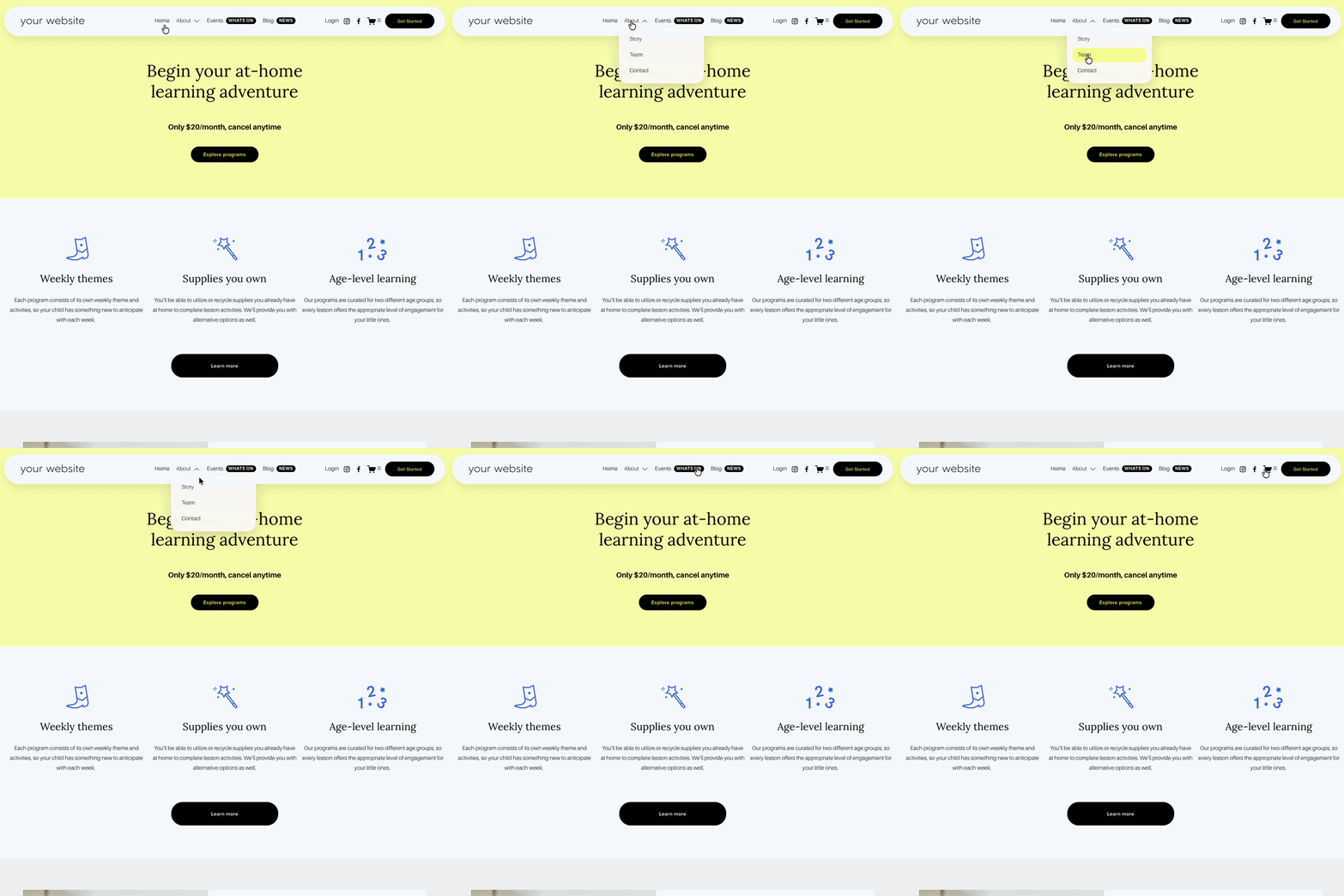
Turn your standard Squarespace navigation links into a soft, pill-shaped menu. Perfect for creating a more modern, polished header without changing your whole site layout.
Customise the background colour, border radius, spacing, shadow, border and hover effect.
Full Pill-Shaped Header Design
Create a rounded full header bar for a more custom “floating look” style, while still using the native Squarespace navigation structure.
Great for modern websites, friendly brands, creative businesses, charities, service providers and plugin shops.
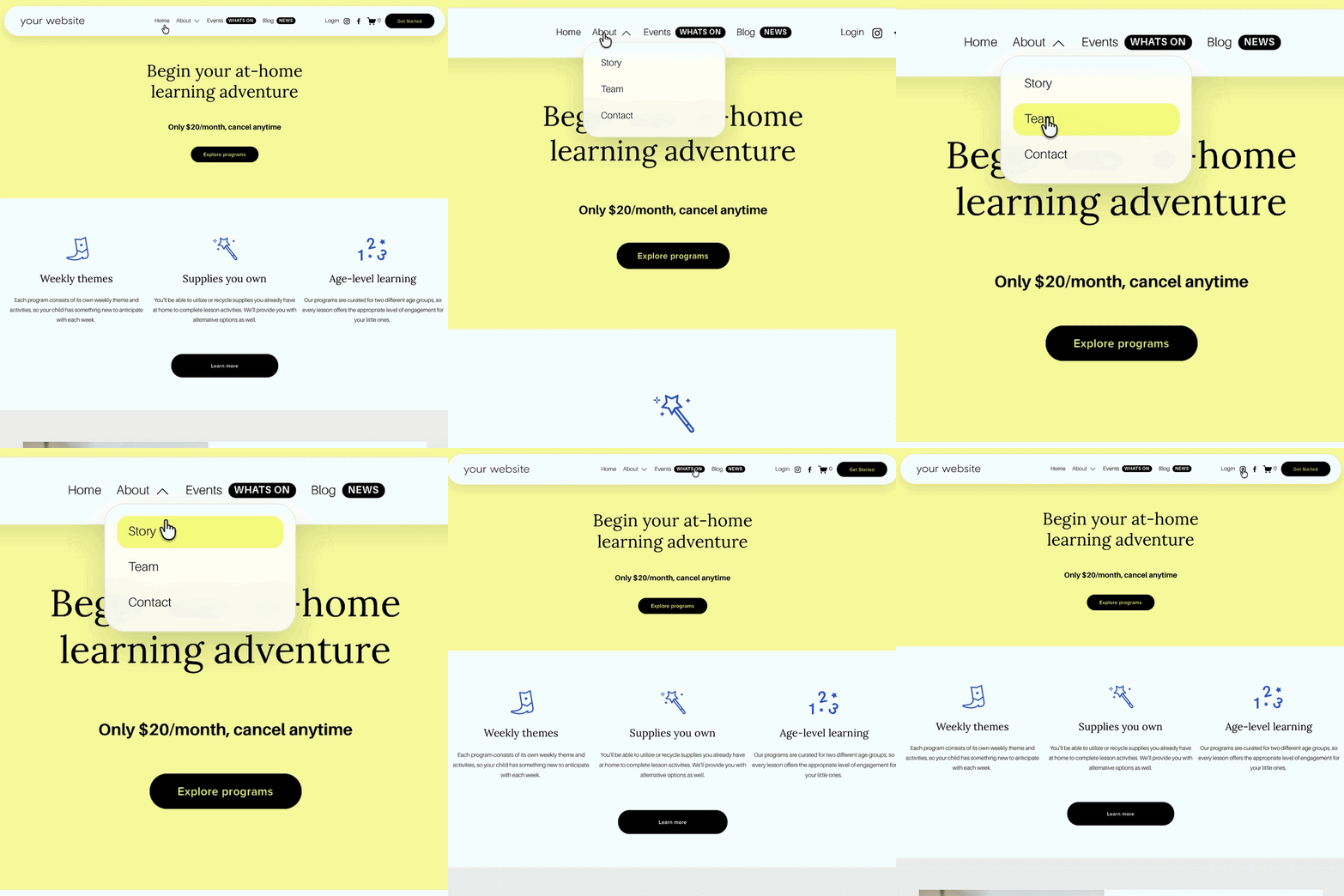
Dropdown Menu Styling
Upgrade your standard Squarespace navigation drop-down menus with rounded corners, cleaner spacing, soft shadows, optional glass-style blur and smoother hover effects.
This helps your dropdown menu feel more premium, especially on sites with multiple services, resources or shop categories.
Navigation Badges
Add small labels beside selected navigation links to highlight important pages, launches, offers, support areas or free resources.
Mobile Navigation Pill Shape
Give your mobile header a softer pill-style design so it feels more consistent with your desktop navigation.
This helps the mobile version of your site look less standard and more intentional.
Mobile Menu Overlay Card Style
Style your Squarespace mobile menu as a rounded overlay card with optional shadow, page fade and custom hover colours.
Instead of the default full-screen menu feeling flat or basic, this gives your mobile navigation a more premium, app-like feel.
How the Squarespace navigation plugin works
The Genius Navigation Upgrade Kit works with your existing Squarespace navigation, so you don’t need to rebuild your header, create a custom mega menu or move your pages around.
You’ll still manage your pages, folders and navigation links inside Squarespace as normal. The kit simply adds extra styling options using copy-and-paste CSS and small Code Injection snippets, so you can choose the look you want and apply it to your current menu.
You can use the styles individually or combine them depending on your website. For example, you might choose a pill-shaped desktop navigation, add polished dropdown menu styling, highlight a key page with a navigation badge, then give your mobile menu a rounded overlay card style.
It’s designed to give your Squarespace header a more custom, premium feel while keeping everything lightweight, flexible and easy to update.
Make your menu feel more custom
Your Squarespace navigation is one of the first things visitors see. If it feels plain, cramped or unfinished, it can make the whole site feel less polished.
This kit helps you turn the standard Squarespace menu into something that feels more considered, from soft pill-shaped desktop links to styled drop downs and a rounded mobile overlay menu.
It’s a simple way to make your Squarespace site feel more custom, without needing a full custom header build.
Frequently Asked Questions
-
The Genius Squarespace Navigation Upgrade Kit is a Squarespace navigation plugin that gives you extra styling options for your site header, desktop navigation, dropdown menus, mobile menu and nav badges.
It helps you make your Squarespace navigation look more custom without rebuilding the header from scratch.
-
No. It styles your existing Squarespace navigation. You’ll still manage your pages and menu links inside Squarespace as normal.
-
No, this is not a mega menu plugin. It is designed to upgrade the appearance of your existing Squarespace navigation with pill menus, dropdown styling, mobile menu styling and navigation badges.
If you want a full mega menu with columns, images and complex layouts, this is not that. This kit is better for people who want a simpler, cleaner navigation upgrade.
-
Yes. The kit includes dropdown menu styling so you can make your Squarespace navigation drop-down menus feel more polished with rounded corners, soft shadows, spacing and hover effects.
-
Yes. The Squarespace navigation kit includes navigation badges so you can add small labels beside selected links, such as NEW, SALE, FREE, HELP, POPULAR or UPDATED.
-
Yes. You can choose which navigation links receive badges by editing the simple badge settings in the code. The link label needs to match the name of the navigation item.
-
Yes. The kit includes mobile navigation styling, including a mobile pill-style header option and a rounded mobile menu overlay card.
-
Not in this version. This Squarespace navigation plugin focuses on styling the mobile menu and header. It does not currently rebuild the Squarespace mobile folder behaviour into an accordion.
-
You’ll need to use Code Injection for each style. some only require the use of Custom CSS.
-
Yes. The kit includes clearly labelled settings for colours, backgrounds, borders, shadows, hover effects, spacing and badge styling.
-
This Squarespace navigation plugin is designed for Squarespace 7.1 standard header navigation. Because Squarespace sites can have different header layouts, some small spacing tweaks may be needed depending on your logo, number of links and header settings.
-
The styling is lightweight. The navigation badges use a small JavaScript snippet to add the badge labels to your selected nav links.
-
Yes, you can use this plugin on multiple sites.