 Image 1 of 3
 Image 2 of 3
 Image 3 of 3
Squarespace Scrolling Logos Carousel Plugin


Perfect For Showcasing Logos, Partners and Sponsors
Many websites want to display trusted brands they work with. But static logos can feel flat and take up a lot of space.
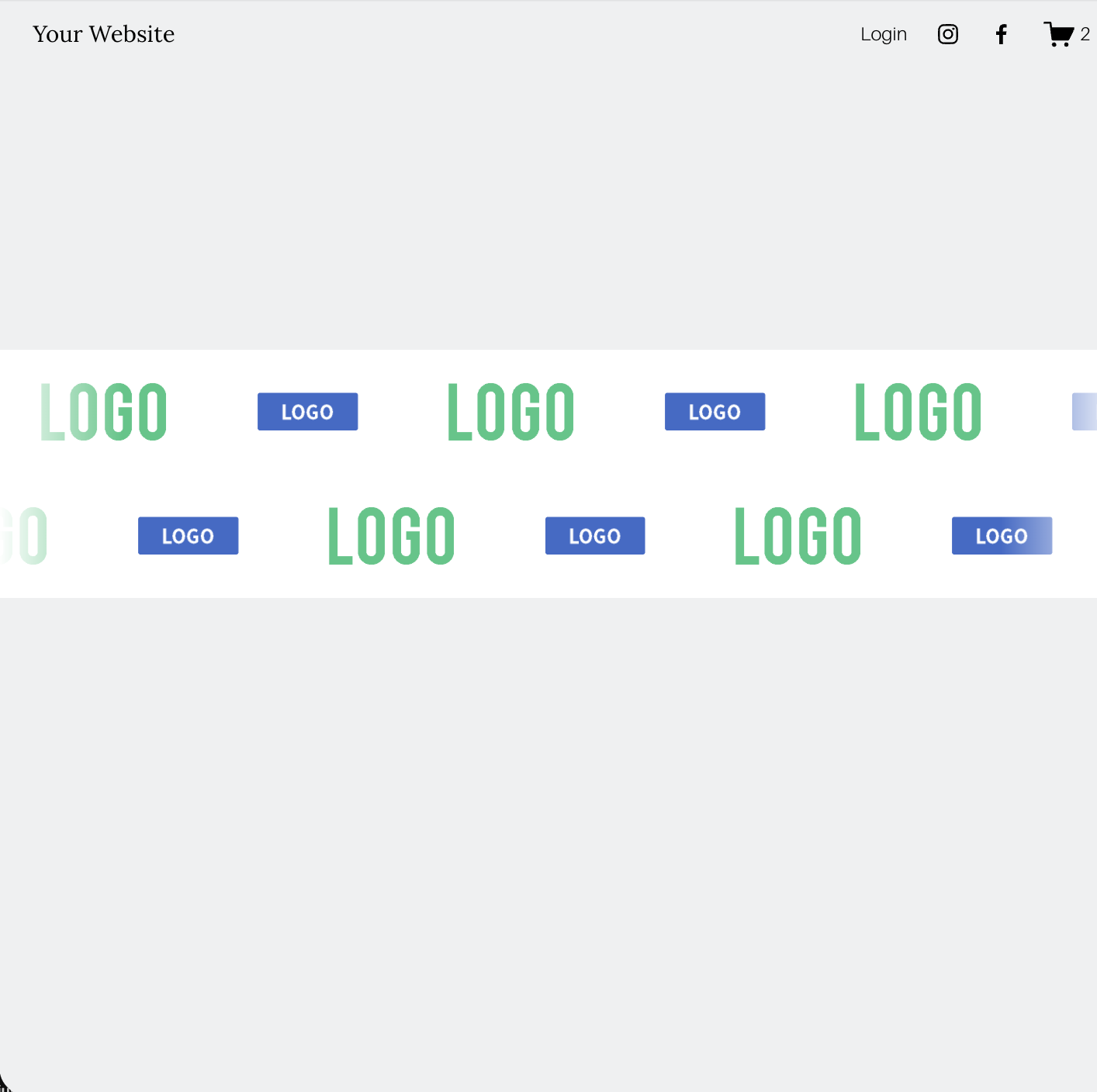
This Squarespace scrolling logos carousel solves that problem by creating a smooth moving row of logos that continuously scrolls across the screen.
It is perfect for:
• Sponsor logos
• Accreditation logos
• Charity partner logos
• Media features and press logos
• Client brand showcases
• Technology partners
Instead of a static grid, your logos become a dynamic visual feature that adds movement and credibility to your site.
Key Features:
• Smooth scrolling logos Squarespace carousel that creates continuous movement across your page
• Built in auto scroll carousel so logos glide automatically without user interaction
• Option to create two rows of scrolling logos for a richer visual layout
• Reverse direction option for the second row to create a dynamic moving effect
• Pause on hover so visitors can stop the carousel to view logos more clearly
• Zoom on hover interaction to add subtle engagement when users hover over logos
• Fully adjustable carousel speed so you can control how fast logos scroll
• Customisable logo sizing to perfectly fit your design
• Adjustable padding and spacing between logos for a balanced layout
FAQs About the Squarespace scrolling logos plugin
-
You can add scrolling logos to Squarespace by installing this plugin and using a standard Squarespace image gallery. Simply upload your logos to the gallery and the plugin converts it into a smooth scrolling logos carousel automatically.
The plugin adds auto scroll functionality, hover interactions and layout controls so your logos display in a clean, professional carousel.
-
Yes. The scrolling logos Squarespace plugin is designed specifically for Squarespace 7.1 websites.
It integrates with the standard Squarespace gallery block and transforms it into a smooth auto scrolling logo carousel without needing complex setup.
-
Yes. The logos in the carousel can be clickable.
You can use the standard Attach Link option inside the Squarespace gallery to add either external or internal links to each logo. This means visitors can click a logo and be taken directly to a partner website, sponsor page, case study, or any page on your own site.
Because the plugin works with the native Squarespace gallery, linking your scrolling logos carousel in Squarespace works exactly the same way it normally would.
-
Yes. The plugin allows you to adjust the carousel speed so you can make the scrolling logos move faster or slower depending on your design preferences.
This helps you match the animation to the style and pace of your website.
-
Yes. This plugin includes an option to display two rows of scrolling logos.
You can also reverse the direction of the second row so the logos move in opposite directions, creating a more dynamic visual effect on your Squarespace website.
-
Yes. The plugin includes a pause on hover feature.
When visitors hover over the scrolling logos carousel, the animation pauses so they can clearly view the logos.
You can also enable a subtle zoom on hover effect to make the logos feel more interactive.
-
Yes. The plugin includes customisation options that allow you to adjust logo sizing, padding and spacing between logos.
This makes it easy to create a scrolling logos Squarespace carousel that fits perfectly with your website layout.