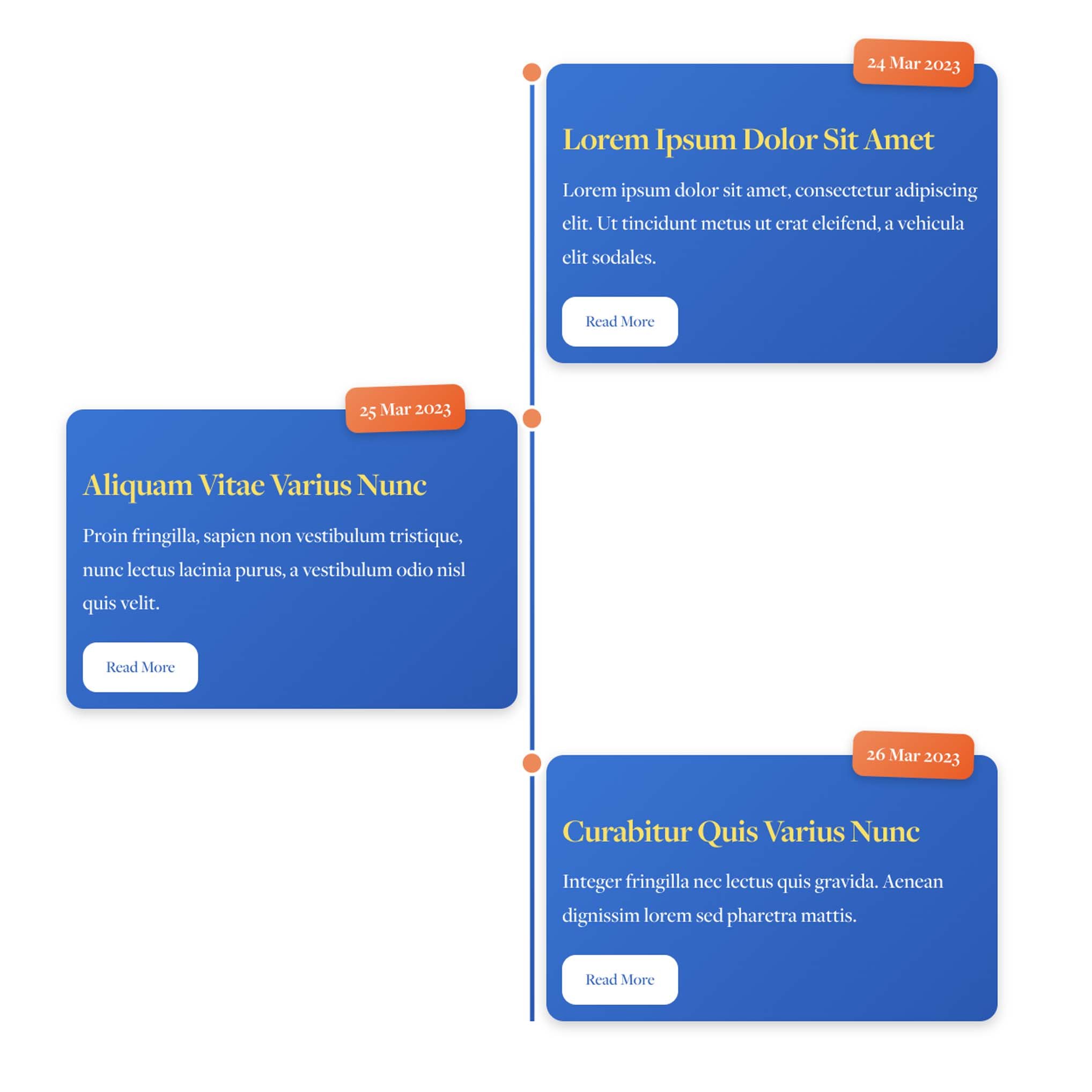
 Image 1 of 3
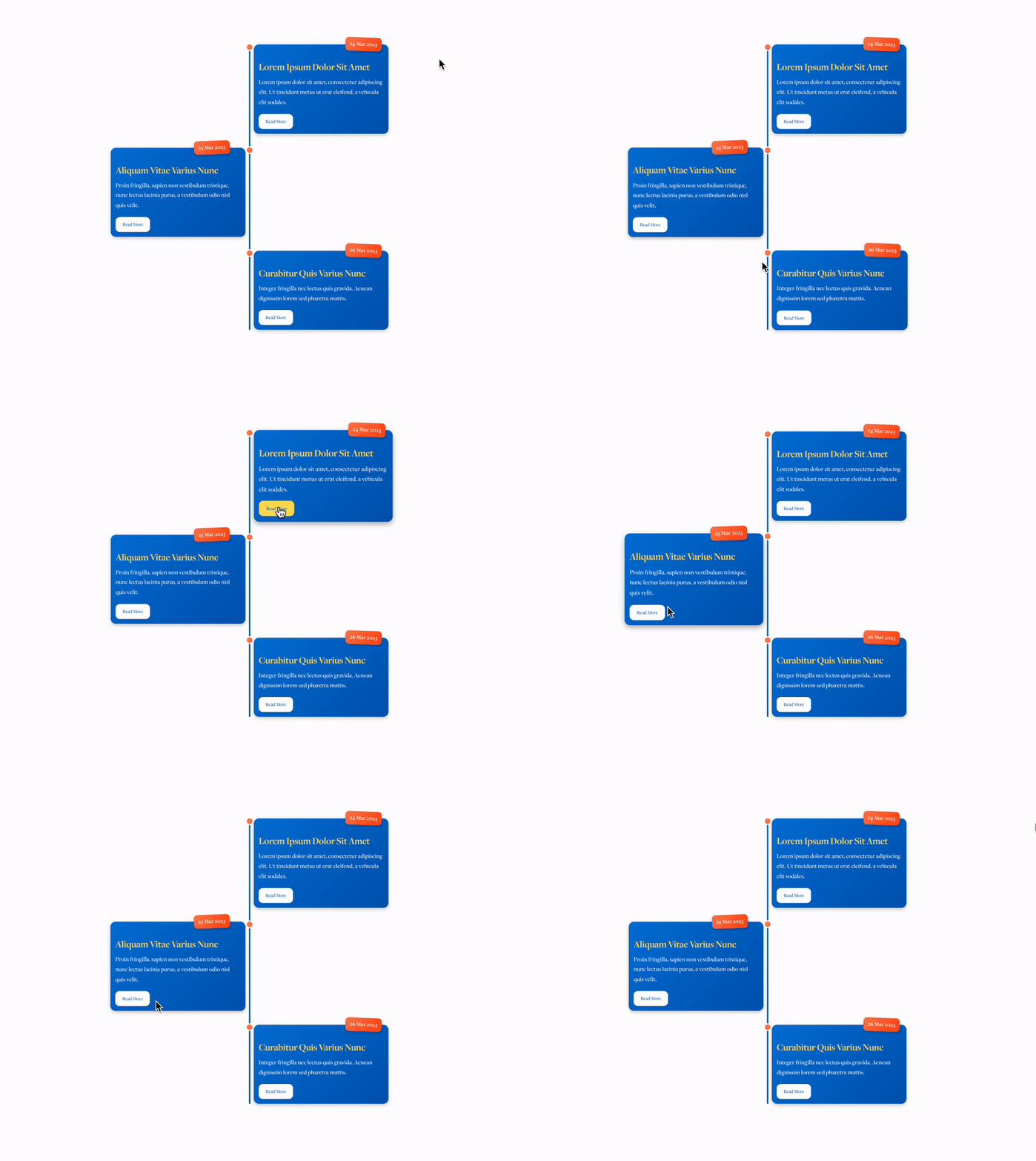
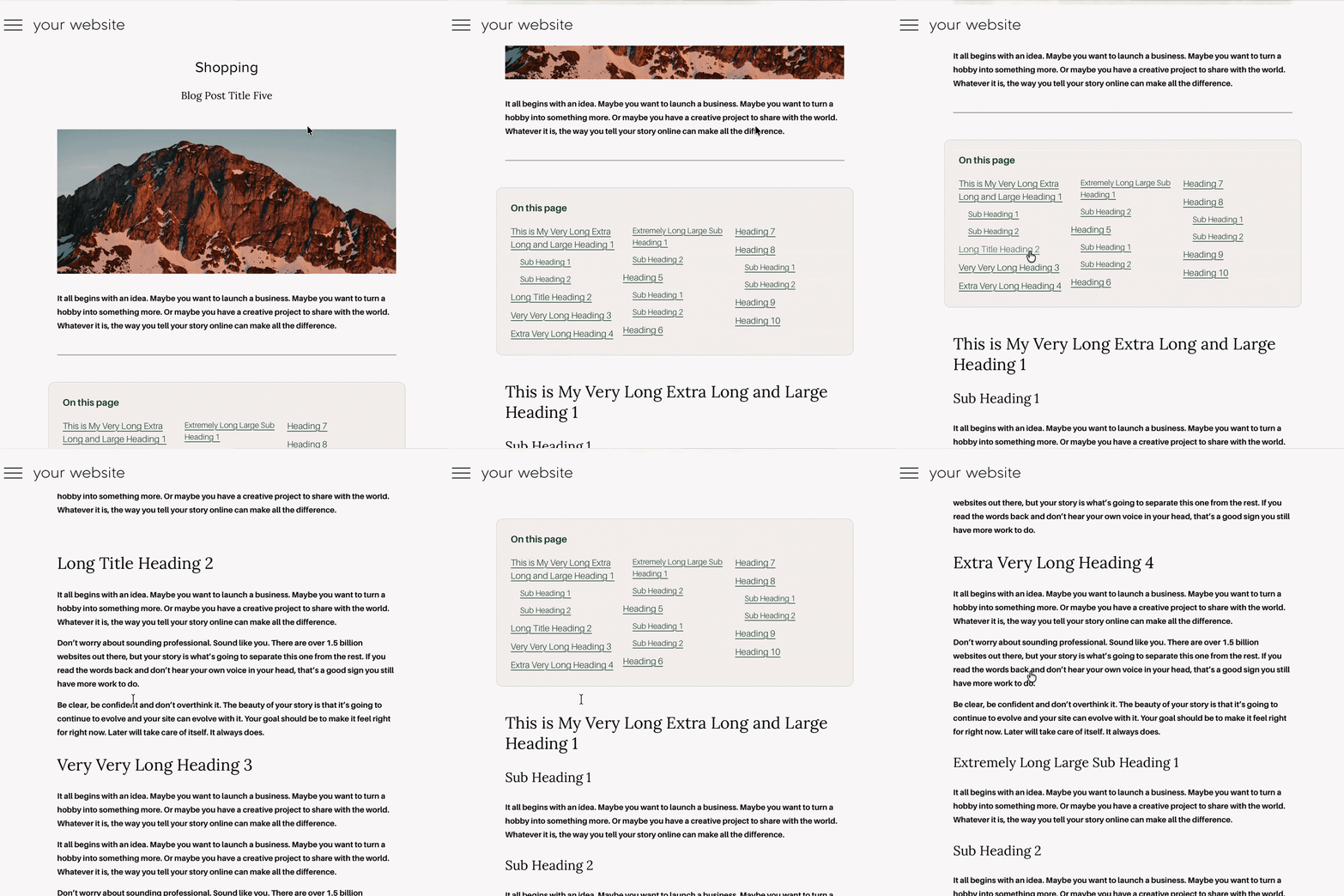 Image 2 of 3
 Image 3 of 3
Genius Blog Contents: Automatic Table of Contents for Squarespace
Genius Blog Contents
A better way through longer articles
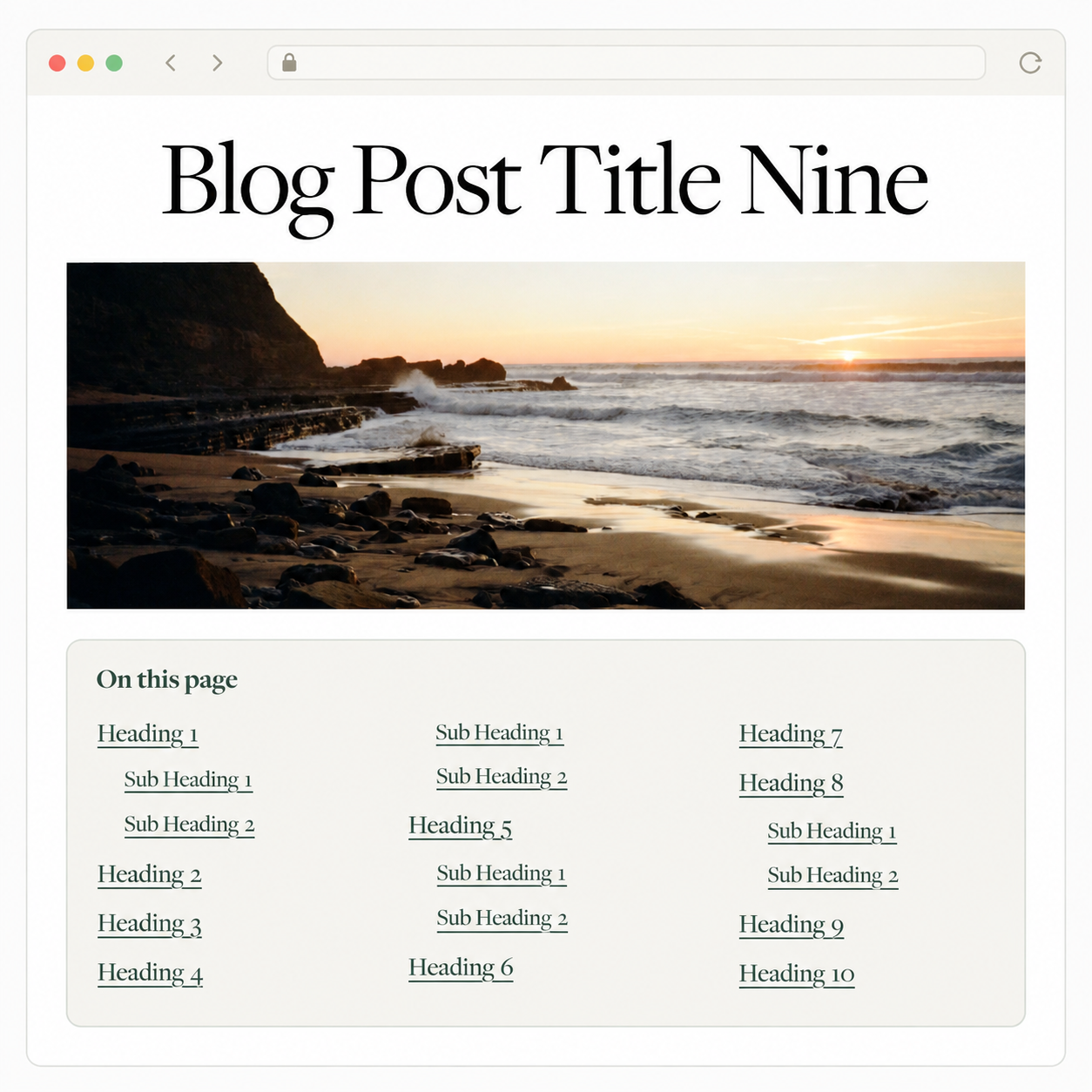
When a post covers several topics, readers shouldn’t have to scroll through the whole thing to find one answer. Give them a clickable contents box so they can jump straight to the section they need.
Set it up on a Squarespace 7.1 blog and it works across the posts in that blog. Each post gets its own list based on its Heading 2 and Heading 3 text.
What’s included
- Automatic links Clickable links are created from your post’s H2 and H3 headings.
- Per-blog installation Add the code to the blog you choose, without editing every post.
- Flexible layout Short lists use one column; longer lists can use two or three when there’s room.
- Mobile-friendly design The contents list returns to one easy-to-read column on phones.
- Customisable styling Change colours, borders, corners, width, type and spacing in the labelled CSS.
- Thoughtful placement The box sits after your introduction, immediately before the first main heading.
Posts with fewer than two headings won’t show a contents box.
How it works
- Add the blog code to your chosen blog’s Post Blog Item Code Injection.
- Add the styling code to Custom CSS and adjust the labelled design settings.
- Write your posts using Squarespace’s Heading 2 and Heading 3 styles.
The plugin reads the headings in each post and builds its contents list automatically. Change a heading and the list reflects the new wording when the post loads.
Perfect for
How-to articles, resource guides, tutorials, FAQs and any longer blog post where readers might want to skip to a specific section.
Frequently Asked Questions
-
No. The plugin reads the H2 and H3 headings in each post and creates the clickable links for you.
-
Yes. Install it in a blog’s Post Blog Item Code Injection and it can create a contents list for posts in that blog that have at least two eligible headings.
-
You can install the blog code separately in each blog you want it to work on. The styling code goes in your site’s Custom CSS.
-
It appears immediately before the first H2 heading. That leaves room for an introduction at the start of your post.
-
Yes. The CSS includes labelled settings for the box width, background, border, corners, typography, colours and spacing.
-
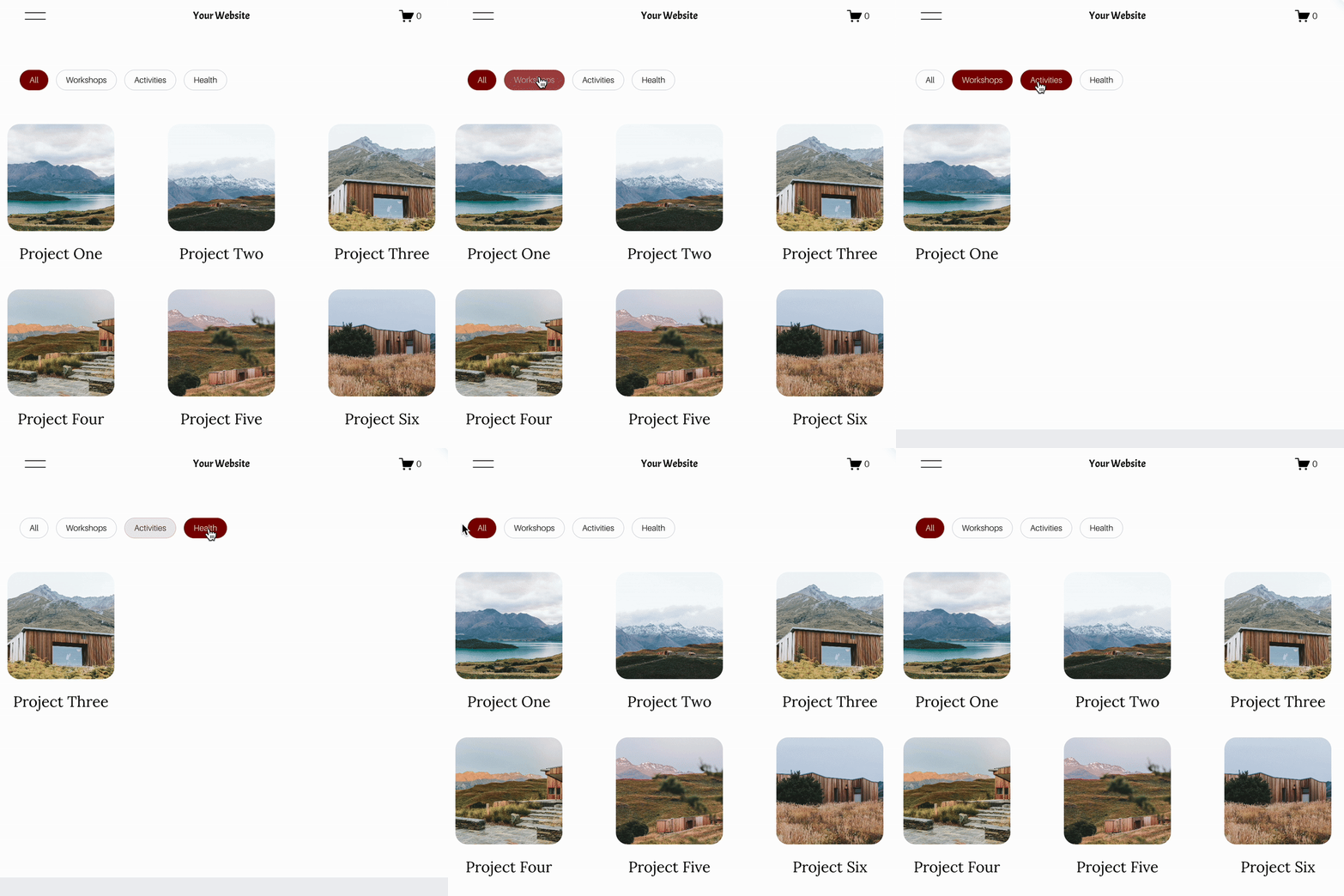
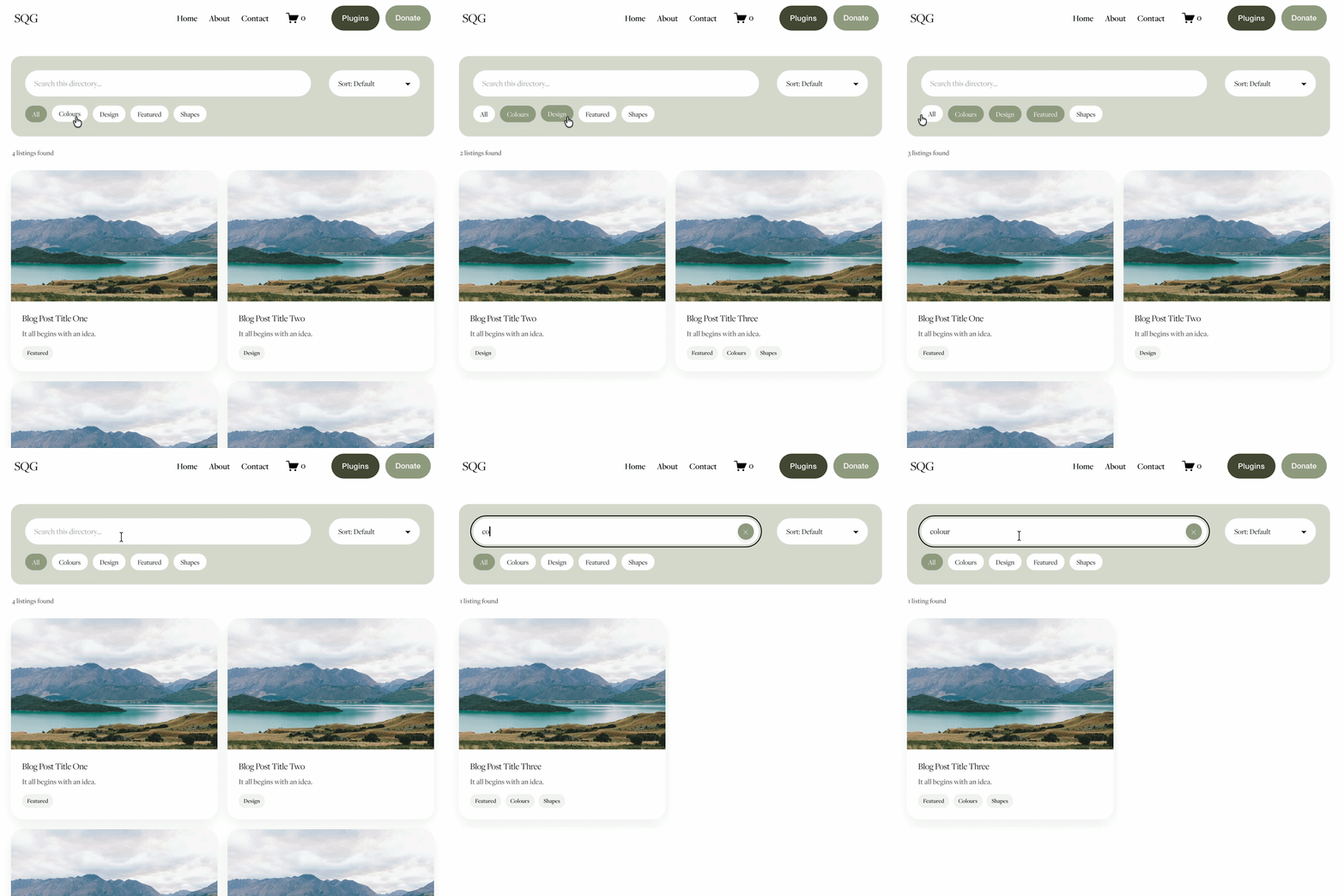
No. Categories and filters help visitors choose which post to read. Genius Blog Contents helps them find a section within the post they’ve opened.
-
This plugin is designed for Squarespace 7.1 blog posts.