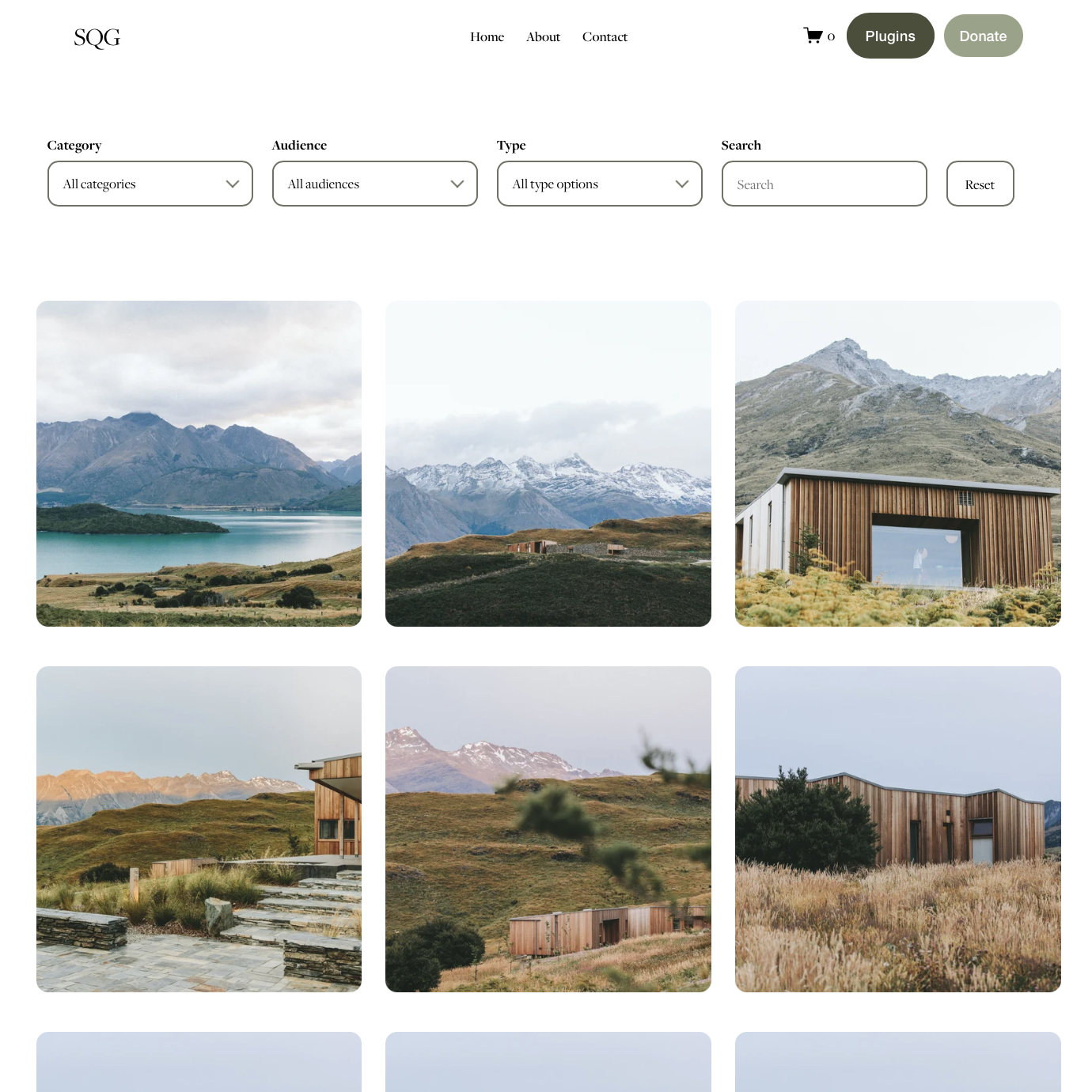
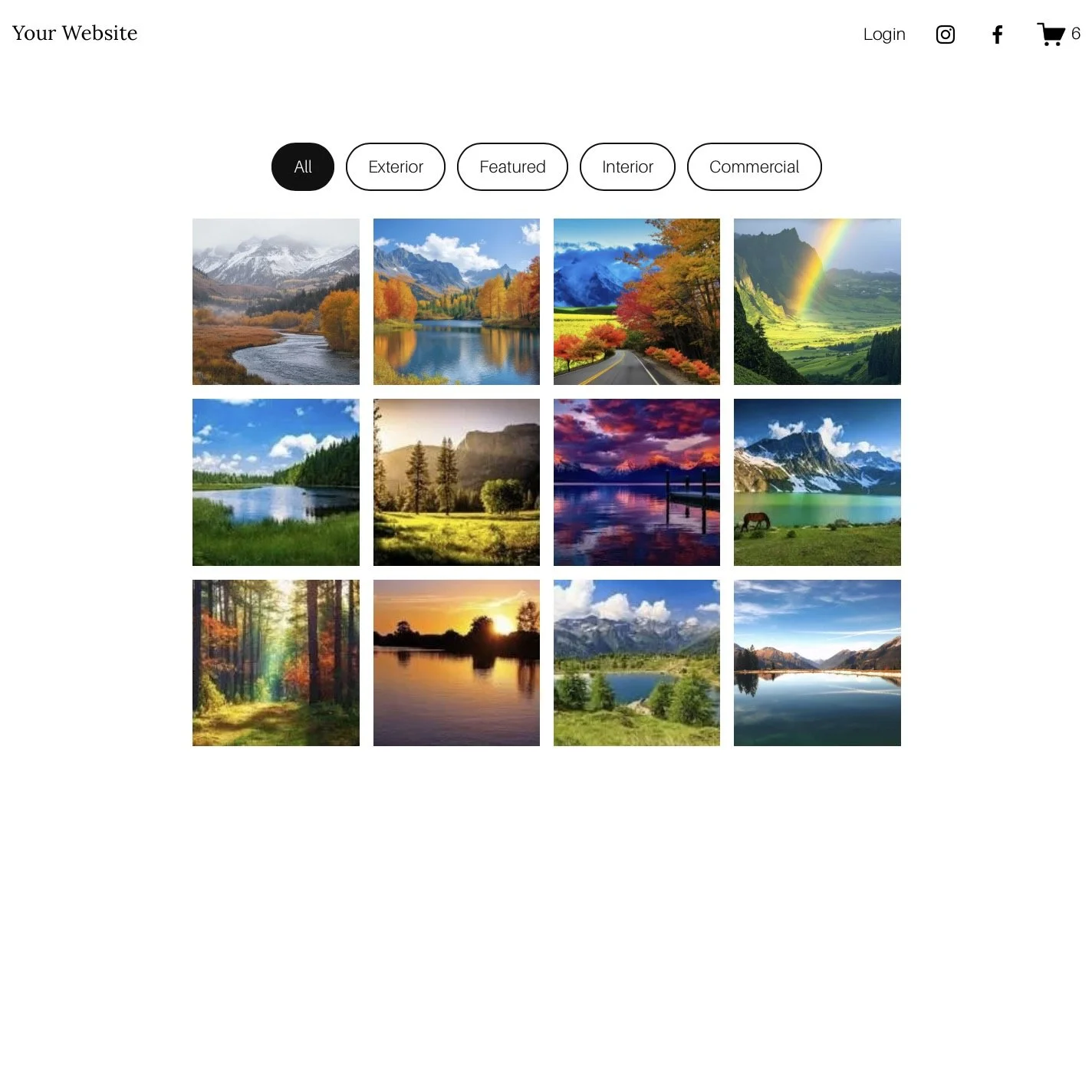
 Image 1 of 3
 Image 2 of 3
 Image 3 of 3
Squarespace Course Grid Plugin
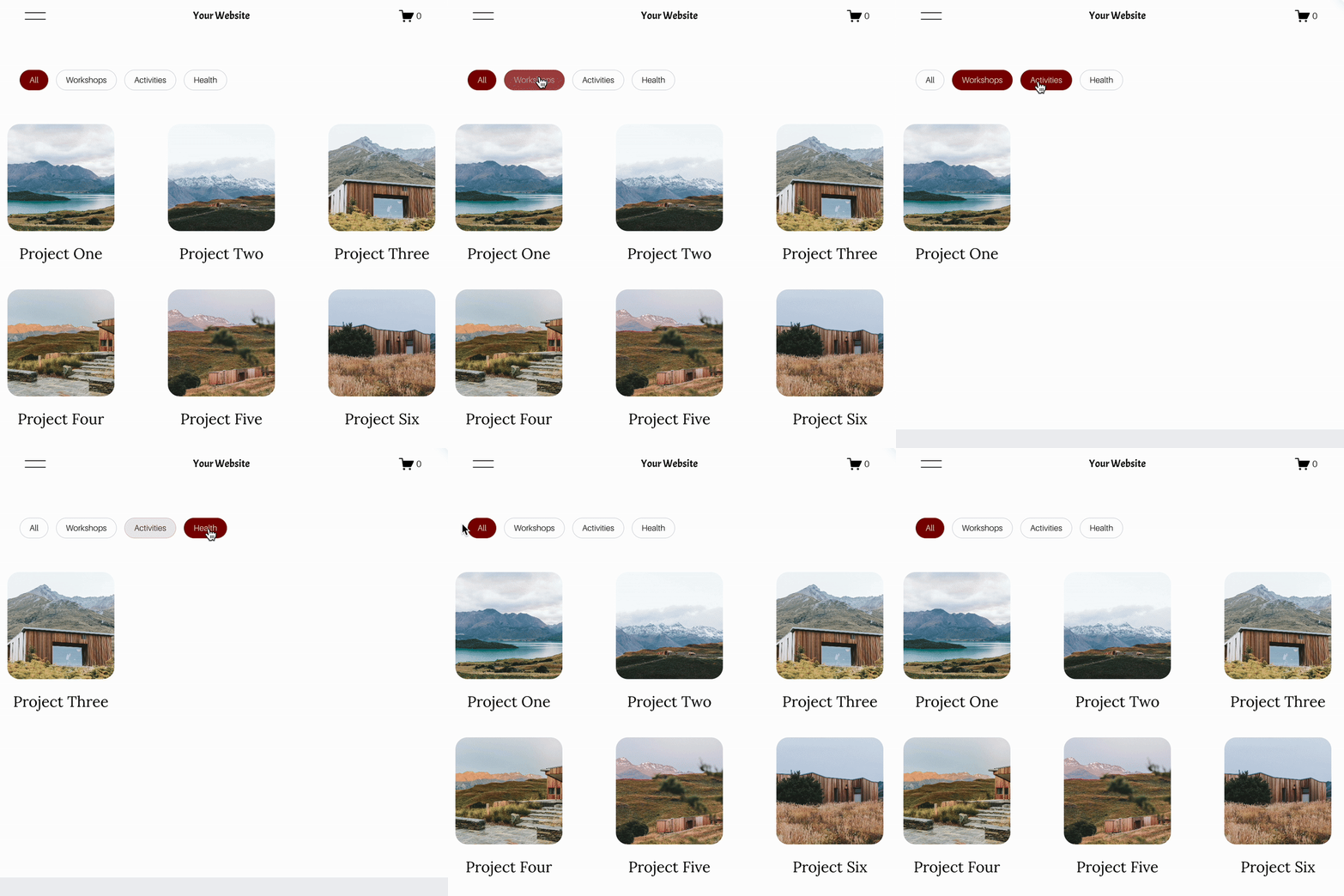

A smarter way to showcase
your Squarespace Courses
Build a polished course library without manually recreating every course card.
Automatically pull in your Course content
Add your Course URL and the plugin automatically pulls in the important details for you.
- Course title
- Course thumbnail
- Number of lessons
- Course link
Designed to fit your website
Customise your Course Grid to complement your existing Squarespace design using simple style settings.
Fully responsive across desktop, tablet and mobile.
Made for sites with more than one Course
Bring separate Squarespace Courses together into one easy-to-browse page.
- Course creators
- Online educators
- Training providers
- Membership websites
- Squarespace designers
A better way to showcase your Squarespace Courses
Squarespace Courses are great for creating and selling learning content, but showcasing multiple separate courses together on a single page isn't always straightforward.
The Squarespace Course Grid Plugin gives you a dedicated, responsive grid where visitors can browse all of your courses from one place.
Simply add the URL of each Squarespace Course and the plugin does the rest.
Frequently Asked Questions
-
Yes. The Squarespace Course Grid Plugin lets you bring multiple Squarespace Courses together into one easy-to-browse page. Simply add the URL for each Course you'd like to display and the plugin creates the course cards for you.
-
Yes. Once you've added a Course URL, the plugin automatically pulls in the Course title, thumbnail, number of lessons and link directly from your Squarespace Course.
-
Yes. You can optionally add your own short description and price to each Course card. This gives you more control over the sales information shown on your Course Grid.
-
Information pulled directly from Squarespace — such as the Course title, thumbnail and number of lessons — is retrieved automatically. If you create a completely new Course, you'll just need to add its URL to the plugin before it appears in your grid.
-
You only need to add each Course URL to the plugin once. You don't need to manually build individual cards or enter the Course title, thumbnail, lesson count or link yourself.
-
Yes. You can customise the number of columns, spacing, colours, borders, rounded corners, typography, image ratio, buttons and more using the included style settings, so the grid can complement your existing Squarespace website.
-
Yes. The Course Grid is fully responsive and automatically adapts its layout across desktop, tablet and mobile devices.
-
Yes, but your Course's Paywall Placement needs to be set to “Lessons Only”. This allows the Course overview information to remain accessible to the plugin while your individual lessons can still remain behind the paywall.
-
Yes. The plugin is designed for Squarespace 7.1 and Squarespace Courses.
-
No coding knowledge is required. You'll receive the code along with a step-by-step installation guide and video tutorial. You'll mainly be adding your Course URLs and adjusting clearly labelled style settings.
-
Yes - that's exactly what it's designed for. It's particularly useful if you have several separate Squarespace Courses and want one central page where visitors can browse all of them.
-
Simply add the new Course URL to the Course list in the plugin. The plugin will then retrieve its Course information and add it to your grid.