
Genius Filter Plugin vs Universal Filter Squarespace Plugin
Last updated 13th June 2026
For most Squarespace users who want simple filtering for portfolios, blogs, and events, the Genius Squarespace Filter Plugin is the better choice. If you need filtering for product pages and don’t mind a steeper setup, Universal Filter may suit you better. Here’s a full breakdown so you can decide.
Simplicity vs Complexity
The Genius Squarespace Filter Plugin is all about simplicity. It’s lightweight, easy to install, and doesn’t overwhelm you with settings. Just copy, paste, and customise – no coding needed.
The Squarespace Universal Filter is powerful but can feel a little overwhelming, especially if you’re new to plugins. It comes with more advanced options, which is great if you love tinkering, but it might feel like overkill if you just want something quick and user-friendly.
Where The Plugins Work Best
One of the biggest differences is where each plugin can be used:
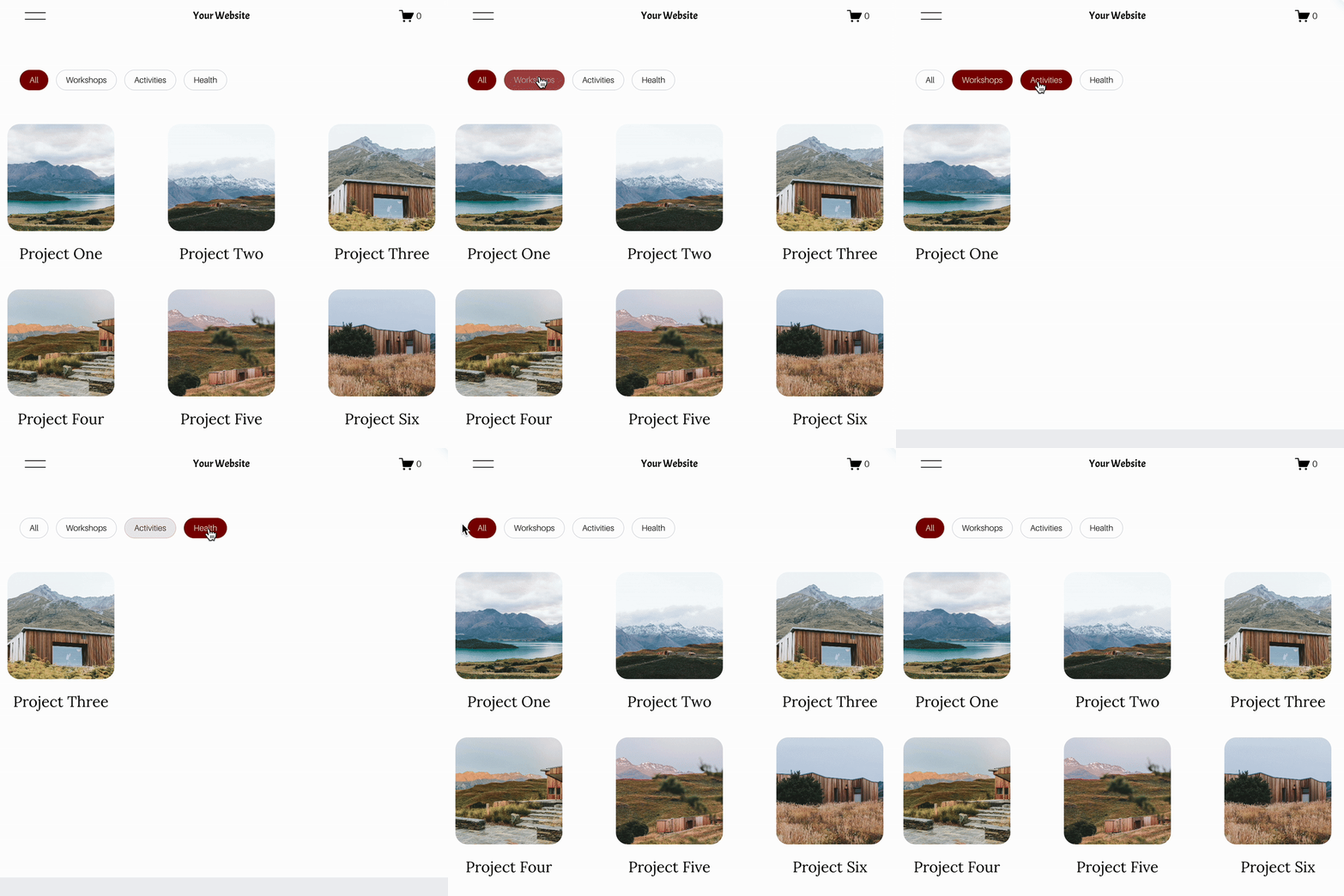
Genius Squarespace Filter Plugin
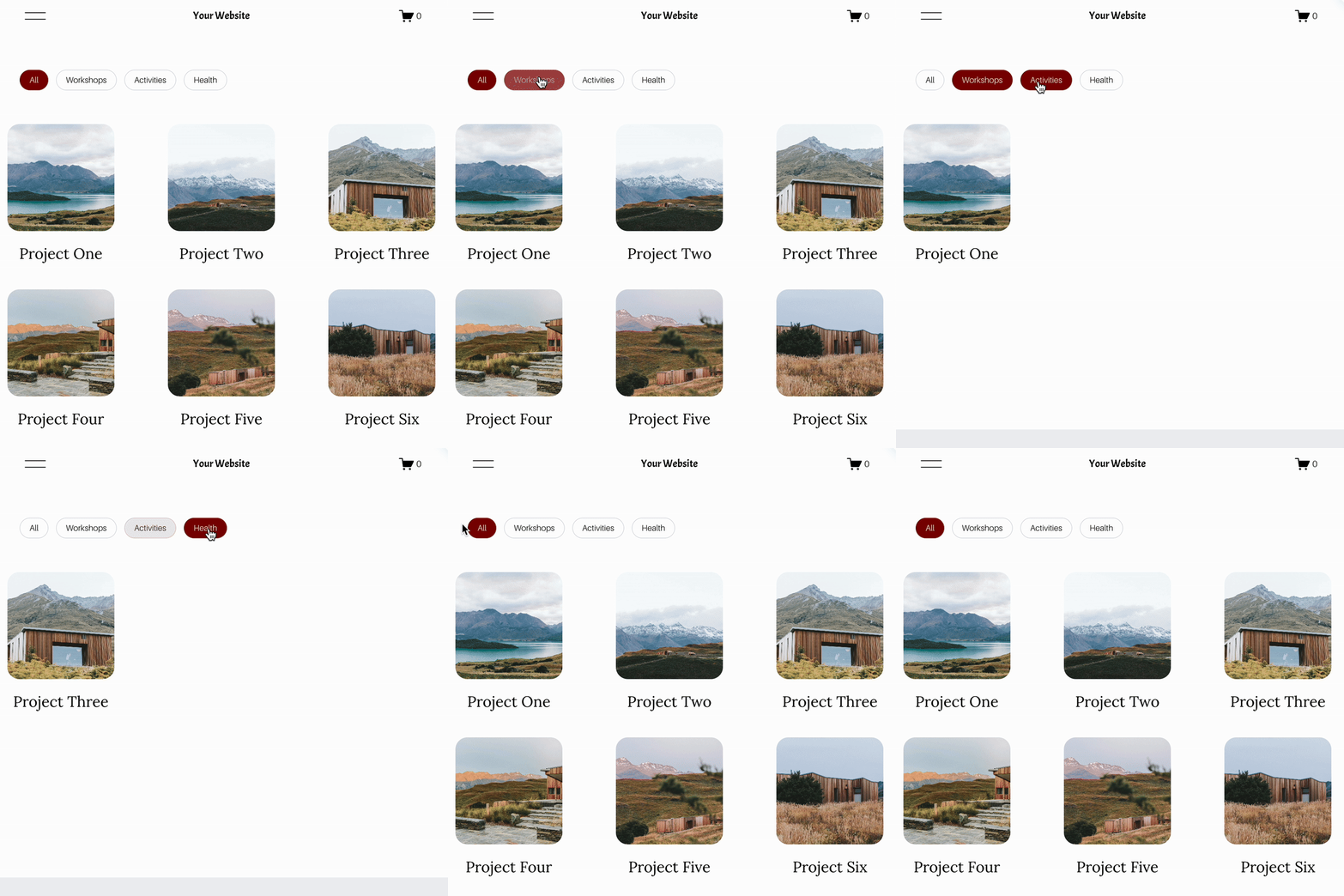
Works beautifully on portfolio/collection pages, blogs, and events. Perfect if you want a Squarespace filter portfolio that looks clean and professional. (It doesn’t yet support product pages – but that’s on the roadmap!)
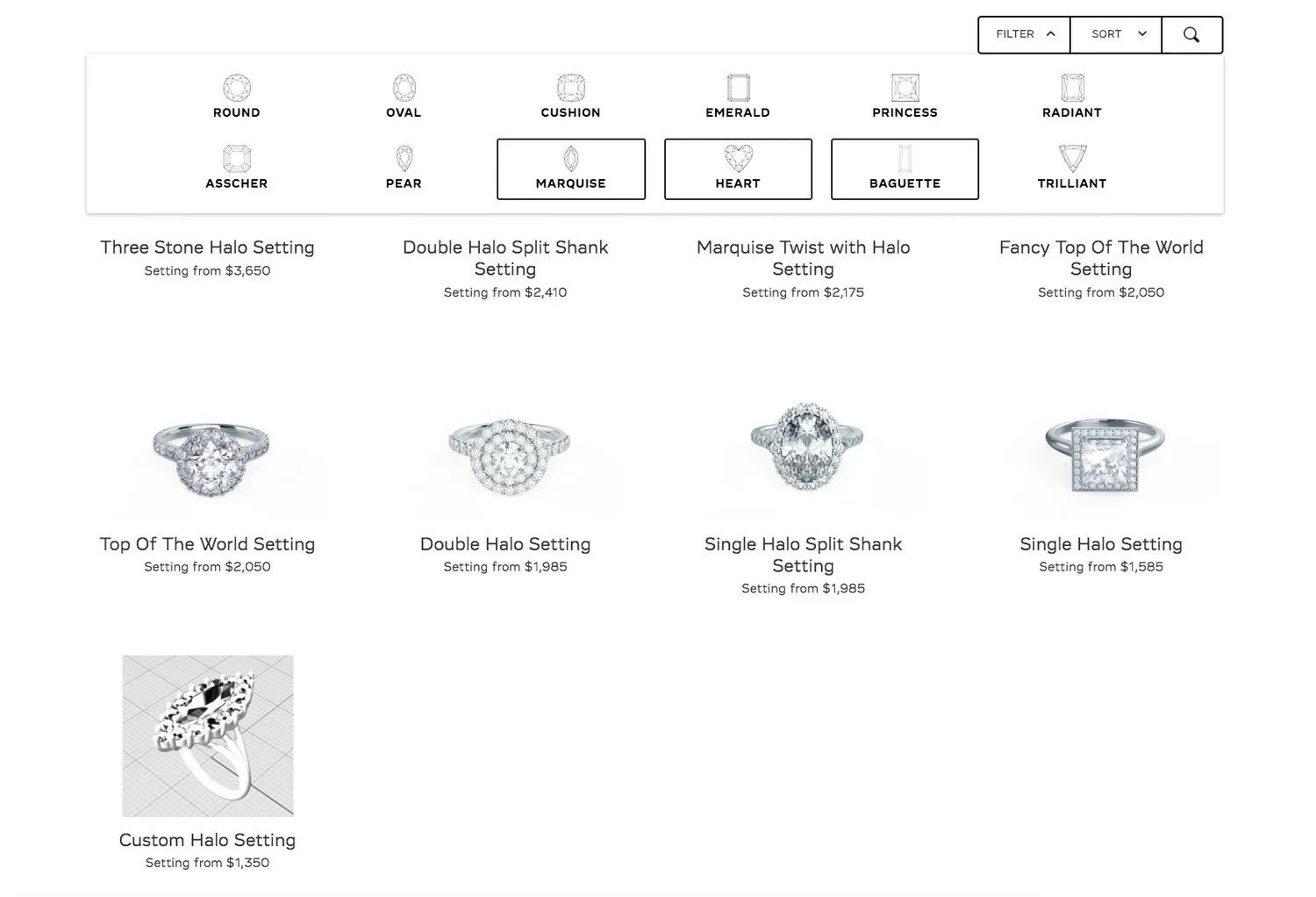
Universal Squarespace Filter Plugin
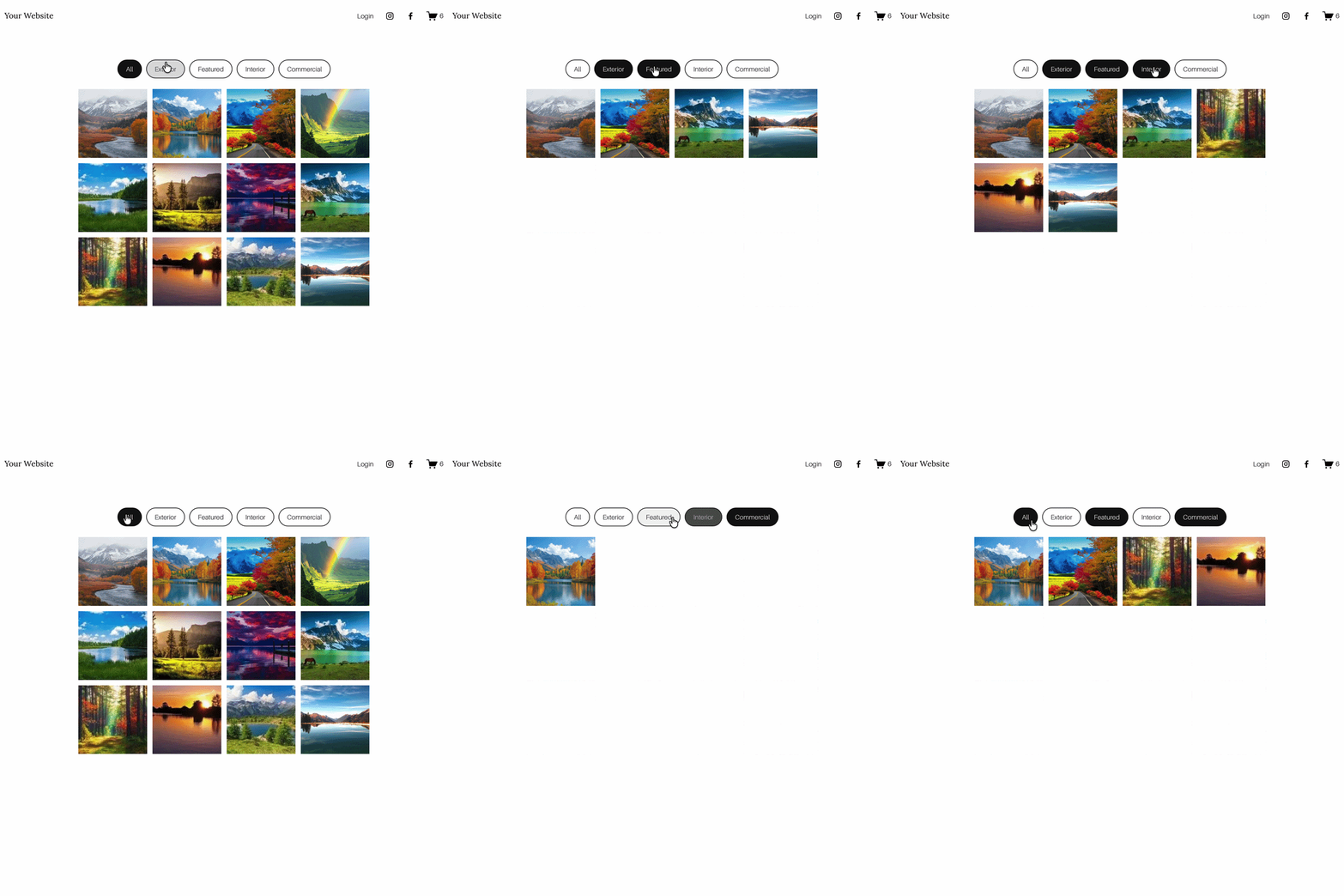
Works on products and blogs but doesn’t support portfolio pages. If showcasing creative work is your priority, this might be a limitation.
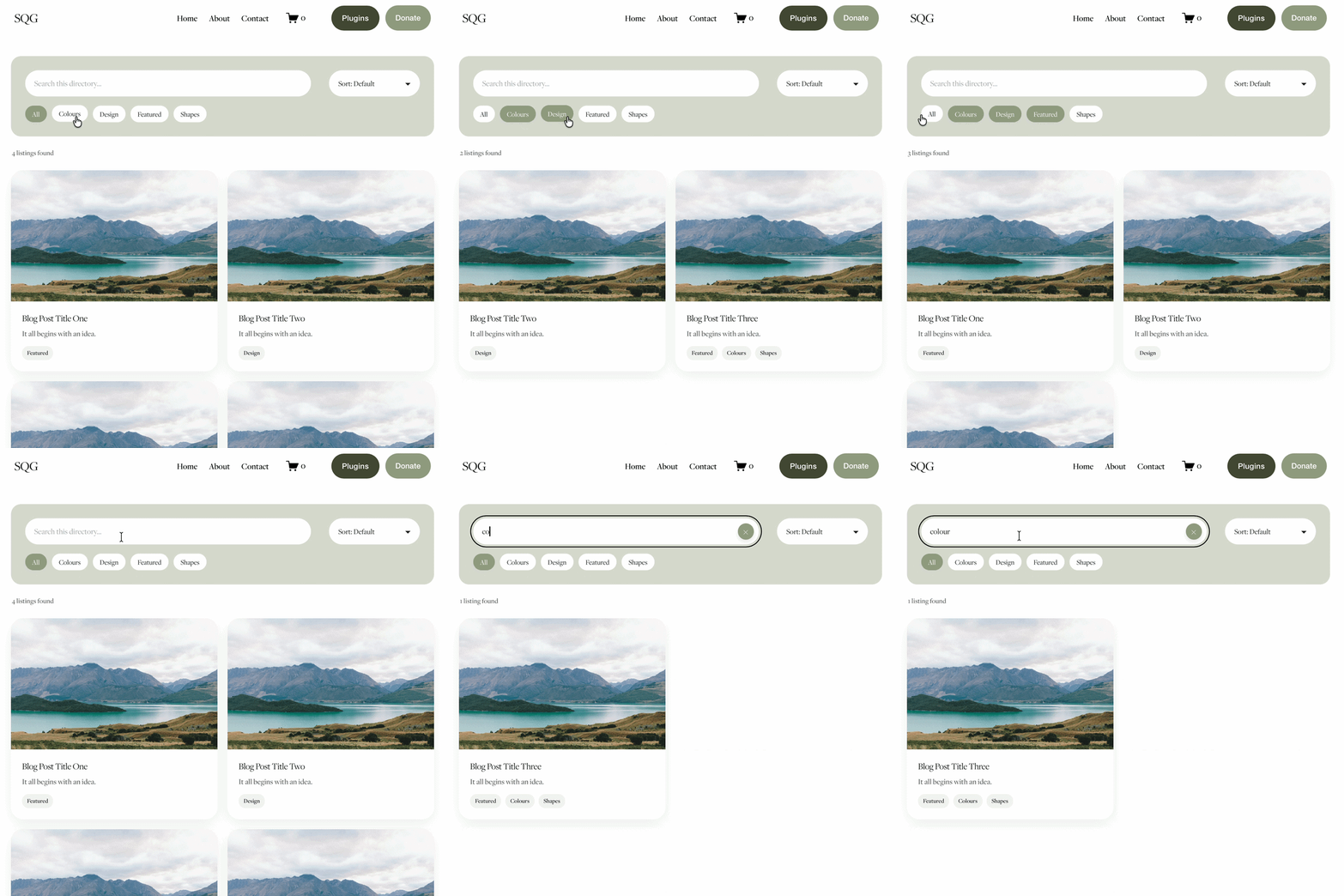
Features at a Glance
Genius Filter Plugin vs Universal Filter Plugin
Note: The Genius plugin focuses on simplicity and speed for portfolios, blogs, and events. Universal Filter supports products. Choose the one that best fits your workflow.
Which Squarespace Filter Plugin Should You Choose?
If you want a Squarespace filter plugin that’s clean, straightforward, and perfect for portfolios, blogs, or events, the Genius Squarespace Filter Plugin is ideal.
If you need filtering specifically for product pages and don’t mind a steeper learning curve, the Squarespace Universal Filter may suit your needs better.
Either way, both plugins can give your visitors a smoother browsing experience – it just depends on whether you want simplicity or more advanced customisation.
Tip: If you’re unsure, start with the Genius plugin. It’s designed to get you up and running in minutes – perfect if you’ve ever wondered how to add a filter in Squarespace without hassle.
Final Thoughts on Genius Squarespace Filter Plugin vs Universal Filter Squarespace.
If you’re weighing up universal filter Squarespace options, it really comes down to what you need most: simplicity or product filtering. The Genius Squarespace Filter Plugin keeps things beautifully simple for portfolios, blogs, and events — perfect if you want a clean Squarespace filter portfolio with no fuss. Meanwhile, the Squarespace Universal Filter brings product support and extra controls if you’re happy with a steeper learning curve.
Choose Genius if you value speed, simplicity, and a user-friendly setup for portfolios, blogs, and events.
Choose Universal if you specifically need product filtering and don’t mind more configuration.
Pricing: Genius is cheaper, making it a smart pick for budget-conscious sites wanting a lightweight Squarespace filter plugin.
Whichever route you take, adding filters will help visitors find content faster — and that means better engagement, more time on page, and a smoother journey through your site. If you’ve been wondering how to add a filter in Squarespace, you now have two strong paths forward.
Frequently Asked Questions
-
The Genius Filter Plugin is the easiest Squarespace filter plugin to install. It uses a simple copy and paste setup with no coding knowledge required and can be up and running in under 10 minutes. Universal Filter requires some CSS and JavaScript knowledge to configure, making it better suited to users who are comfortable with code.
-
Universal Filter does work on Squarespace 7.1 portfolio pages, but with notable limitations — it doesn't support Hover layouts, has no native category or tag support for portfolio collections, and requires JavaScript and CSS knowledge to install. The Genius Filter Plugin works on portfolio pages cleanly, without coding, and without these layout restrictions.
-
For photographers, the Genius Filter Plugin is the better choice. It works on portfolio pages, gallery blocks, blogs, and events — all without coding knowledge. General setup takes under 10 minutes, making it ideal for photographers who want clean category filtering without hiring a developer.
-
Yes, but only with Universal Filter, which supports Squarespace product pages. The Genius Filter Plugin does not currently support product pages, though this is on the roadmap. If product filtering is your priority, Universal Filter is the better option.
-
The Genius Filter Plugin costs £59.99 per site. Universal Filter is priced at $89. The Genius Filter Plugin is the more affordable option, and covers portfolios, blogs, events, and gallery blocks in one purchase.
-
No, not if you use the Genius Filter Plugin. It installs via copy and paste with no coding required and includes a step-by-step setup guide. Universal Filter requires some CSS and JavaScript knowledge, so less confident users may need developer help to configure it.
Did I help you? Consider buying me a coffee as thanks!