

How to Create a Clickable Image Map in Squarespace
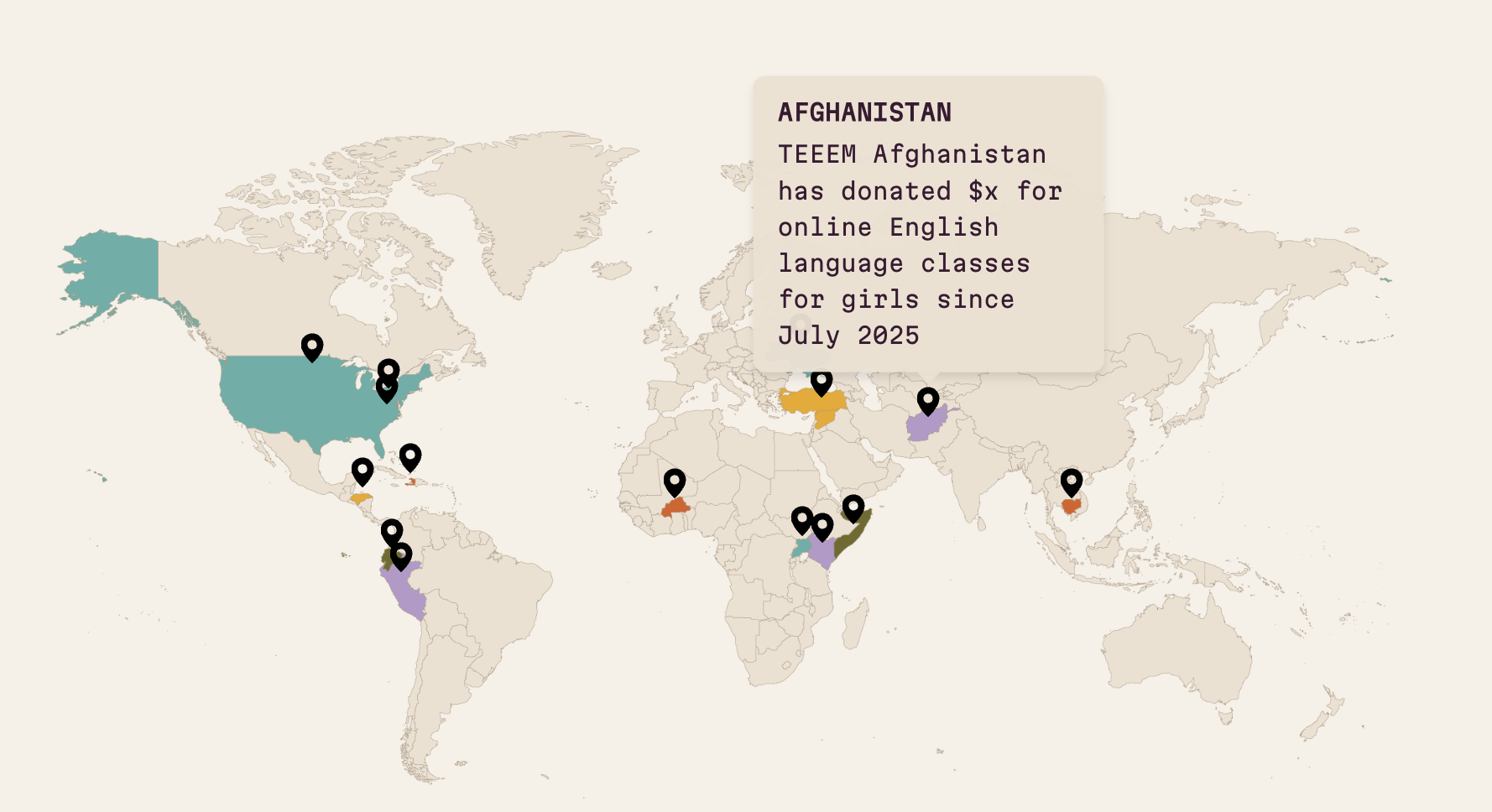
Quick Answer: Squarespace doesn't have a built-in way to make parts of an image clickable, so an image map has to be added with code in a Code Block. The old-fashioned way is HTML <map> and <area> tags, which are free but use fixed pixel coordinates and break on mobile. The better way is an image hotspots snippet: numbered markers positioned by percentage, so they stay in place at every screen size, each with a tooltip that can hold text and a clickable link.
What Is an Image Map, and Why Would You Want One?
An image map is a single image with several clickable regions, each linking somewhere different. It's the thing people ask for when they have an illustrated map of a town, a site plan of a venue, a floor plan, a labelled product diagram, or a "choose your route" graphic and want each part to go to its own page.
For charities this comes up a lot: a map of the regions you work in, a diagram of your services, a plan of a community building with each room clickable. The image already exists – you just want it to do something.
Can You Make Parts of an Image Clickable in Squarespace Without a Plugin?
Yes, using the classic HTML <map> and <area> tags in a Code Block. You upload the image to your site, use a free online image map generator to draw the clickable shapes and copy the coordinates, then paste the code:
It works, and it costs nothing. The problems show up quickly though:
It isn't responsive. The coordinates are fixed pixels, so as soon as the image scales down on a tablet or phone the clickable areas no longer line up with the picture.
There's no visual cue. Visitors can't see which parts are clickable unless you draw markers onto the image itself.
No tooltips. You can't show a name, description or preview on hover – it's a silent link or nothing.
Editing is painful. Every change means regenerating coordinates.
You can work around the responsive issue with extra JavaScript, but at that point you've built a plugin yourself.
What Is the Easiest Way to Make an Interactive Image Map on Squarespace?
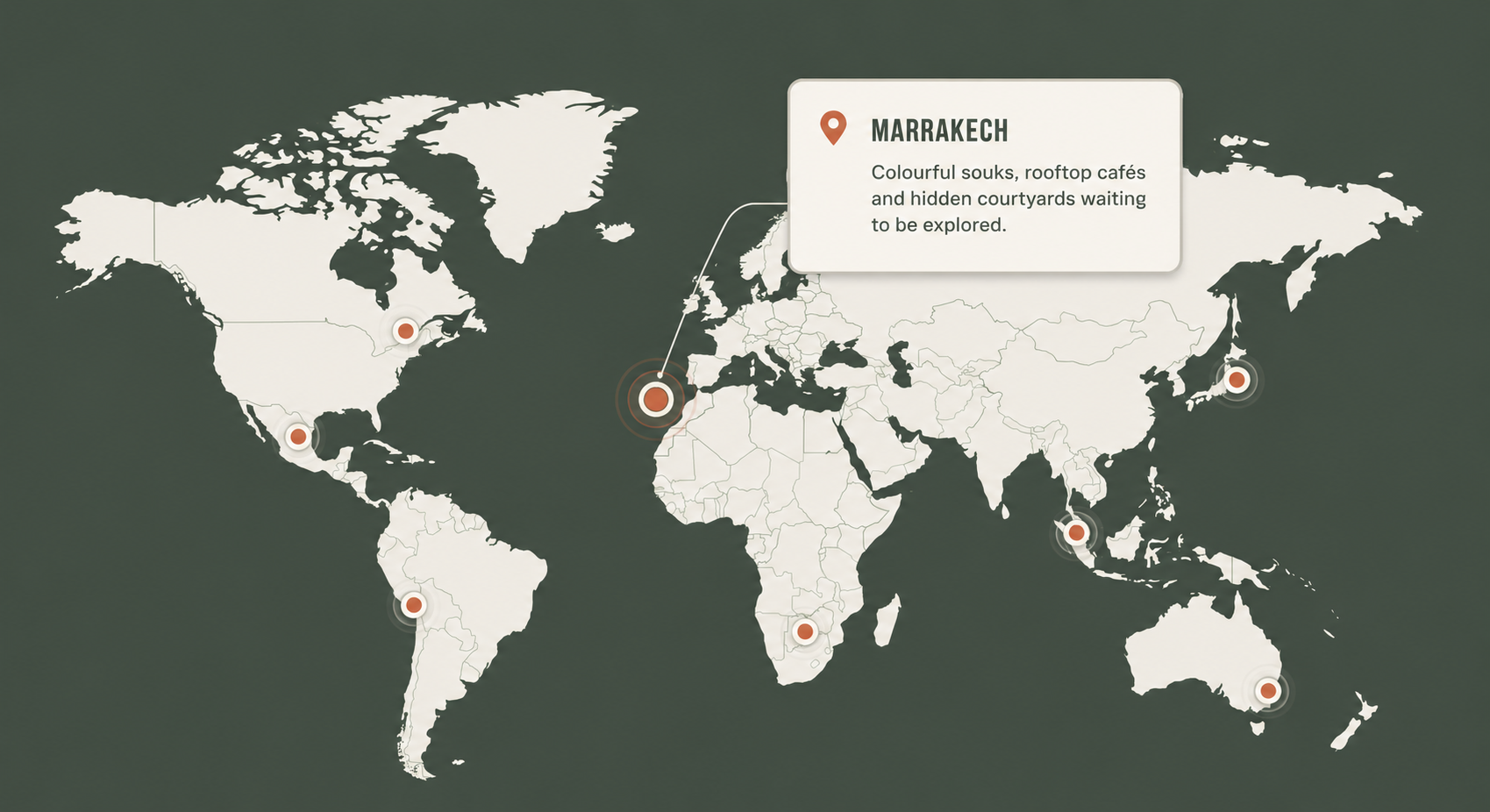
An image hotspots plugin – which, to be clear, is still code, just code that has already solved the problems above. See a live working demo here.
The Squarespace Image Hotspots Plugin is an HTML snippet, a stylesheet and a tiny script. You paste the HTML into a Code Block, drop in your image URL, and add one block per hotspot with a percentage position and a label like the below:
Because positions are percentages rather than pixels, the markers scale with the image and stay exactly where you put them on a phone. Each marker is a visible numbered point with a gentle pulse, so visitors can see what's clickable, and the tooltip supports links inside it – a map pin can show a short description with a button through to the relevant page. Colours, sizes and fonts are set in a handful of CSS variables at the top of the stylesheet, so you can match your brand without hunting through the code.

If a location moves or a room changes purpose, you edit one line of HTML rather than re-drawing the image or regenerating coordinates.
Which Squarespace Hotspot Plugin Should You Use?
There are two well-known options, and the right one depends on where the image lives.
Will Myers also has an image hotspots plugin for Squarespace. It works on product thumbnails, so if you specifically want hotspots inside a shop's product image gallery, his is the one to look at.
Mine works in product descriptions and on any standard page rather than shop thumbnails, which gives you a much bigger image to place hotspots on, and its tooltips support clickable links inside the popup. For image maps, floor plans and explainer diagrams on standard pages – which is what most people asking about "image maps" actually want – that's the more useful combination.

Who Is This For?
Charities and community organisations – maps of service areas, building plans, "how we help" diagrams
Venues and visitor attractions – site maps with clickable areas
Illustrators and designers – making an illustrated map clickable for a client
Product businesses – labelled feature diagrams in product descriptions
FAQs: Clickable Image Maps in Squarespace
-
Yes. You can paste HTML image map code into a Code Block to create fixed clickable areas, or use an image hotspots snippet to add responsive, numbered markers with tooltips and links to any image.
-
Upload your map image, then use an image hotspots snippet in a Code Block to place a numbered marker on each location using percentage positions. Each marker shows a tooltip with text and a link on hover, or on tap on most mobile browsers, which works for illustrated maps, site plans and floor plans.
-
Not reliably. HTML image maps use fixed pixel coordinates, so when the image scales down on a phone the clickable areas no longer match the picture. A hotspots plugin uses percentage positions so markers stay in place at every screen size.
-
Yes. With the Squarespace Image Hotspots Plugin each hotspot opens a tooltip that can contain a clickable link, so visitors can go directly to the relevant page from the image.
-
The Squarespace Image Hotspots Plugin works in product descriptions rather than product thumbnails. If you need hotspots inside the product thumbnail gallery, Will Myers' hotspot plugin is designed for that.




Looking for an easy way to add filters to Squarespace?
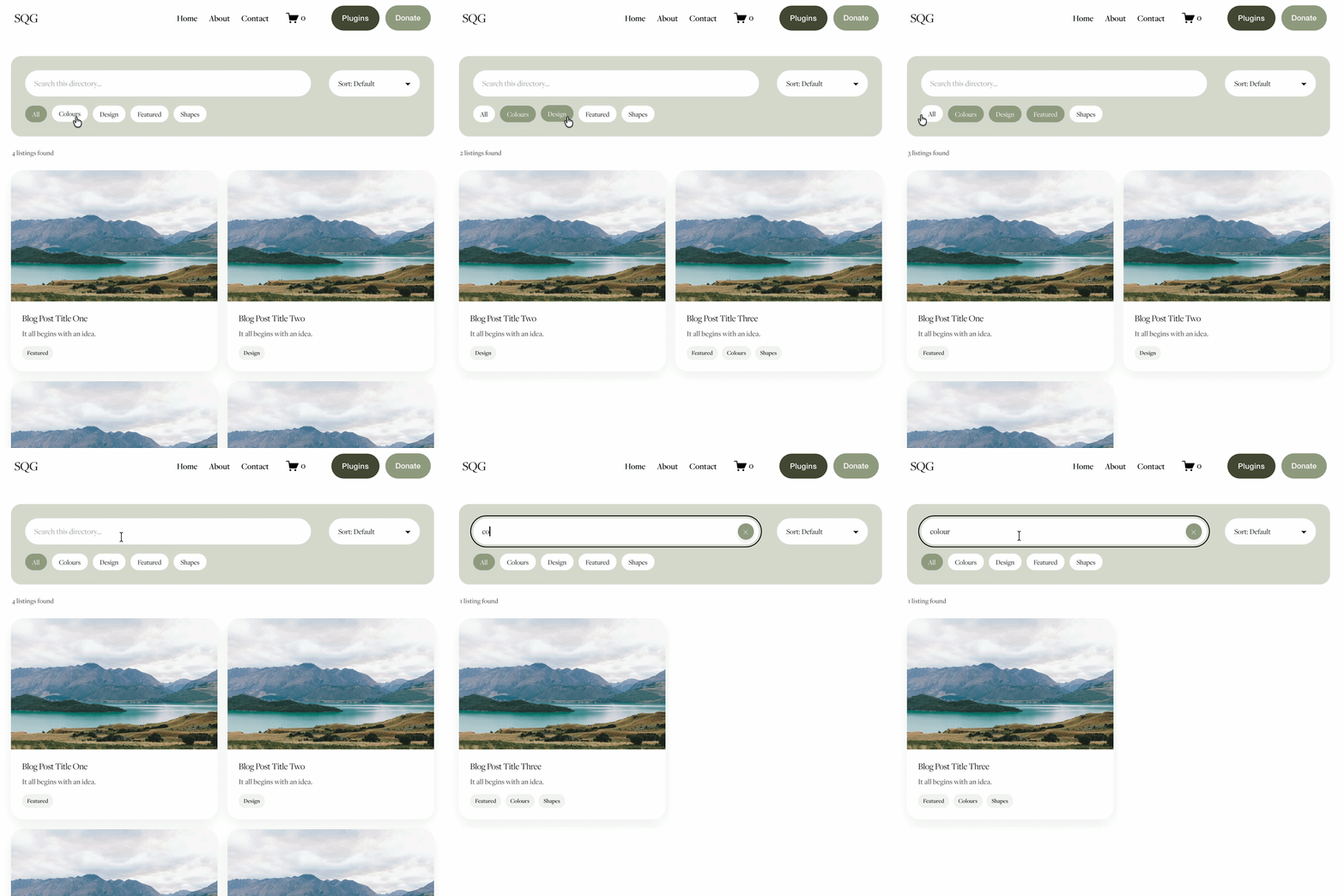
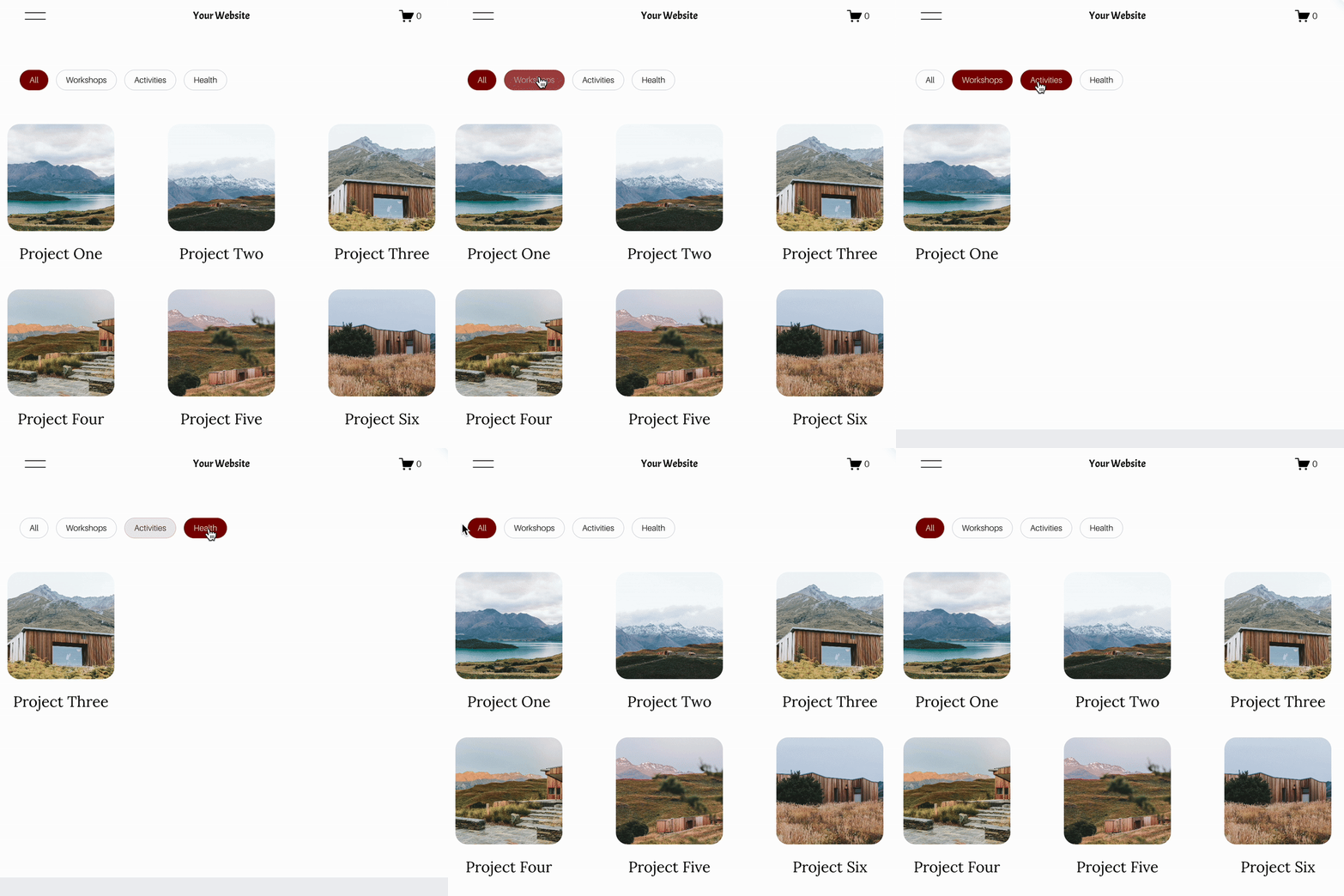
The Genius Squarespace Filter Plugin helps you turn busy portfolio pages, blogs, event pages and galleries into a cleaner, easier to browse experience.
Visitors can quickly filter your content by category, topic, service, location, resource type or any labels you choose, instead of scrolling through everything.
Perfect for portfolios, blog archives, event listings, galleries (grid, masonry & strips only) resource hubs and larger content collections, this plugin gives your visitors a smoother way to explore your content without the cost or complexity of custom development.
Portfolio Filter Demo ➜
NEW Advanced Dropdown Portfolio Filter Demo ➜
Gallery Filter Demo ➜
Blog Filter Demo ➜
Event Filter Demo ➜
Key Features:
Simple to install and customise
Filter options for portfolio pages, galleries, blogs and events
Includes the new advanced dropdown portfolio filter
Ideal for Squarespace sites needing more in depth filtering options with a simple user experience
Beginner friendly setup with copy and paste instructions
Designed for Squarespace 7.1 websites