

Free Floating Navigation Bar For Squarespace
Quick Answer: Yes — you can build a floating navigation bar for Squarespace with a free CSS snippet added to Design → Custom CSS, no plugin required. It gives you the rounded, floating desktop and mobile header on its own; dropdown styling, a mobile menu overlay card, and navigation badges need either extra custom code or a ready-made styling kit.
What Is a Floating Navigation Bar for Squarespace?
Instead of your header running edge-to-edge across the top of the page, a floating nav sits with margin around it and fully rounded ends, so it reads more like a capsule "floating" over your content than a standard bar. It's a look a lot of Squarespace creators have been sharing lately, and it's genuinely achievable with a short CSS snippet.
Free CSS Code: How to Create a Floating Pill Header in Squarespace
Paste this into → Custom CSS on your Squarespace 7.1 site:
What This Free Snippet Won't Do
It's a genuinely complete answer for the floating pill shape, but it doesn't touch your dropdown menus, which will still look like Squarespace's default. Your mobile menu will still open as the standard full-screen panel rather than a rounded overlay card, and there's no built-in way to add badges to specific links or switch to a condensed header on scroll. You may also need to tweak the margin or radius values depending on your logo size and header settings, since Squarespace 7.1 templates don't all use identical header markup.
What a Navigation Styling Kit Adds on Top
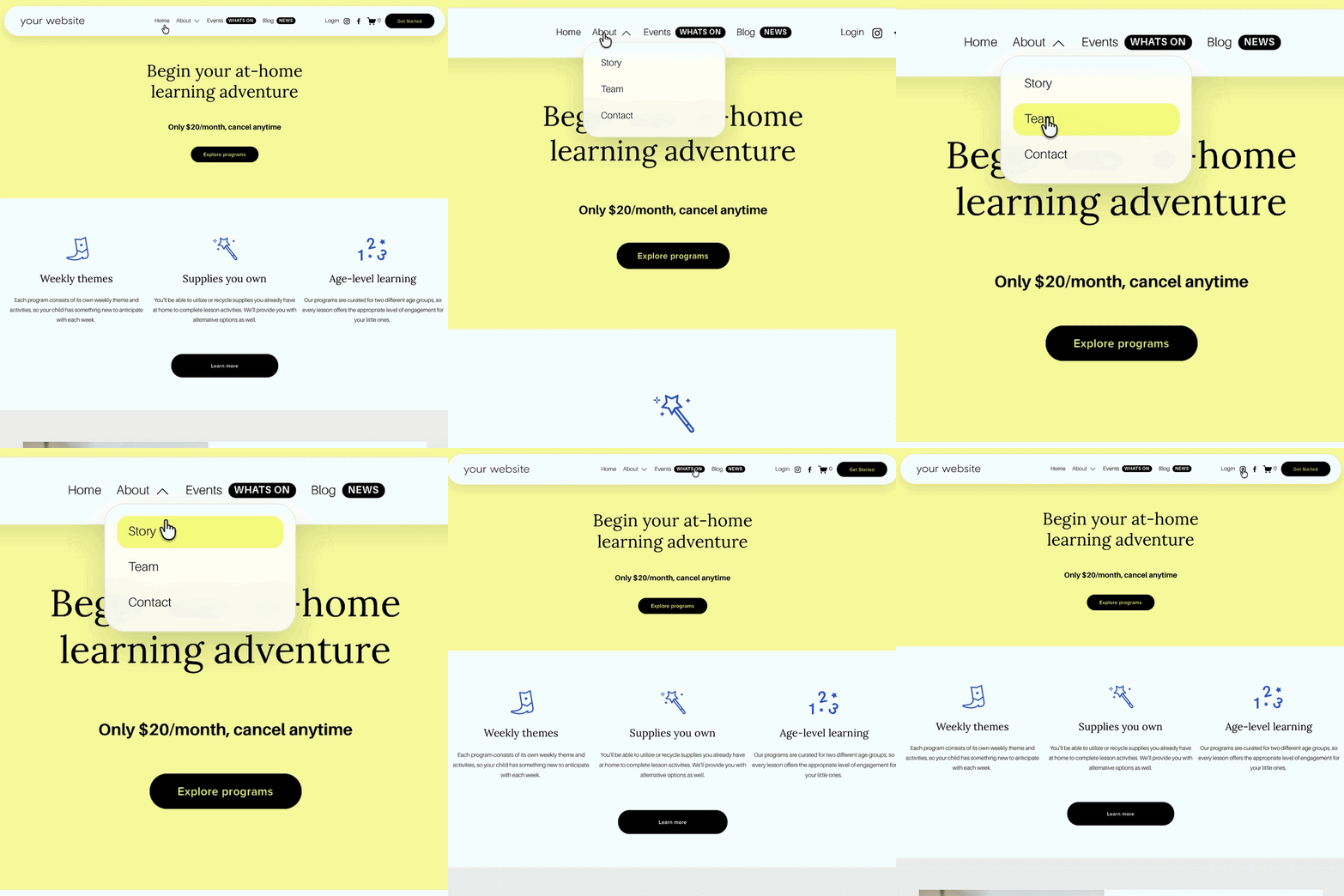
This is exactly where the Squarespace Navigation Upgrade Kit picks up. It includes the same floating pill effect for both full-width and condensed desktop headers, plus dropdown menu styling (with an optional frosted/glass effect), a mobile header in matching pill style, a rounded mobile menu overlay card instead of the default full-screen panel, and navigation badges (NEW, SALE, FREE, POPULAR, HELP, UPDATED) you can attach to specific links, all tested across Squarespace 7.1 templates rather than a single snippet you're maintaining yourself.
Worth being upfront about: this is a styling upgrade, not a mega menu plugin. It doesn't add columns, images, or complex mega-menu layouts, it's built for people who want their existing navigation structure to simply look more premium.
What's Included
Desktop navigation in a full or condensed floating pill design, dropdown styling with an optional frosted look, a mobile header in matching pill style, a mobile menu overlay card, and navigation badges attached to whichever links you choose. Setup is Custom CSS plus small Code Injection snippets, no page or navigation rebuild required.
Who This Is For
Anyone happy to add and maintain the free CSS themselves for the pill shape alone, and site owners who want the full set, dropdowns, mobile menu card, badges — without maintaining the code, including designers and agencies styling navigation across client sites.
FAQs: Animated Number Stats on Squarespace
-
Yes. A CSS snippet added to → Custom CSS can create a floating, pill-shaped header on both desktop and mobile without a plugin.
-
It creates a floating mobile header, since the CSS targets Squarespace's header element, which covers both breakpoints. It doesn't restyle the mobile menu overlay into a rounded card - that's part of the Navigation Upgrade Kit.
-
Yes, with the Navigation Upgrade Kit — you can add labels like NEW, SALE, FREE, POPULAR, HELP, or UPDATED beside selected links.
-
No. It upgrades the appearance of your existing navigation with pill styling, dropdown styling, mobile menu styling, and badges — it doesn't add mega-menu columns or complex layouts.
-
Yes, it can be used across multiple sites, so it suits designers and agencies as well as individual site owners.
Did I help you? Consider buying me a coffee as thanks!
Looking for more ways to make your Squarespace website stand out?
Browse the full range of Squarespace plugins.
You might also find these helpful:
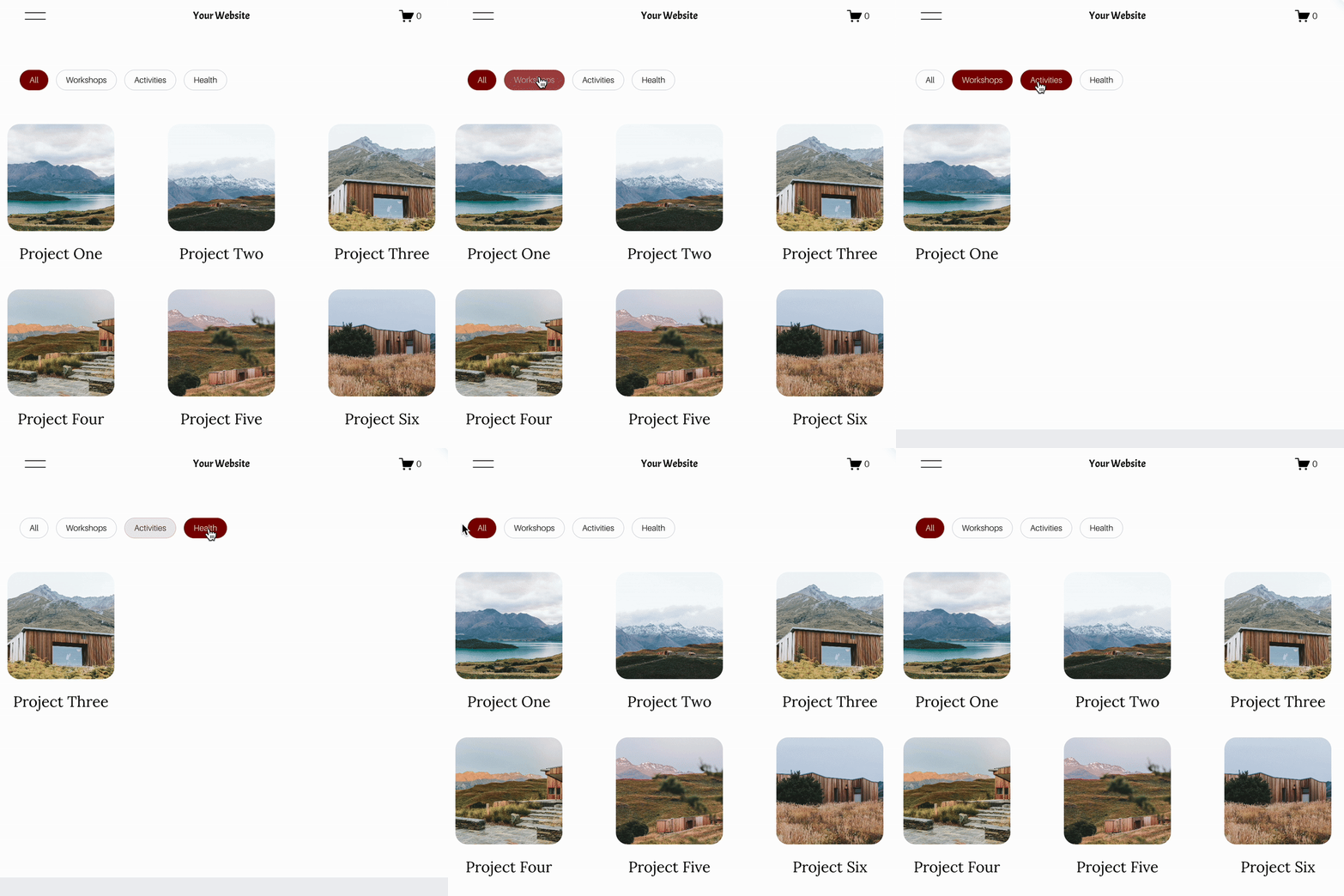



Looking for an easy way to add filters to Squarespace?
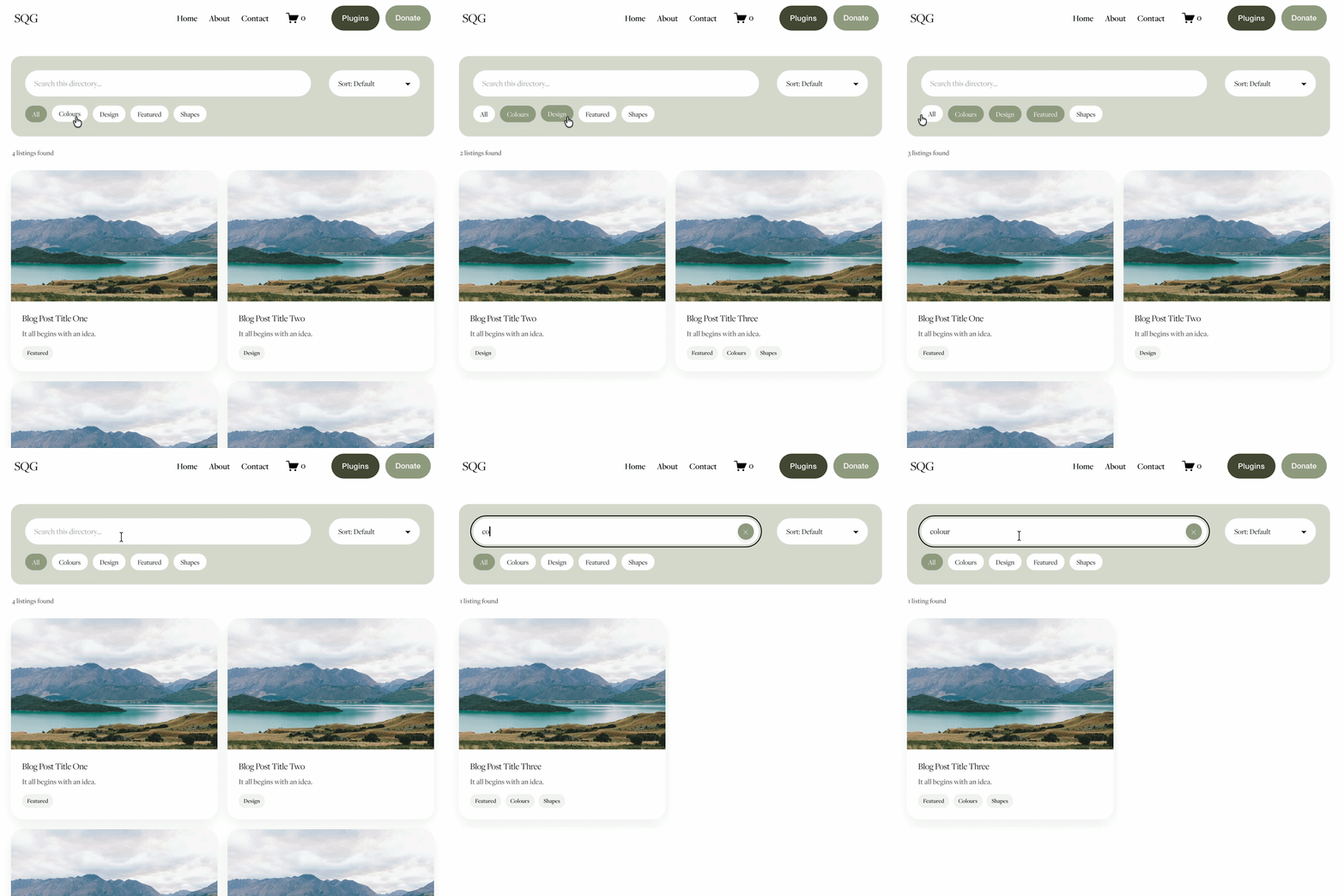
The Genius Squarespace Filter Plugin helps you turn busy portfolio pages, blogs, event pages and galleries into a cleaner, easier to browse experience.
Visitors can quickly filter your content by category, topic, service, location, resource type or any labels you choose, instead of scrolling through everything.
Perfect for portfolios, blog archives, event listings, galleries (grid, masonry & strips only) resource hubs and larger content collections, this plugin gives your visitors a smoother way to explore your content without the cost or complexity of custom development.
Portfolio Filter Demo ➜
NEW Advanced Dropdown Portfolio Filter Demo ➜
Gallery Filter Demo ➜
Blog Filter Demo ➜
Event Filter Demo ➜
Key Features:
Simple to install and customise
Filter options for portfolio pages, galleries, blogs and events
Includes the new advanced dropdown portfolio filter
Ideal for Squarespace sites needing more in depth filtering options with a simple user experience
Beginner friendly setup with copy and paste instructions
Designed for Squarespace 7.1 websites