

How to Create a Resource Directory for Your Nonprofit Website (Squarespace)
Last updated 30 July 2026
Quick Answer: Squarespace doesn't have a native "resource directory" page type, so if your charity or nonprofit needs to organise guides, services, partner listings, or support resources into something visitors can actually search and filter, you'll need to build it on top of Squarespace's blog functionality, either manually with categories and tags, or with a dedicated directory plugin that turns that blog page into a proper searchable listing.
Why Nonprofits End Up With a Messy Resources Page
If you run a charity, nonprofit, or community organisation, you've probably got more "stuff" to organise than a typical small business site: support services, partner organisations, downloadable guides, local helplines, volunteer opportunities, funding sources. The default instinct is to dump it all onto one long page, or scatter it across a handful of static pages that nobody can find from the homepage.
The problem isn't the content — it's that a plain page or blog feed forces visitors to scroll and read everything to find the one resource that's relevant to them. For a nonprofit, that's a real cost: someone looking for a specific kind of support may give up before they find it.
Your Two Options: Build It Manually, or Use a Plugin
Manual build. Squarespace's blog page can act as a lightweight directory if you're willing to do the setup yourself. Each resource becomes a blog post, tagged and categorised so visitors can browse by type — for example, "housing support," "financial guidance," "volunteering." This costs nothing beyond your existing plan, but it's genuinely manual: you're relying on Squarespace's native blog list styling, and there's no built-in search or filter UI for visitors — they're mostly browsing by category link rather than searching directly.
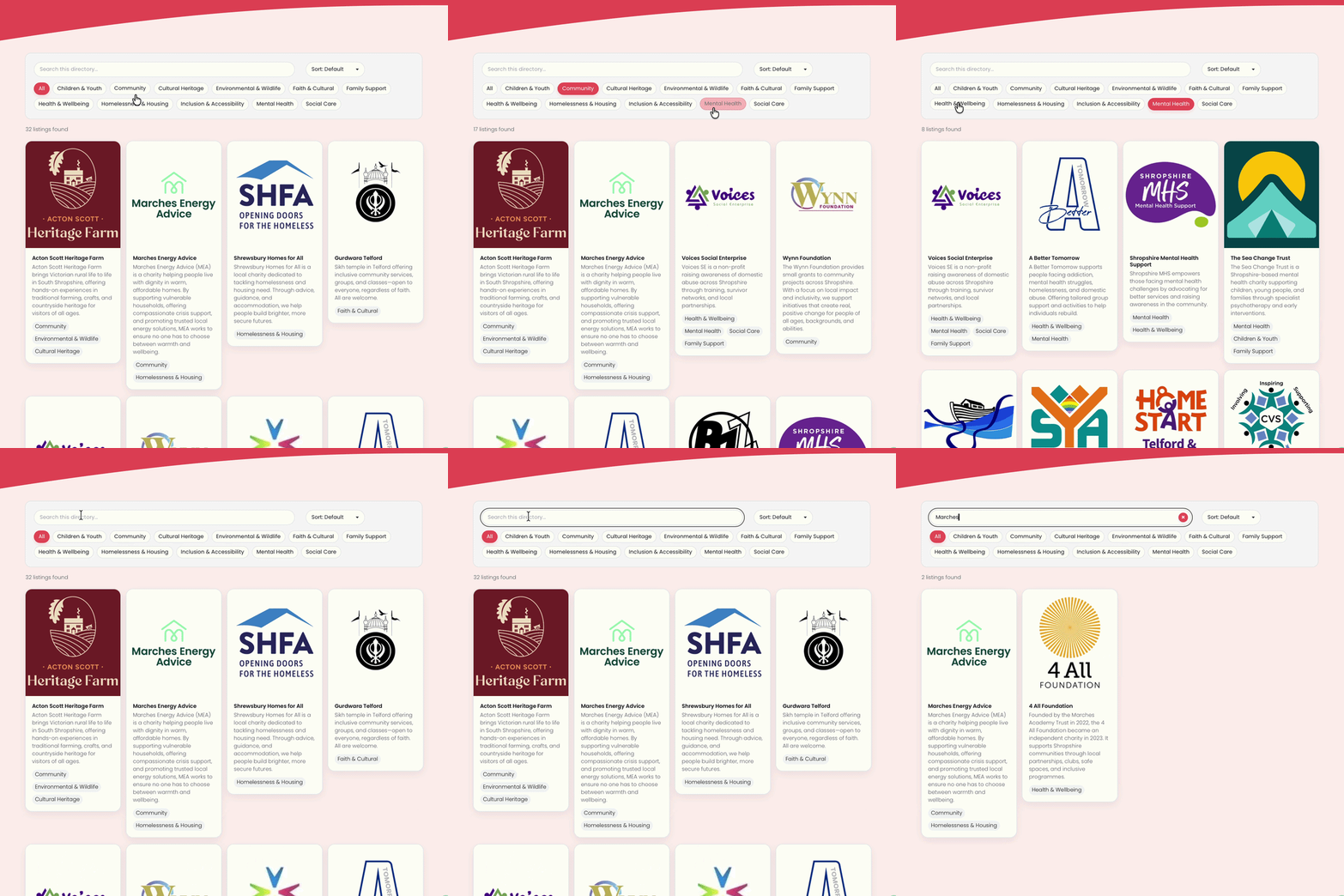
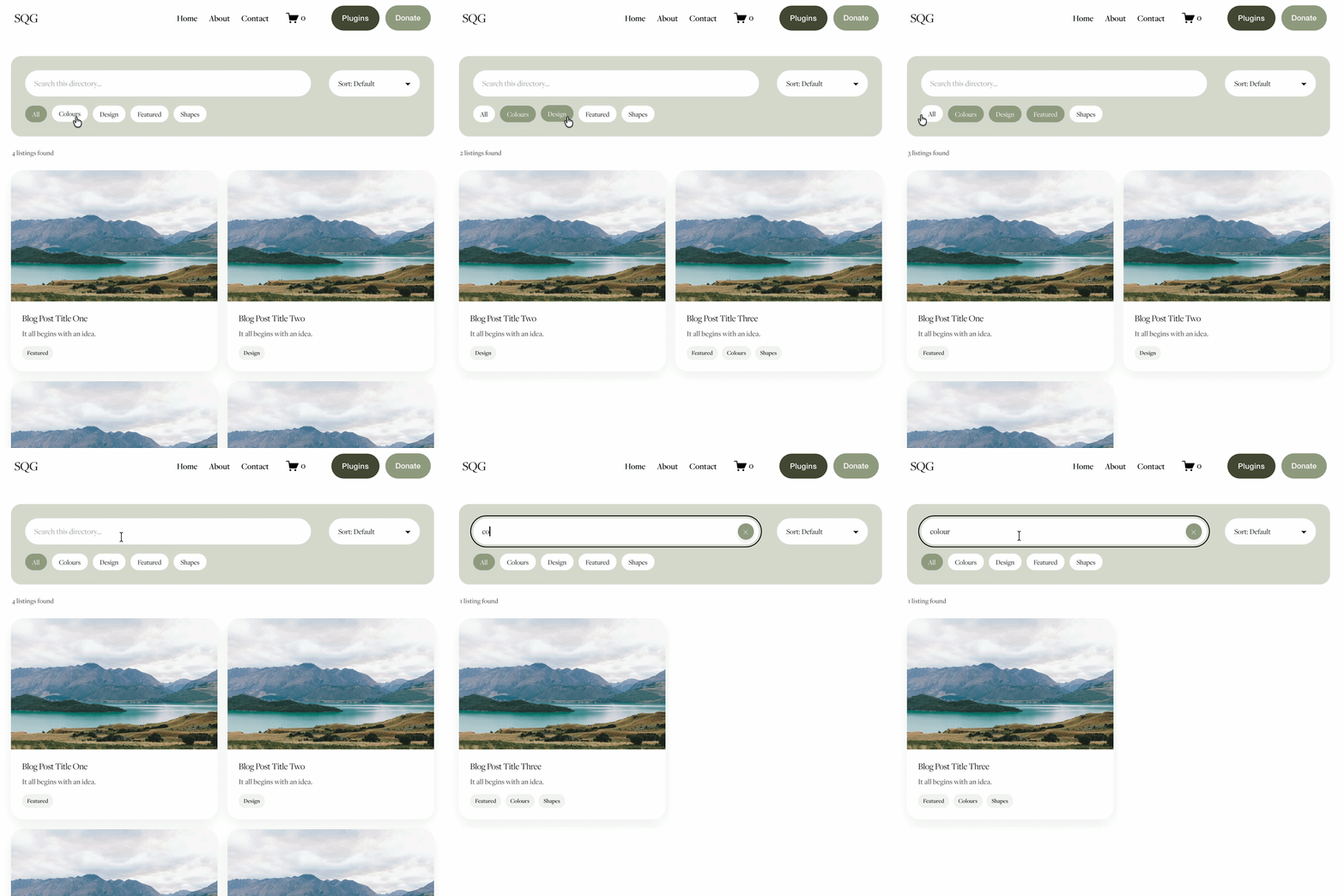
A directory plugin. If you want visitors to actually search and filter rather than click through category by category, a plugin that layers a directory interface on top of your blog page gets you there without a custom build. The Squarespace Directory Plugin works exactly this way — it uses your existing blog page and turns it into a searchable, filterable listing, so resources, partner organisations, or support services can be browsed properly rather than scrolled through.
Why This Fits a Nonprofit Use Case Especially Well
A resource directory is really a list of things people need to find quickly, under pressure or with limited time — which describes most nonprofit visitor journeys. Whether it's:
A support services directory (helplines, local services, referral partners)
A partner or funder directory (organisations you work with or that fund you)
A volunteer opportunities listing (roles, locations, time commitment)
A downloadable resource library (guides, toolkits, templates for your community)
...each of these benefits from the same thing: visitors searching or filtering by category rather than scrolling a long feed.
Setting It Up
Because the plugin builds on your existing blog page, setup is copy-and-paste rather than a rebuild:
Set up (or use) a blog page as your resources listing.
Add each resource as a blog post, with a category assigned per resource type.
Add the plugin code via the instructions provided with your purchase.
The filter/search interface appears automatically, pulling from your existing categories.
One thing worth flagging honestly: the plugin filters using Squarespace's native categories, not tags — so plan your category structure (e.g. "Housing," "Financial Support," "Volunteering") before you start adding resources, since that's what visitors will filter by.
Who This Is For
Charities with a support-services page that's become an unfiltered wall of text
Nonprofits maintaining a partner or funder directory
Community organisations running a volunteer listings page
Any purpose-led site with a resource library visitors need to search rather than read top to bottom
FAQs: Nonprofit Resource Directory on Squarespace
-
Squarespace doesn't have a built-in resource directory feature. You can build one manually using blog posts with categories and tags, or use a dedicated directory plugin that turns your existing blog page into a searchable, filterable listing without a custom rebuild.
-
Yes, using Squarespace's native blog categories, you can group resources into as many categories as you need, and a directory plugin will let visitors filter by those categories directly.
-
You'll want a separate blog page dedicated to the directory, since the plugin builds on the blog page's own structure. Your news blog can stay exactly as it is.
-
The plugin is built specifically for Squarespace 7.1 and designed to work responsively, so it should behave consistently on mobile alongside your existing blog page styling.
-
No, it uses Squarespace's native categories rather than tags, so your directory structure needs to be planned around categories from the start.
-
Item description
Looking for more ways to make your Squarespace website work harder for your cause? Browse the full range of plugins here.
For more cool Squarespace tips check out my blog, or sign up to my newsletter.



Turn Squarespace List Sections into searchable content libraries
Create a more organised, searchable experience on your Squarespace website with the Content Library Filter Plugin.
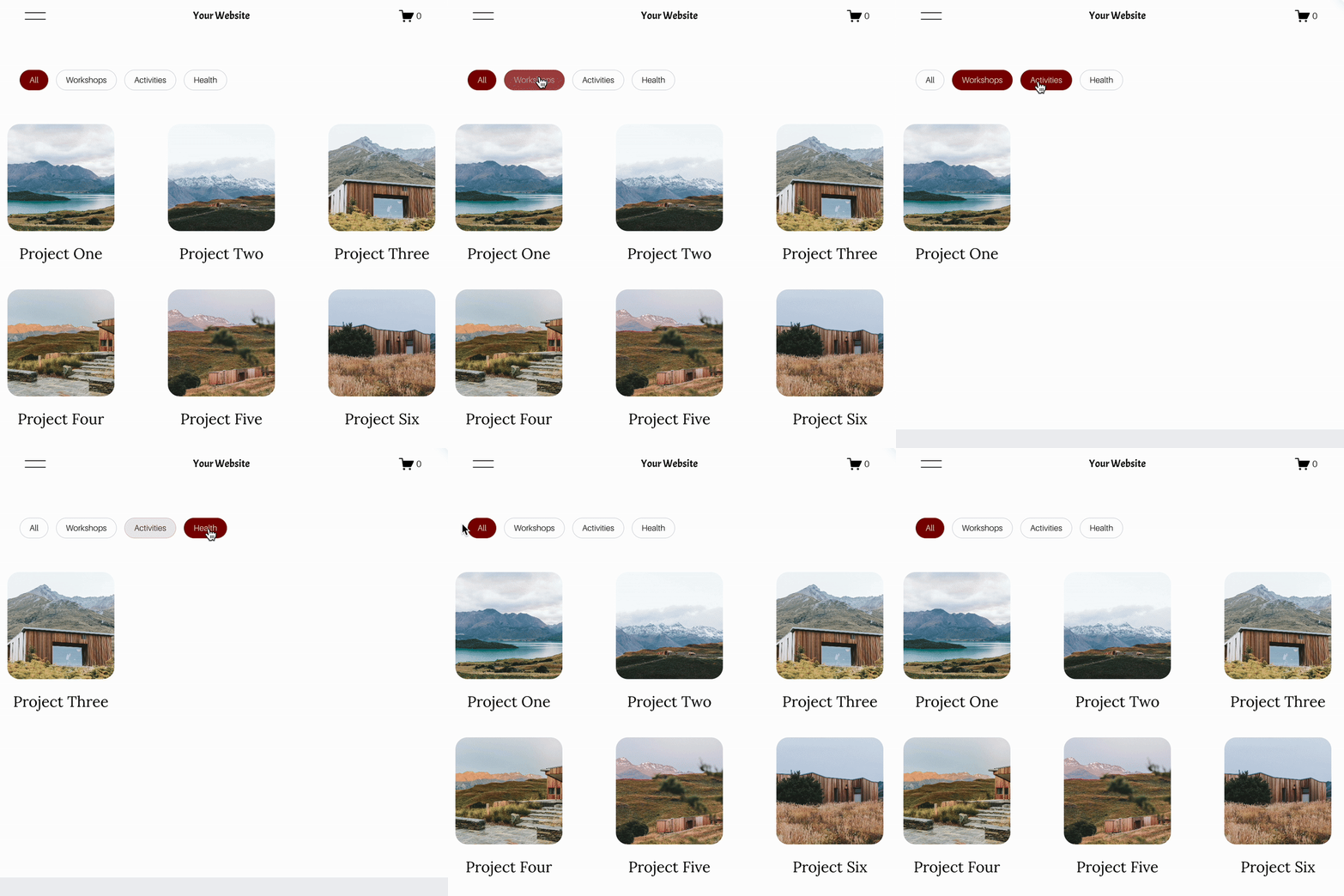
Designed specifically for Squarespace 7.1 List Sections, this plugin adds clickable category filters, instant keyword search, alphabetical sorting and Show More functionality to your existing content.
Whether you're creating a resource library, collection of downloadable guides, video hub, team directory or useful links page, visitors can quickly find what they're looking for without endless scrolling.
The best part? You continue managing your content directly in Squarespace. Simply add and edit your List Section cards as normal, assign categories using a small label in the description, and let the plugin handle the filtering.
Searchable. Filterable. Fully customisable. No separate CMS required.
View Demo ➜
Important:
This plugin only works with the built in list section page on Squarespace (It does not work with summary blocks or any other page type)
This plugin is only compatible with Squarespace 7.1 sites.
One-off cost for a full license to use on multiple Squarespace 7.1 websites