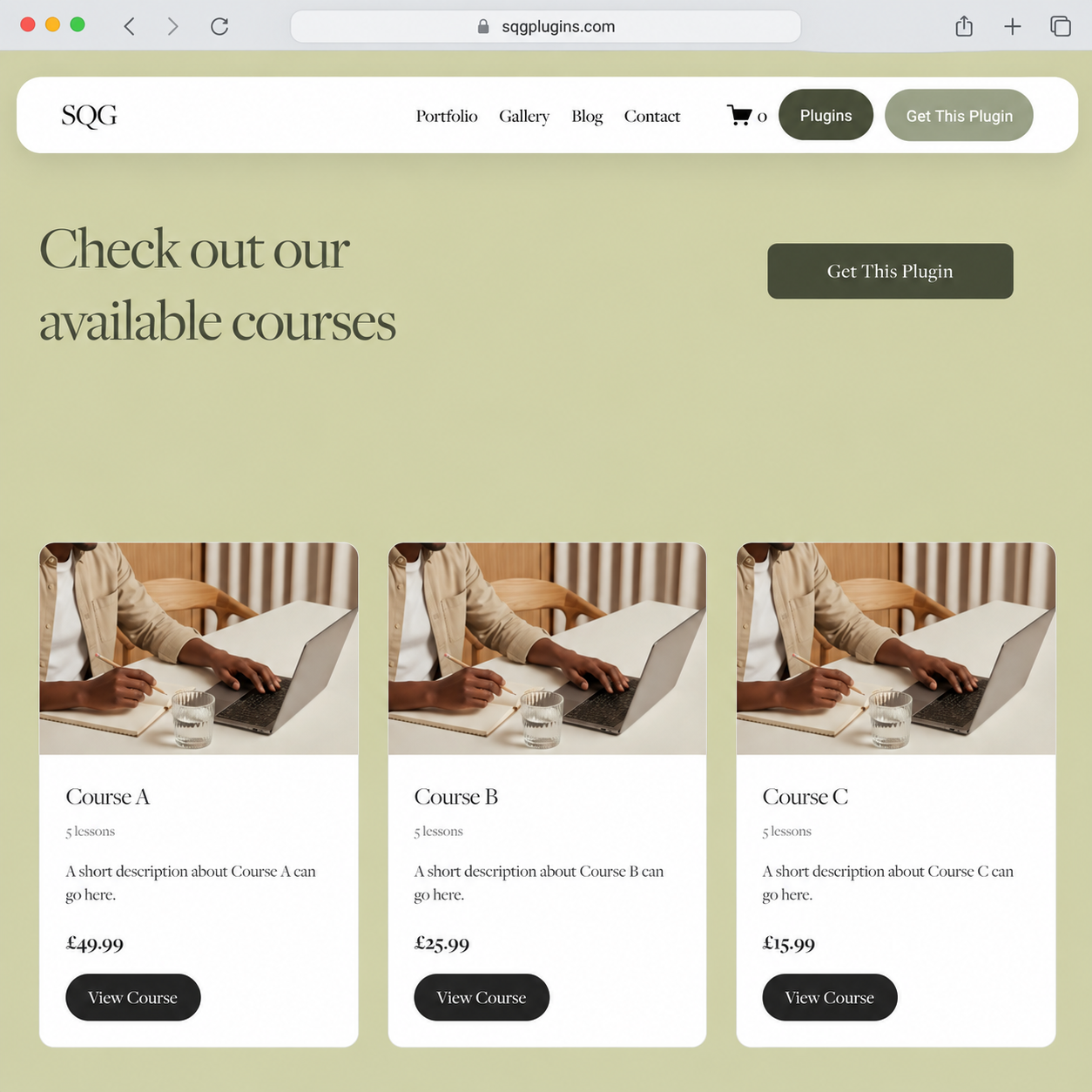
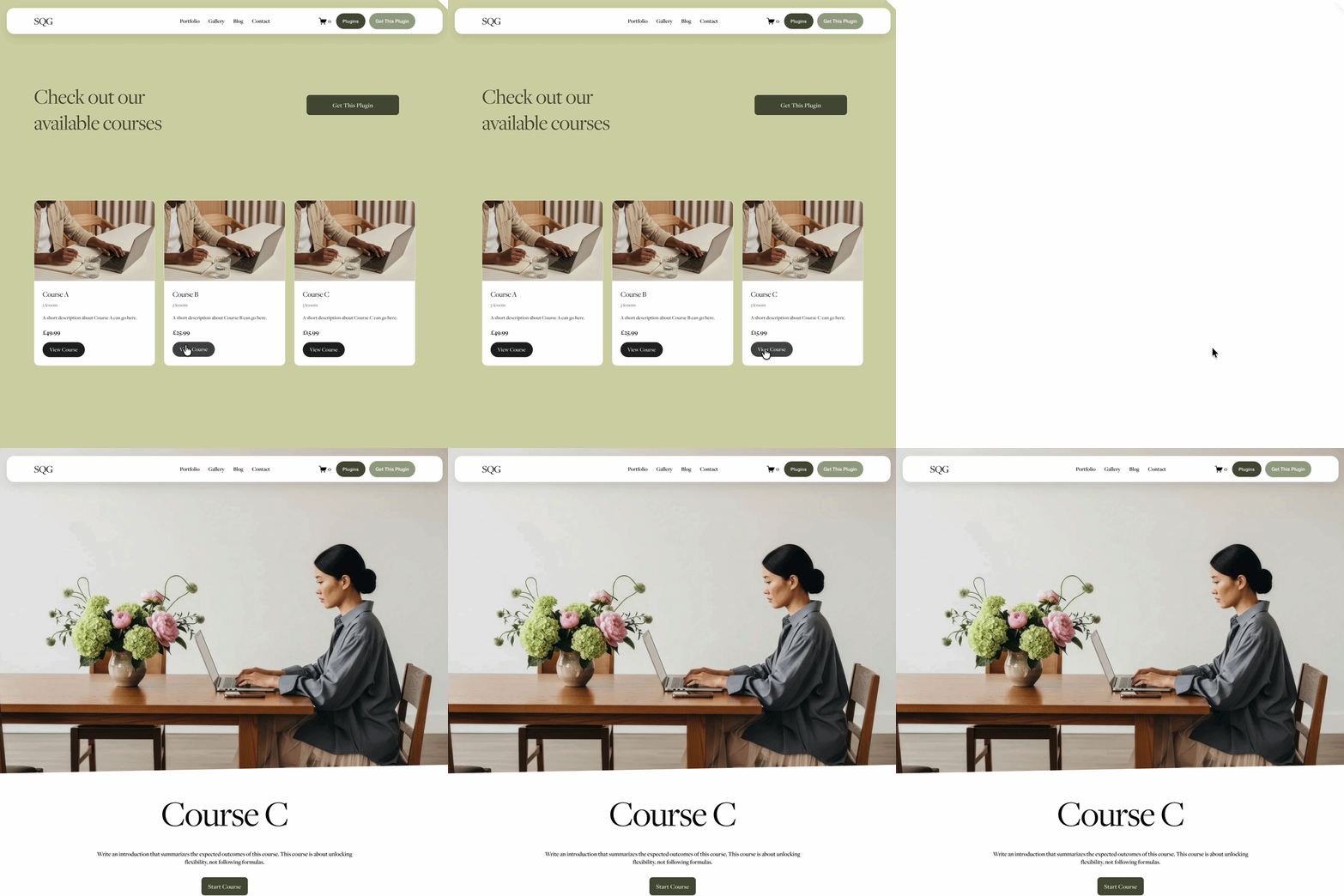
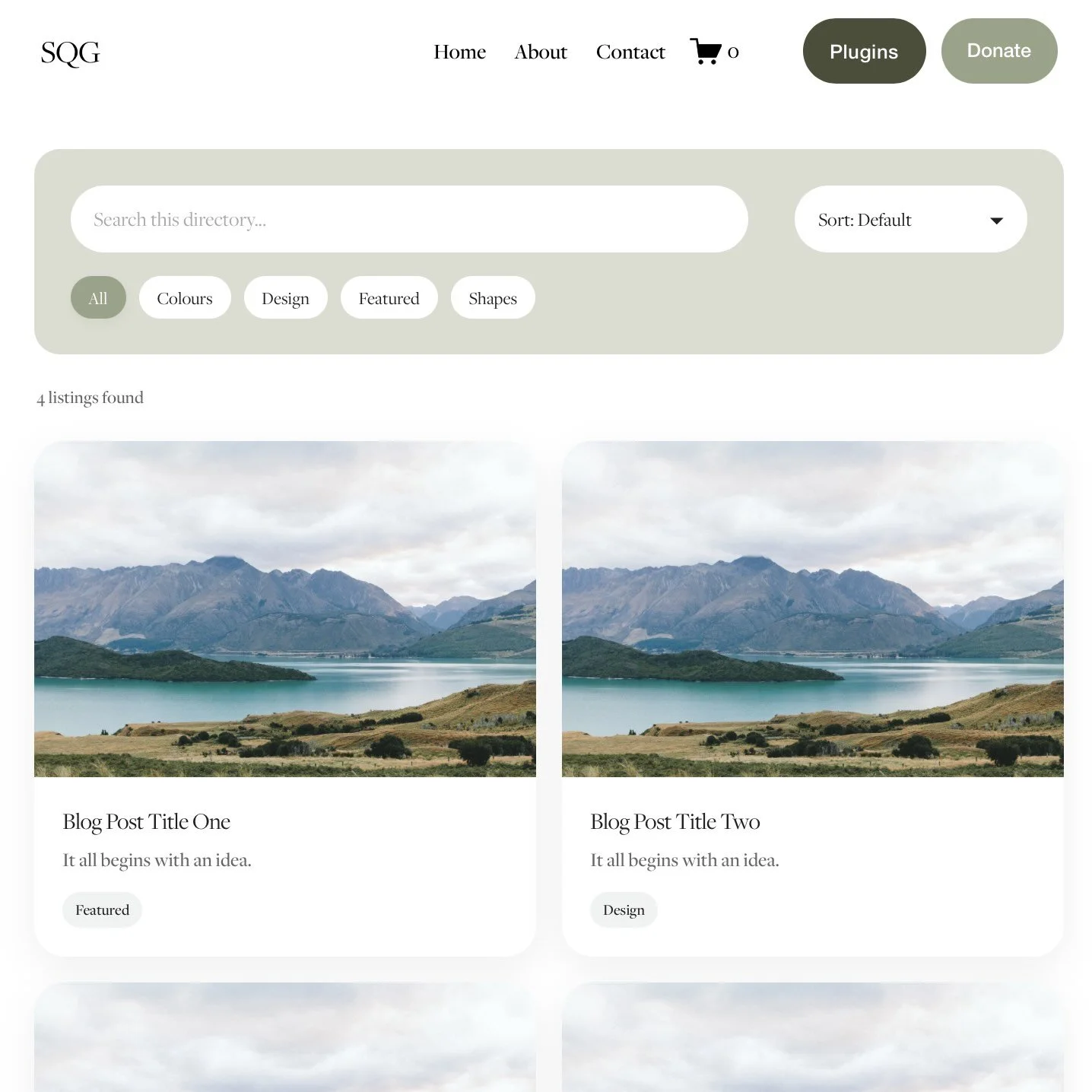
 Image 1 of 6
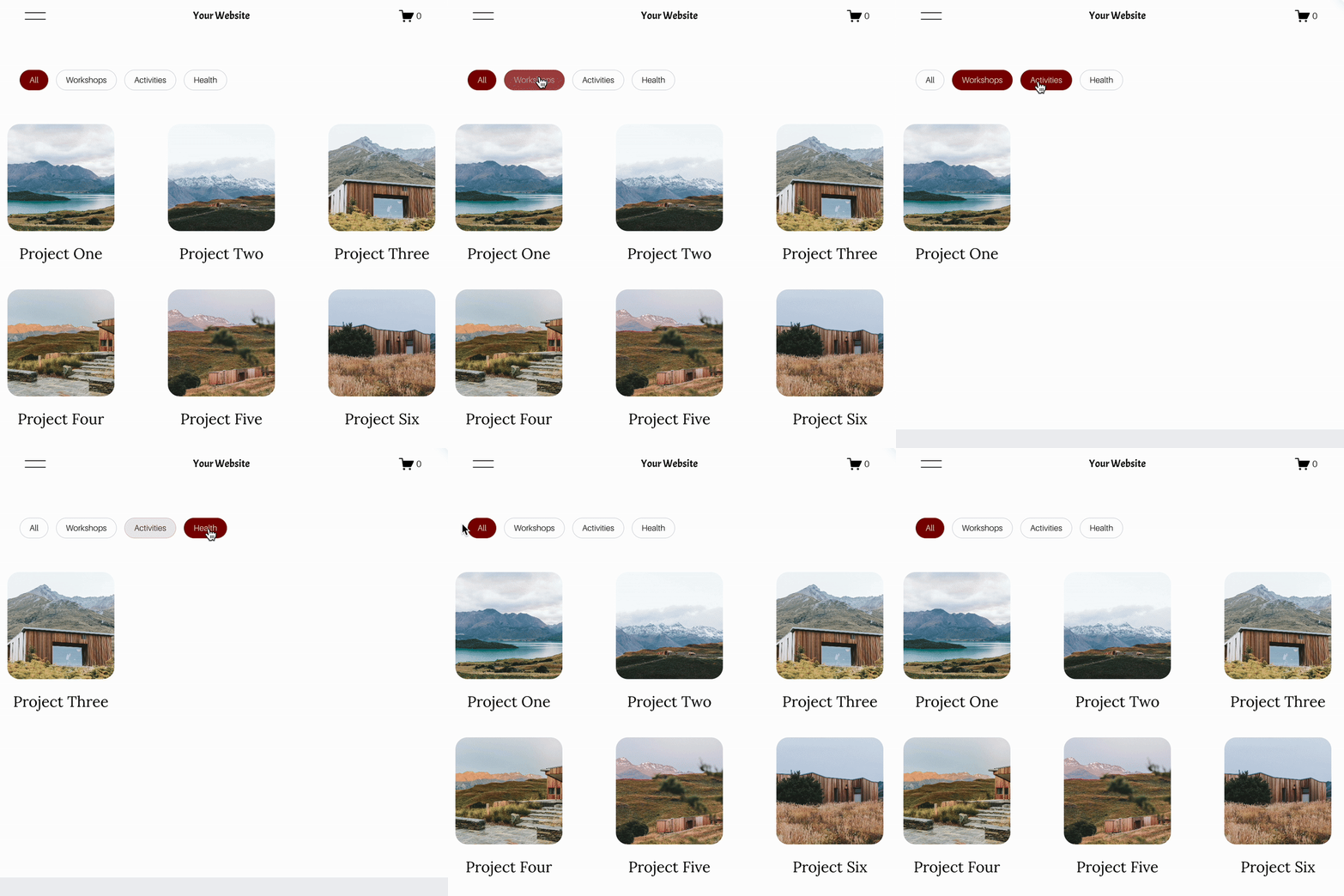 Image 2 of 6
 Image 3 of 6
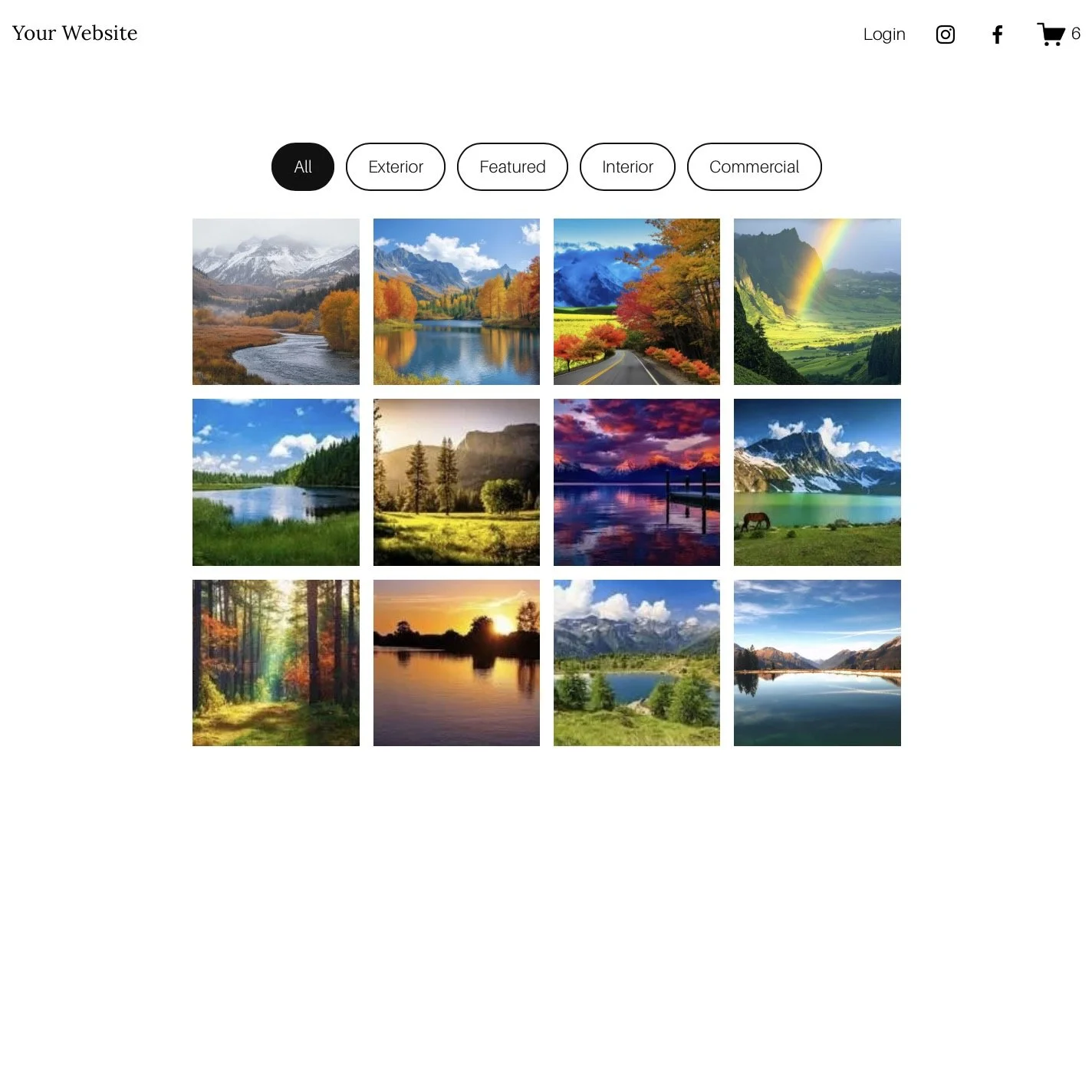 Image 4 of 6
 Image 5 of 6
 Image 6 of 6
Genius Squarespace Filter Plugin
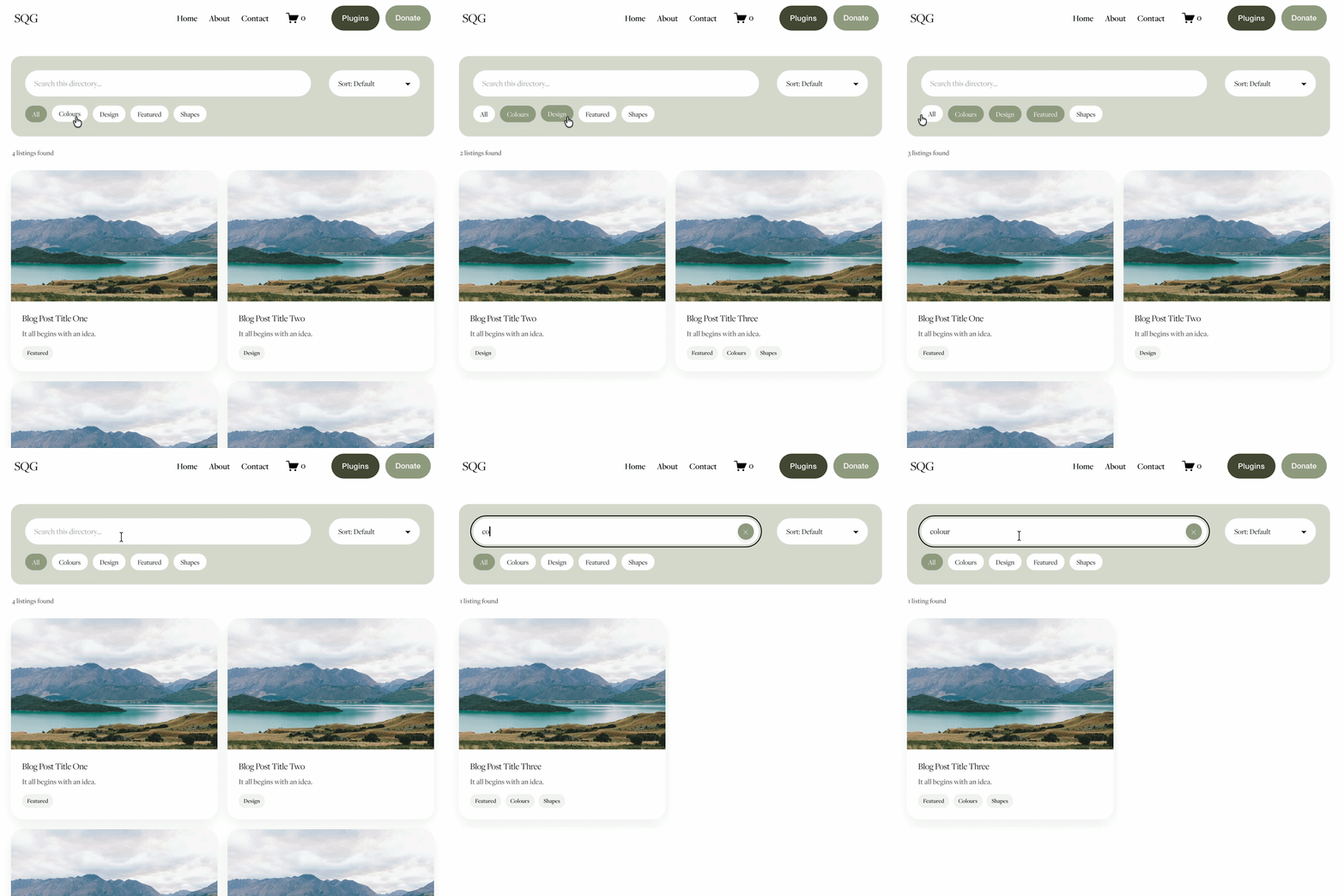

Four ways to filter your content
Add category filters to Squarespace portfolios, blogs, galleries and events
Genius Filter makes it easier for visitors to explore your Squarespace website. Instead of scrolling through everything, they can select relevant categories and quickly narrow the content displayed. Choose the version designed for your Squarespace section or collection.
Squarespace Portfolio Filter
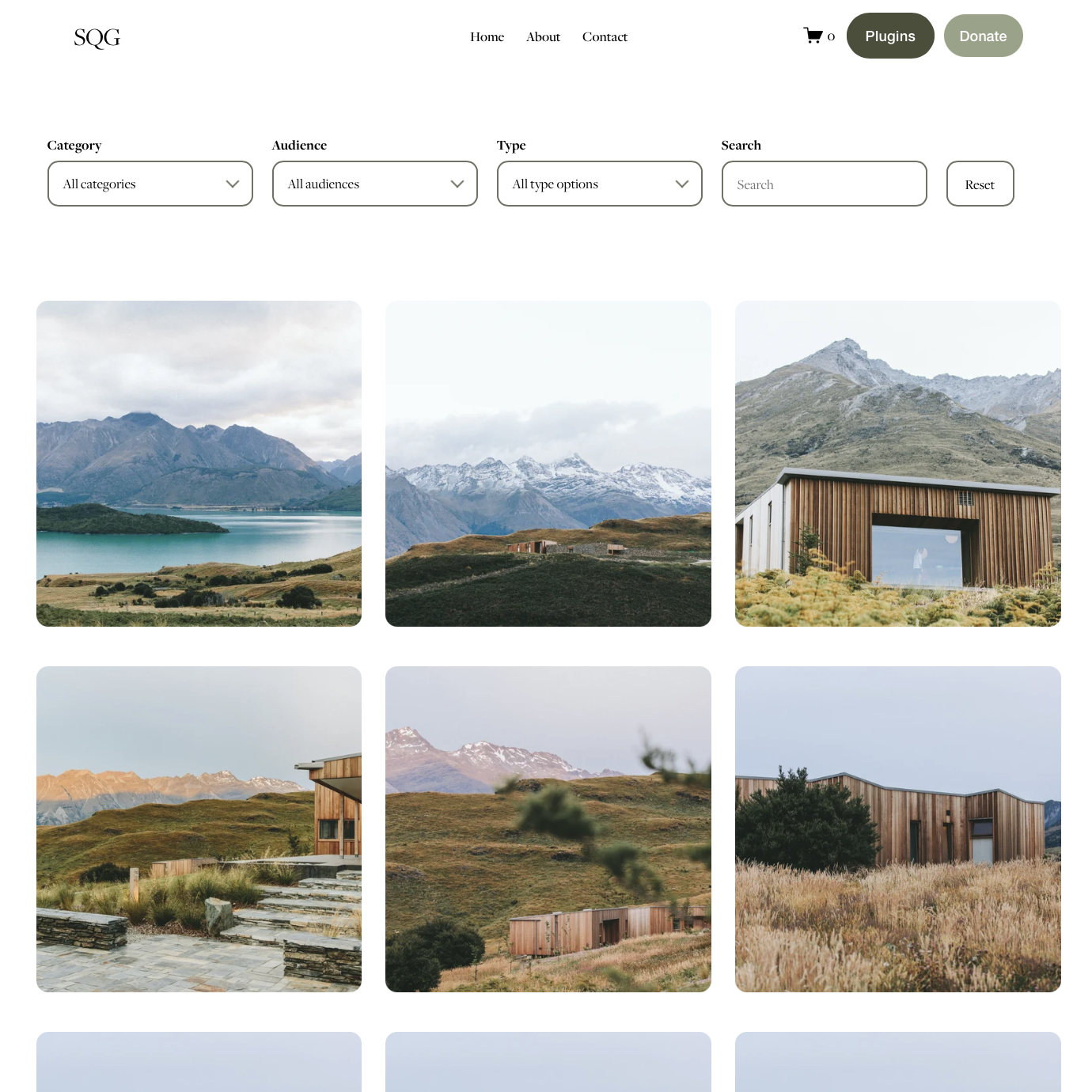
Organise projects, case studies and creative work by category, industry or service. Genius Filter also includes an advanced dropdown option for supported portfolio layouts.
Learn about portfolio filtering →Squarespace Blog Filter
Help readers explore articles, news and advice by category. Ideal for growing blog archives where visitors want to find relevant topics faster.
Squarespace Gallery Filter
Add category filtering to supported Squarespace gallery layouts, including grid, masonry and strips. A useful option for showcasing visual projects and collections of images.
Squarespace Events Filter
Help visitors browse events by category, making it easier to explore activities, workshops and upcoming programmes.
Customer examples using the Genius Filter Plugin:
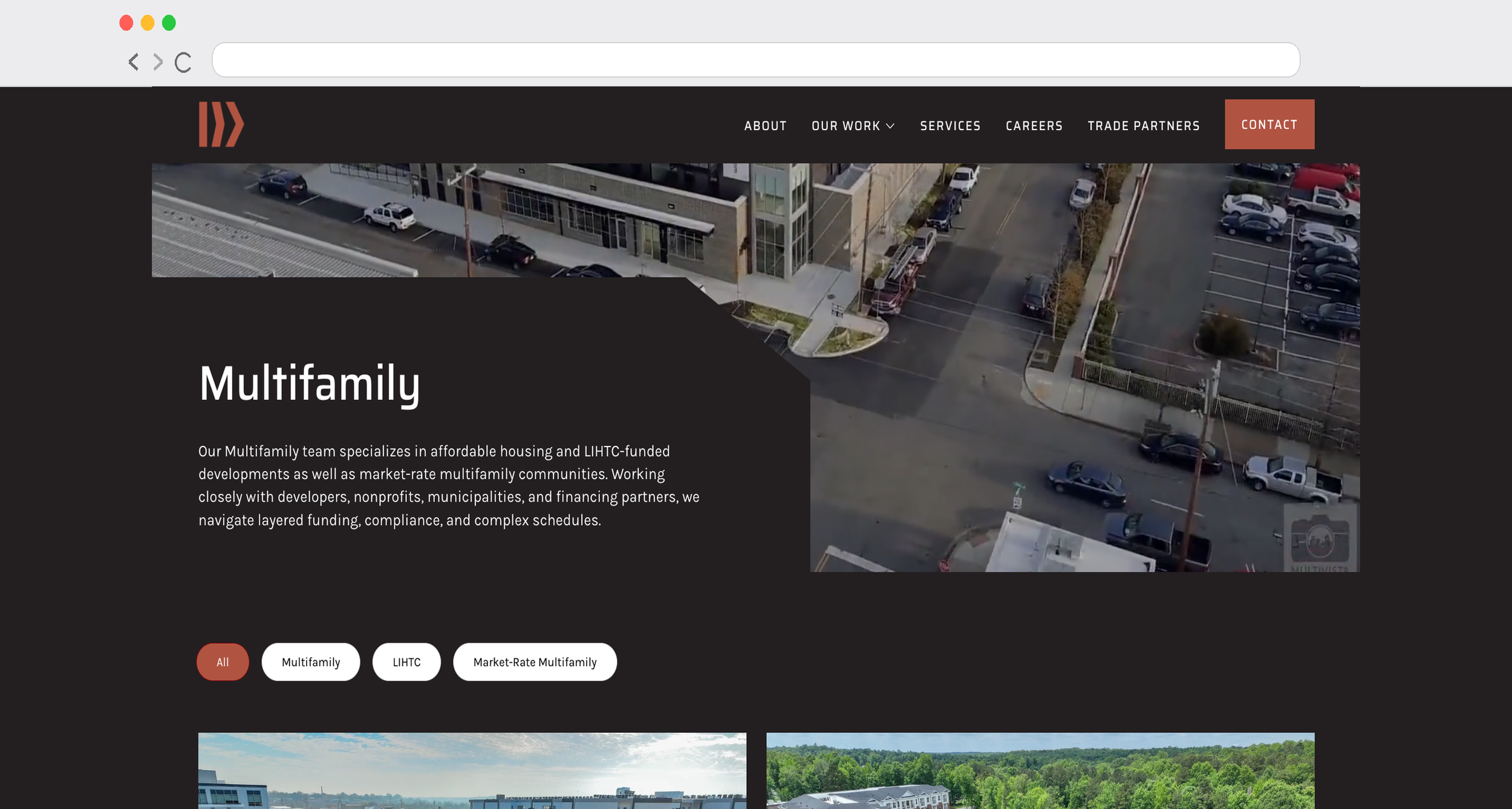
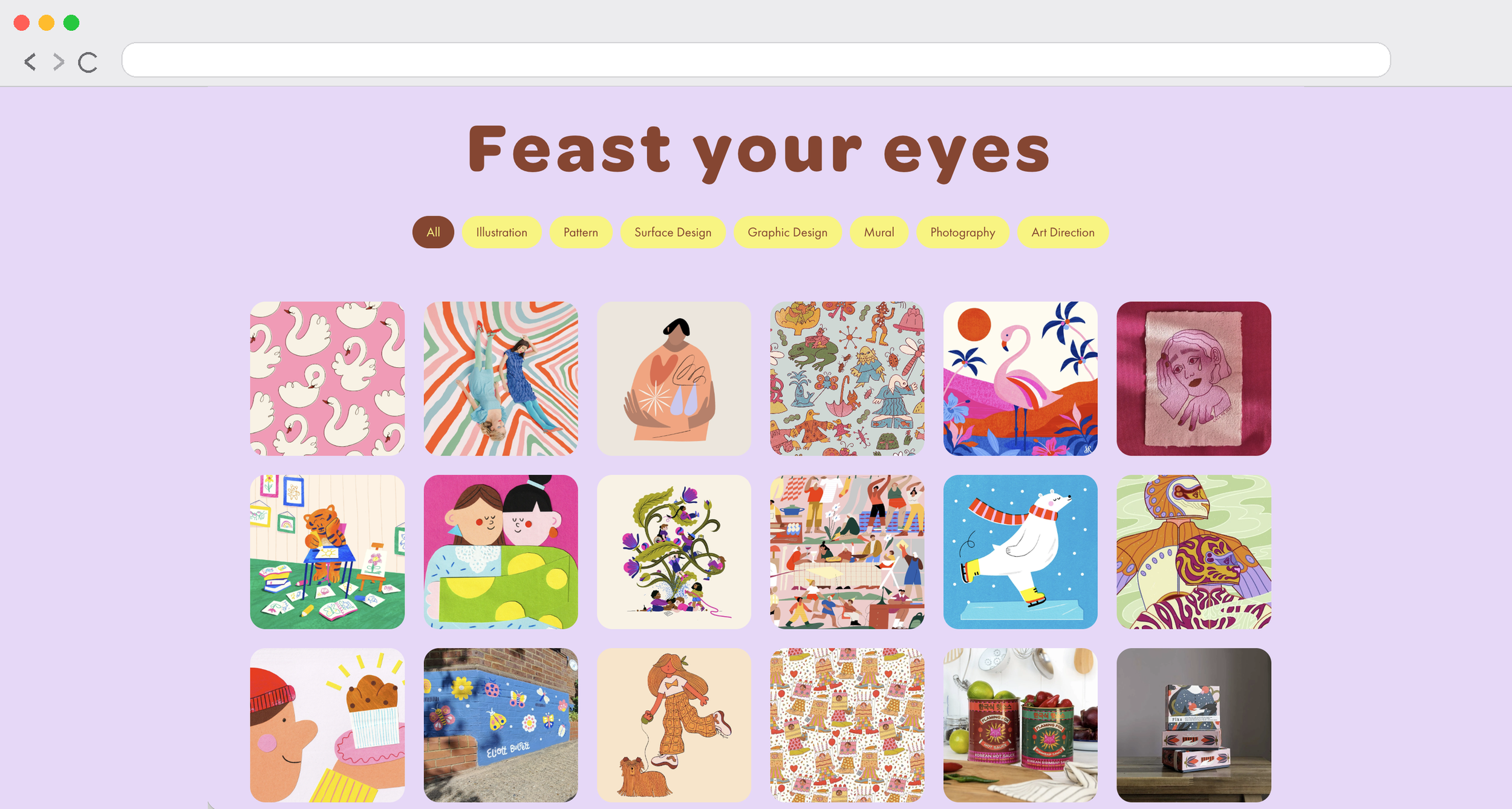



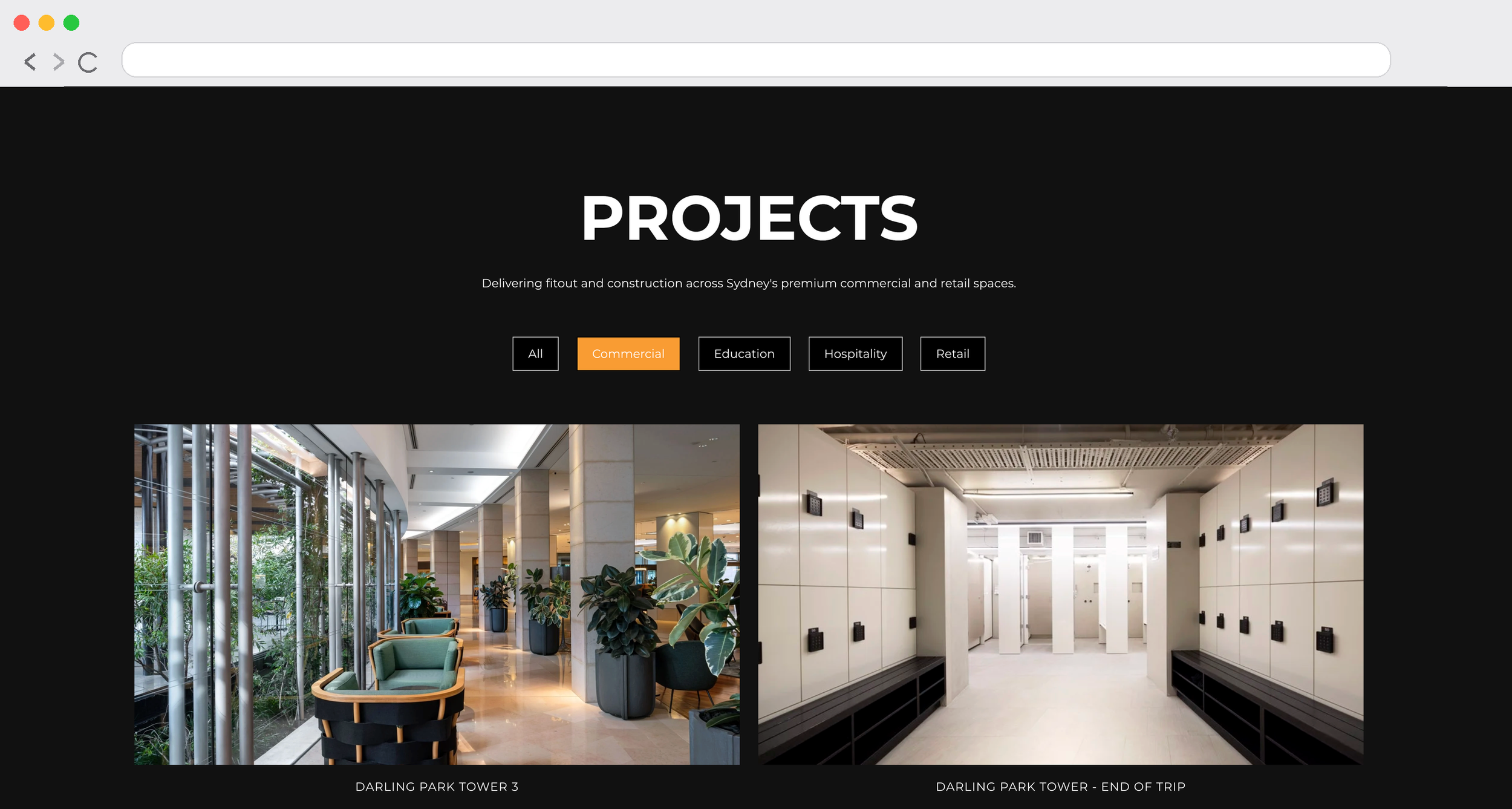
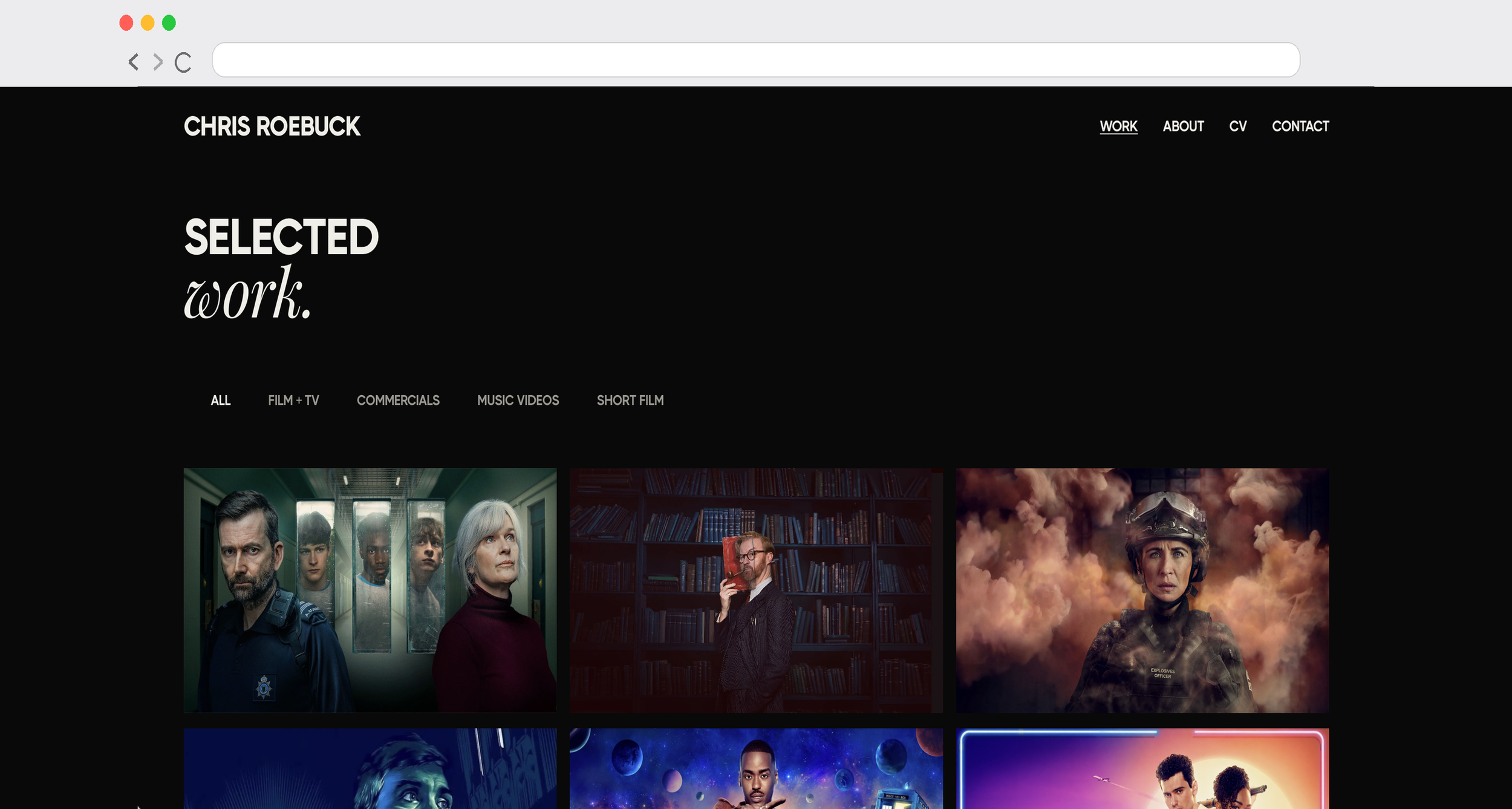
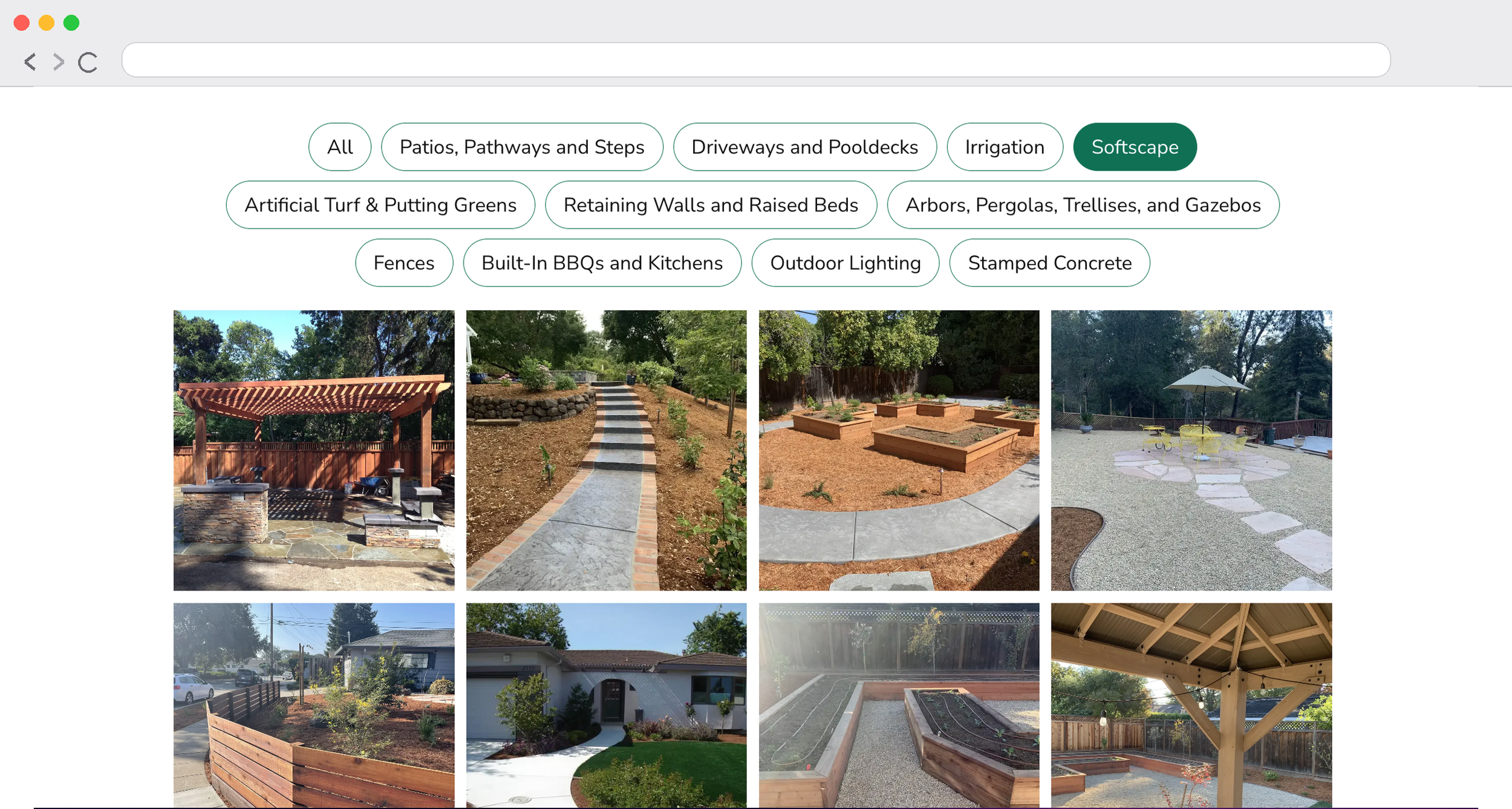
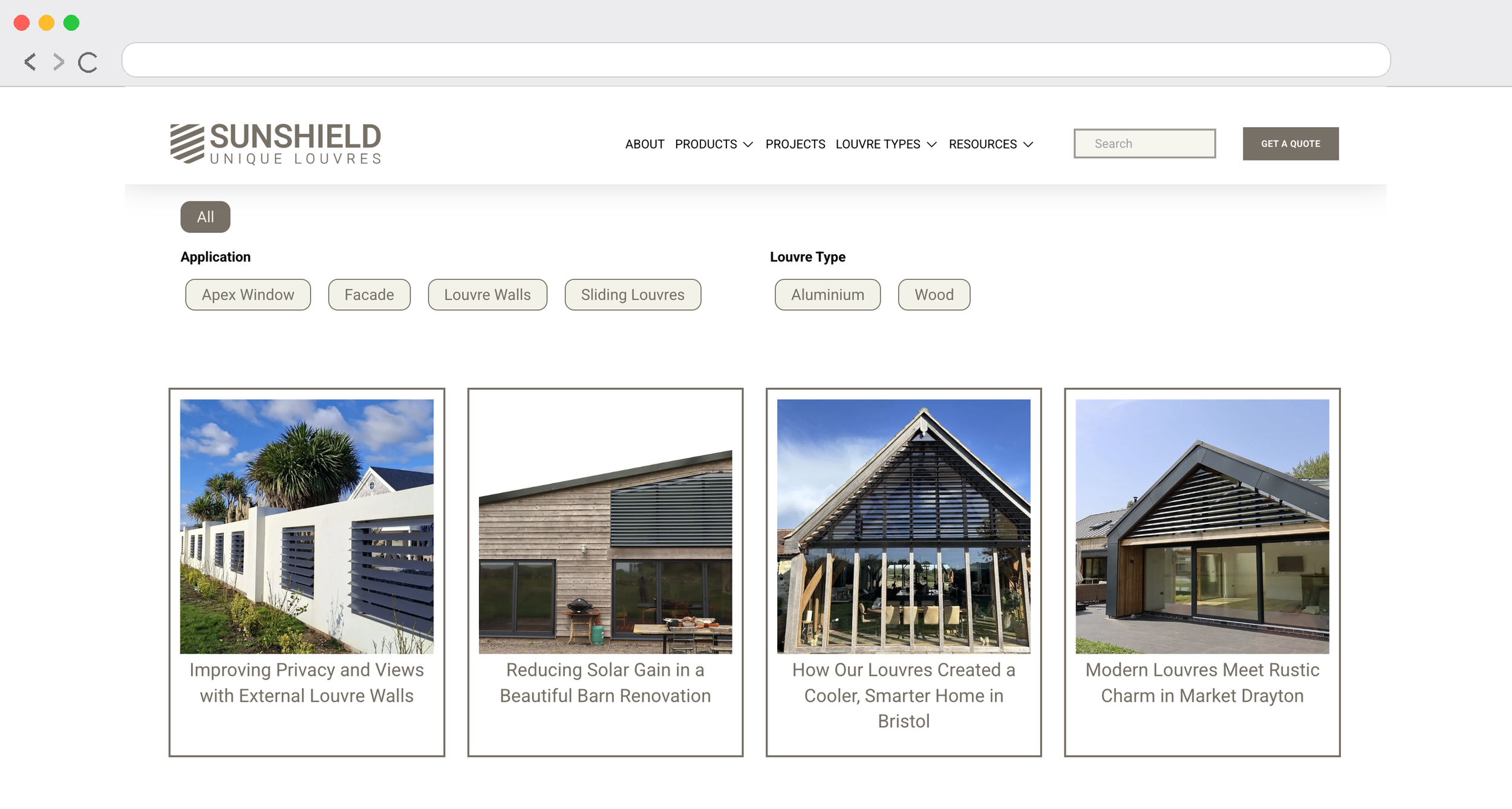
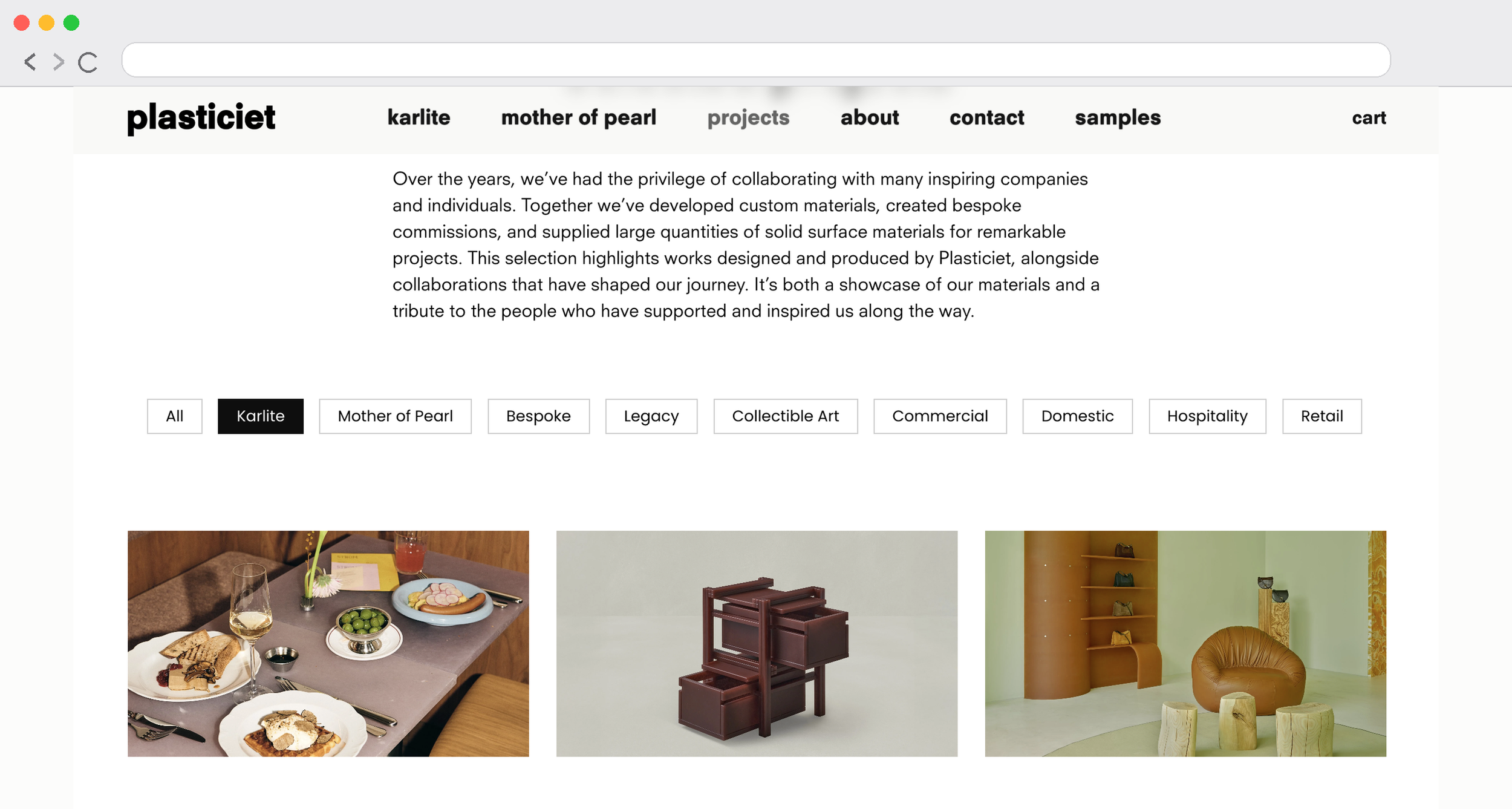

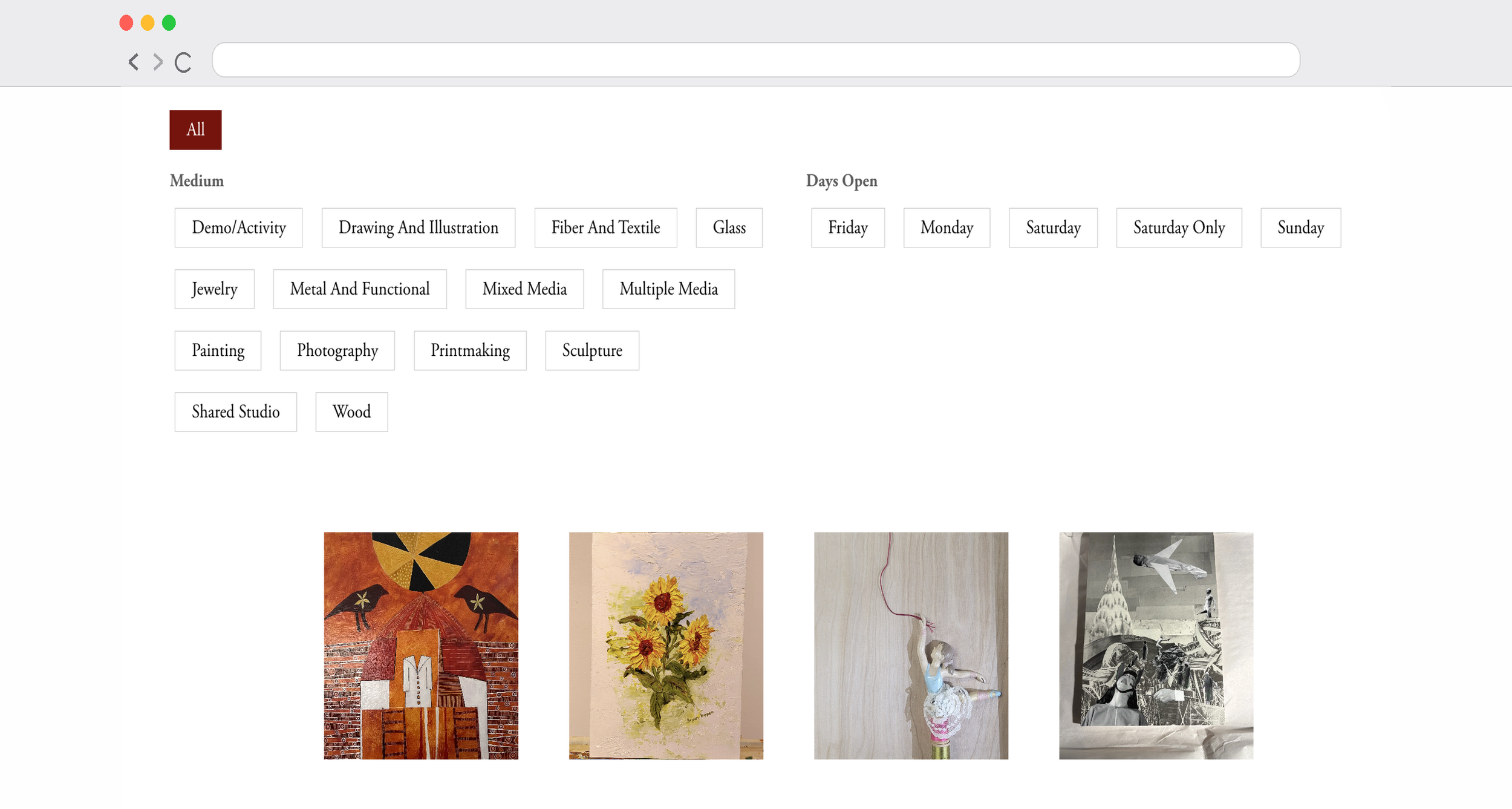
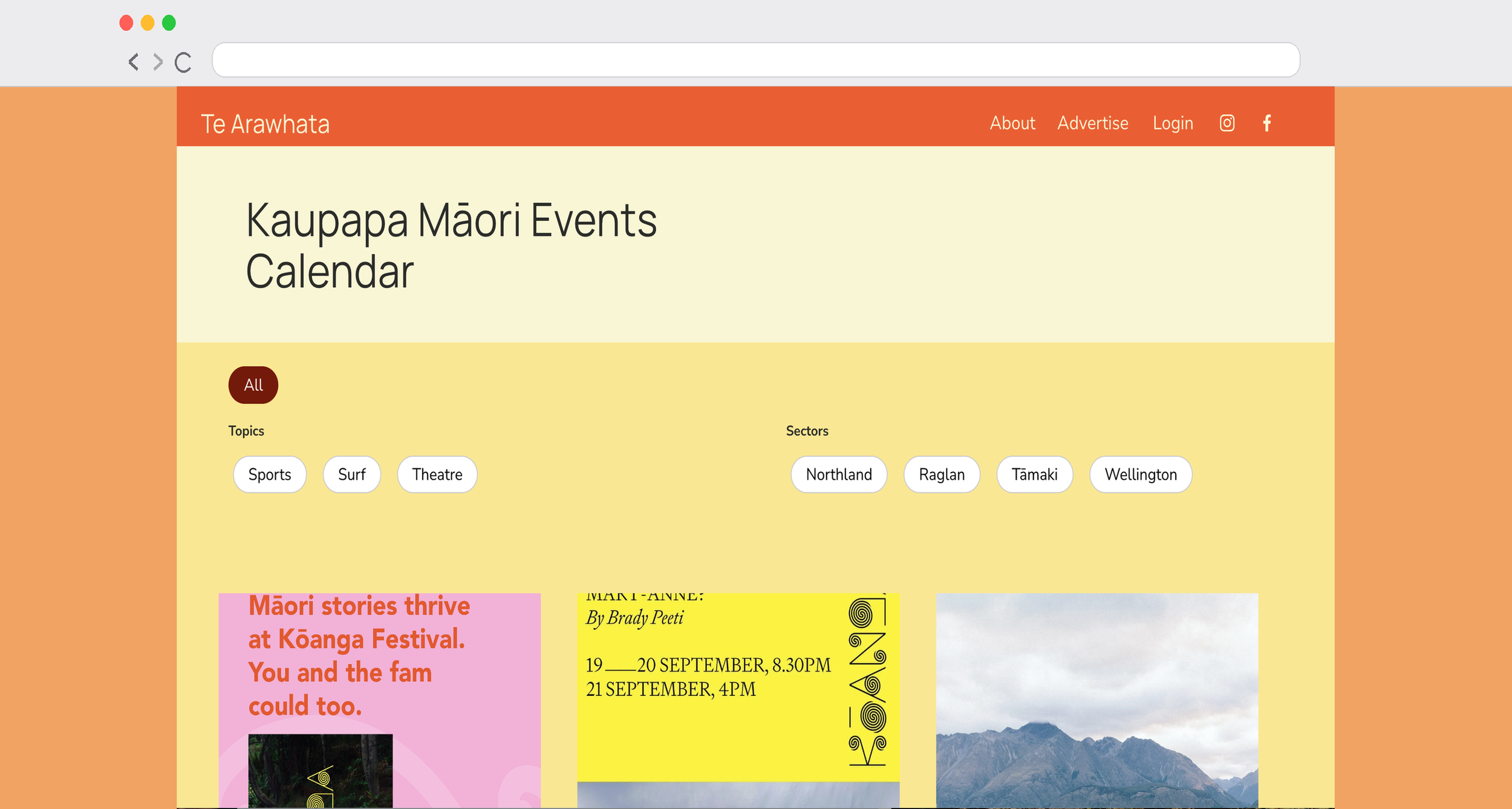
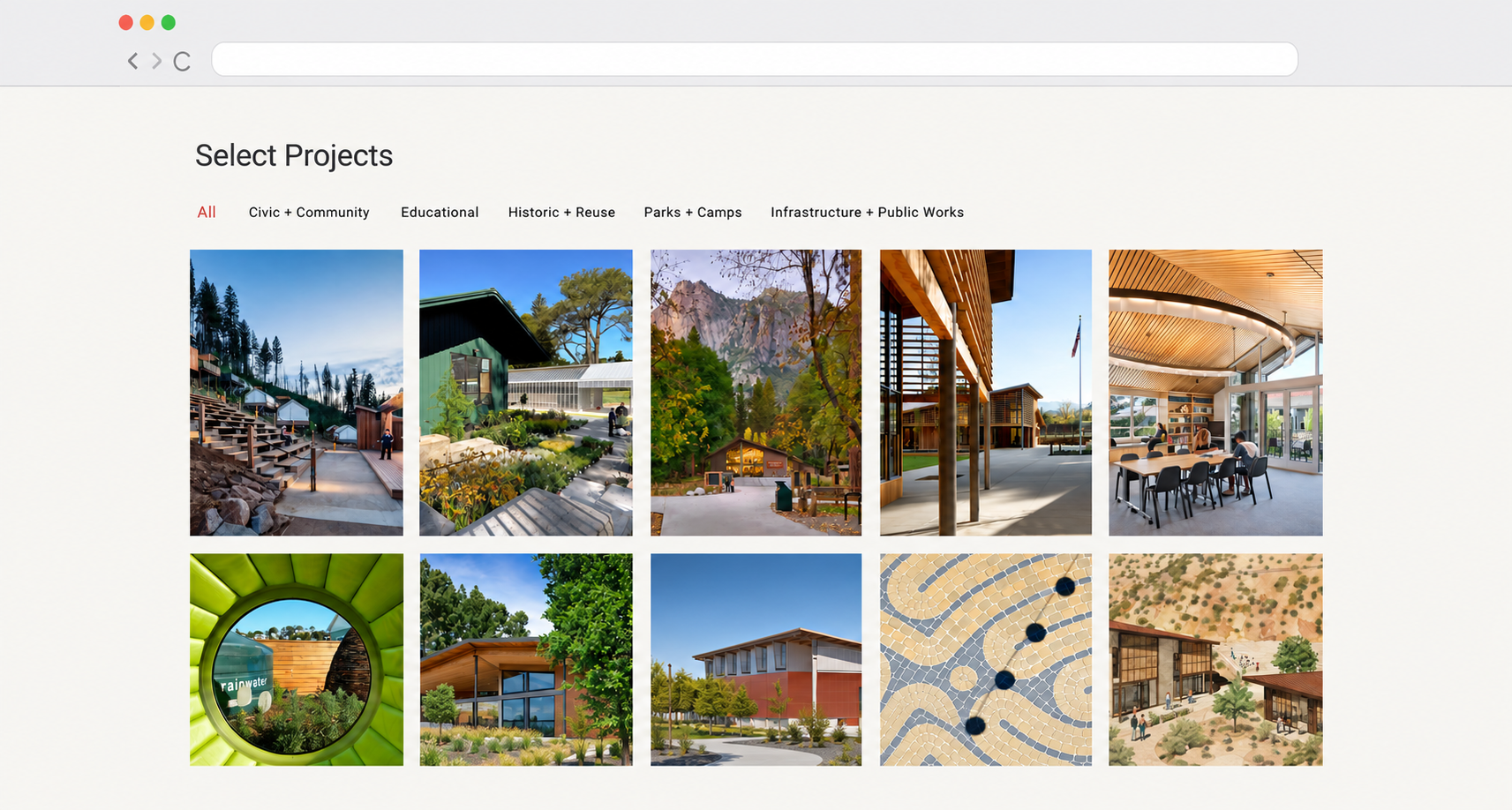


Powerful filtering made approachable
Why choose the Genius Squarespace Filter Plugin?
Genius Filter is designed for website owners and designers who want category filtering without the complexity of building a custom filtering system. Keep your existing Squarespace content and give visitors a more intuitive browsing experience.
Simple to install and customise
You don't need to write your own JavaScript or build a new content system. Genius Filter comes with copy-and-paste instructions and customisable settings.
- Beginner-friendly installation guidance
- Customisable filter button styling
- Multiple categories and filter labels
- Advanced dropdown portfolio option
- Video tutorials to guide setup
A better way to explore your content
A large portfolio, blog archive, gallery or events collection can become difficult to browse. Give visitors a quicker way to narrow down content relevant to them.
- Make growing collections easier to navigate
- Help visitors discover relevant content
- Keep the experience on your existing website
- Maintain a consistent visual style
- Suitable for creatives, businesses and charities
Watch a live demo of how the Genius Squarespace Filter Plugin Works…
Which Squarespace filtering plugin is right for your website?
The right plugin depends on how your content is built in Squarespace. Portfolios, blog collections and native List Sections use different layouts, so choose the tool designed for your content type.
FAQs About the Genius Squarespace Filter Plugin
-
Genius Filter is a Squarespace 7.1 plugin that adds interactive category filtering to supported portfolios, blogs, galleries and event collections. Visitors can select categories to narrow down the content displayed, making it easier to find relevant projects, articles, images and events.
-
You can install it on as many portfolio, blog, galleries or event pages as you need across a website. Note: the plugin does not work on product pages
-
This plugin is only compatible with Squarespace 7.1 sites.
-
Yes! Genius Filter supports selected Squarespace 7.1 gallery layouts, including grid, masonry and strips. This allows visitors to filter gallery images by category, making larger visual collections easier to explore.
You can see it in action using the Gallery Filter Demo above.
-
Yes. Genius Filter is designed to add clickable category filters to supported Squarespace 7.1 portfolio layouts. It also includes an advanced dropdown filtering option, giving you flexibility over how visitors explore your projects and case studies.
-
No. Genius Filter is designed for supported portfolio, blog, gallery and event layouts.
If you're using native Squarespace 7.1 Simple List Sections, the Content Library Filter Plugin is designed specifically for those cards. It adds category filters, live search, alphabetical sorting and Show More functionality.
-
Installation is quick and beginner-friendly. Copy and paste the provided code into your site, then customise the filters to match your categories. Full instructions are included.
You can also follow our step-by-step walk-through in the blog guides for filtering blogs and filtering events.
-
I designed the Genius Squarespace Filter Plugin to be the most user-friendly and straightforward option. Unlike bulky alternatives, it’s lightweight, customisable, and blends beautifully into any Squarespace site design.
-
Universal Filter is a powerful option for advanced filtering across different data types. The Genius Squarespace Filter Plugin is designed for Squarespace users who want a simpler copy and paste setup for portfolios, blogs, gallery blocks and event pages, with friendly instructions and tutorial support.
-
No, Genius Filter is designed for supported Squarespace portfolios, blogs, events and gallery layouts. To add filtering and keyword search to native Squarespace 7.1 Simple List Sections, use the Content Library Filter Plugin.
-
Not at all. The plugin is designed for non-coders. If you can copy and paste, you can set it up. I’ve also included tutorial videos to help you set it up in no time!
-
Genius Filter is designed to be lightweight and avoid unnecessary scripts. However, website performance depends on several factors, including image sizes, third-party integrations and other custom code. As with any JavaScript plugin, the impact can vary between websites.