

How To Create A Squarespace Video Lightbox




Are you looking to create a Squarespace video lightbox? If so, here are 3 options that I thought will work perfectly for creating your Squarespace video lightbox. Option 1: The video Lightbox gallery (On Squarespace), Option 2: Video Lightbox Button and option 3: The video gallery widget. These are all extremely easy to set up and require no coding skills at all! Feel free to leave a comment if you found this article useful.
Jump to:
Option 1: How to create a video lightbox in Squarespace
Option 2: Creating a video lightbox button
Option 3: Create a video gallery widget
Why should you use a Video Lightbox on Your Squarespace Website?
Incorporating a Squarespace Video Lightbox into your website is a powerful way to engage your audience and enhance their experience. A video lightbox, which opens videos in an elegant pop-up overlay, can instantly capture visitors' attention, allowing them to focus solely on your content without distractions. This feature not only adds a modern touch to your site's design but also encourages deeper interaction with your brand by presenting multimedia content in an immersive and visually appealing manner.
Option 1: How to create a Squarespace video lightbox in the Squarespace gallery block
Create a gallery block on your page.
Click the + icon on the bottom left before you upload anything
You will then see a pop that says add video
Add as many videos as you like, choose your own thumbnails for each and video titles.
Once you have uploaded your videos and thumbnails click on ‘design’ on the top right, then make sure the Lightbox selection is ticked.
In the same ‘design’ settings you can also resize your gallery thumbnails and padding to suit your website.
Option 2: Creating a video lightbox button

This Squarespace Video Lightbox Button by SQSP Themes is designed to turn any video link into an engaging pop-up. This plugin supports both Squarespace 7.0 and 7.1, seamlessly integrating with all templates. Whether you're using buttons or galleries, this allows for diverse applications. Customize easily with the CSS generator to match your brand's unique style.
Setting up is very straightforward, and SQSP Themes offer comprehensive support to guide you through the process. Plus, you can easily set the aspect ratio to ensure a perfect fit.
Add a captivating video lightbox button for Squarespace to make your site stand out.
Option 3: Create a video gallery widget
A third option for creating a full video gallery lightbox is to use a gallery widget. Which may be a better option depending on your design type. One of my favourites is the elfsight youtube gallery widget.

A Squarespace Video Lightbox offers numerous benefits that make it a valuable addition to any website. By providing a sleek and engaging way to display videos, it helps keep visitors on your site longer and makes your content more memorable. Whether you're showcasing a product demo, sharing customer testimonials, or delivering a message from your team, a video lightbox ensures that your audience receives your content in the most impactful way. Enhance your site's user experience and boost engagement with this simple yet effective tool.
Did I help you? Consider buying me a coffee as thanks!
I hope you found this squarespace hack useful. Feel free to leave a comment, and sign up for the latest tricks and tips for squarespace website design.
New Plugins Just Arrived!
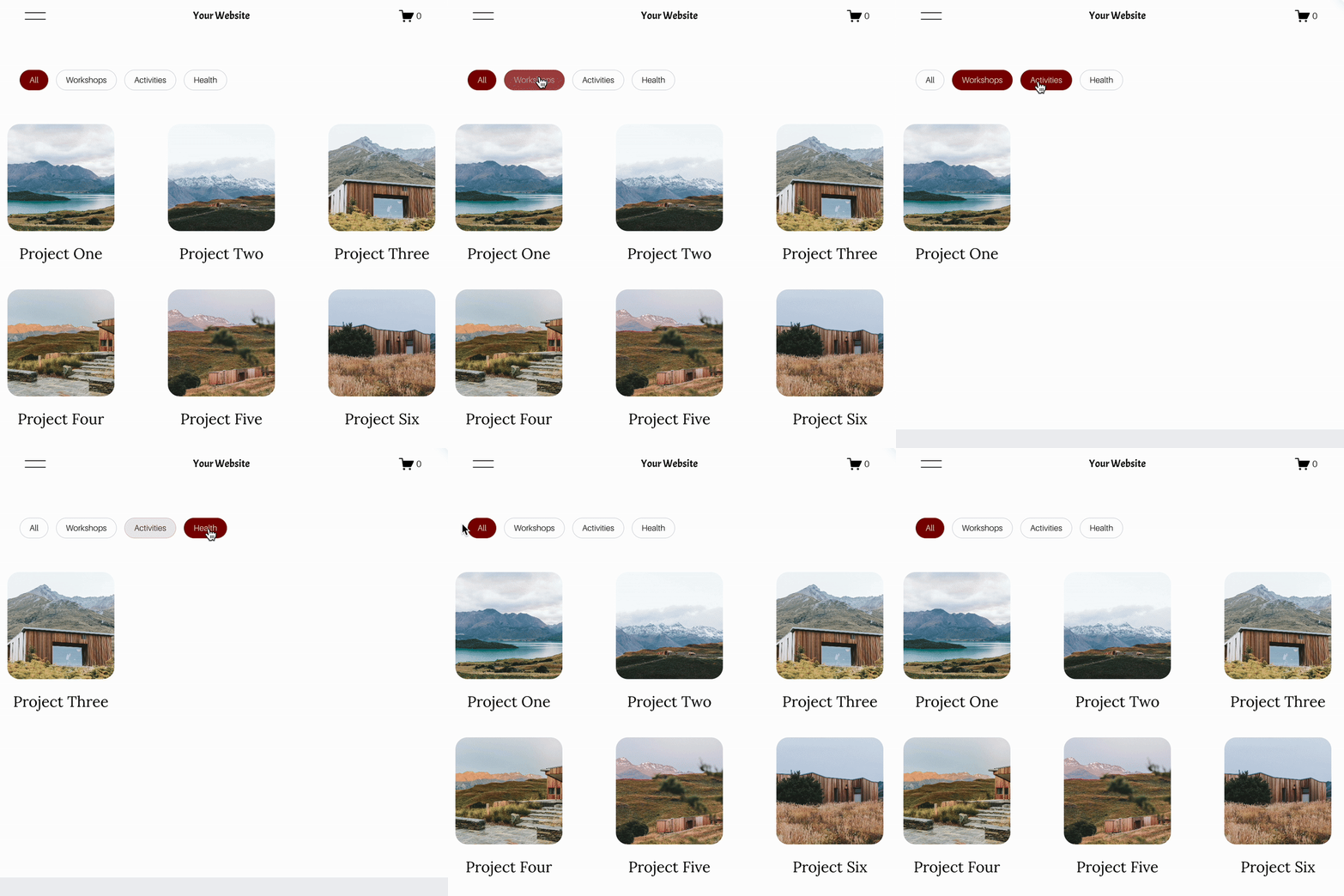
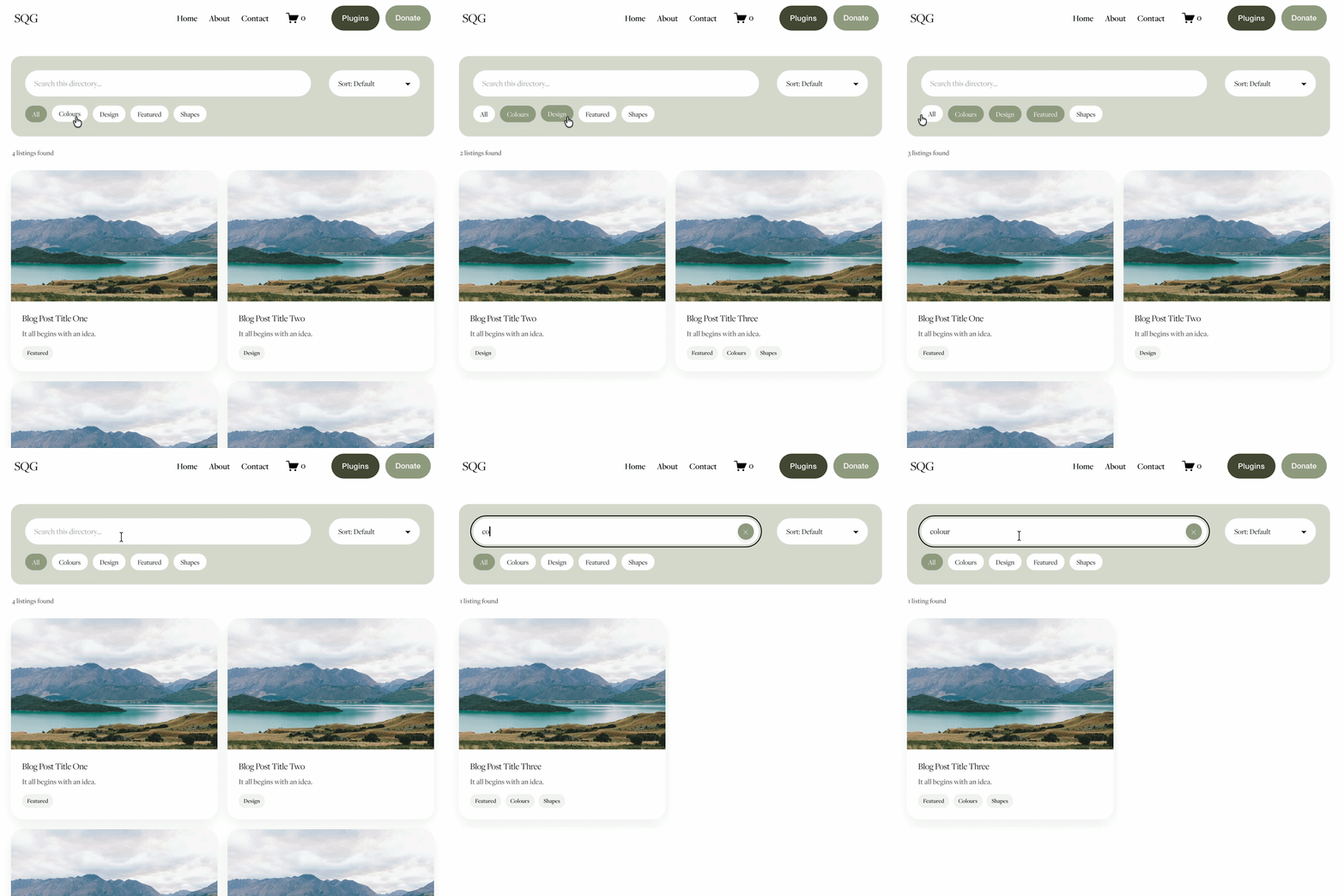

Turn Squarespace List Sections into searchable content libraries
Create a more organised, searchable experience on your Squarespace website with the Content Library Filter Plugin.
Designed specifically for Squarespace 7.1 List Sections, this plugin adds clickable category filters, instant keyword search, alphabetical sorting and Show More functionality to your existing content.
Whether you're creating a resource library, collection of downloadable guides, video hub, team directory or useful links page, visitors can quickly find what they're looking for without endless scrolling.
The best part? You continue managing your content directly in Squarespace. Simply add and edit your List Section cards as normal, assign categories using a small label in the description, and let the plugin handle the filtering.
Searchable. Filterable. Fully customisable. No separate CMS required.
View Demo ➜
Important:
This plugin only works with the built in list section page on Squarespace (It does not work with summary blocks or any other page type)
This plugin is only compatible with Squarespace 7.1 sites.
One-off cost for a full license to use on multiple Squarespace 7.1 websites