 Image 1 of 4
 Image 2 of 4
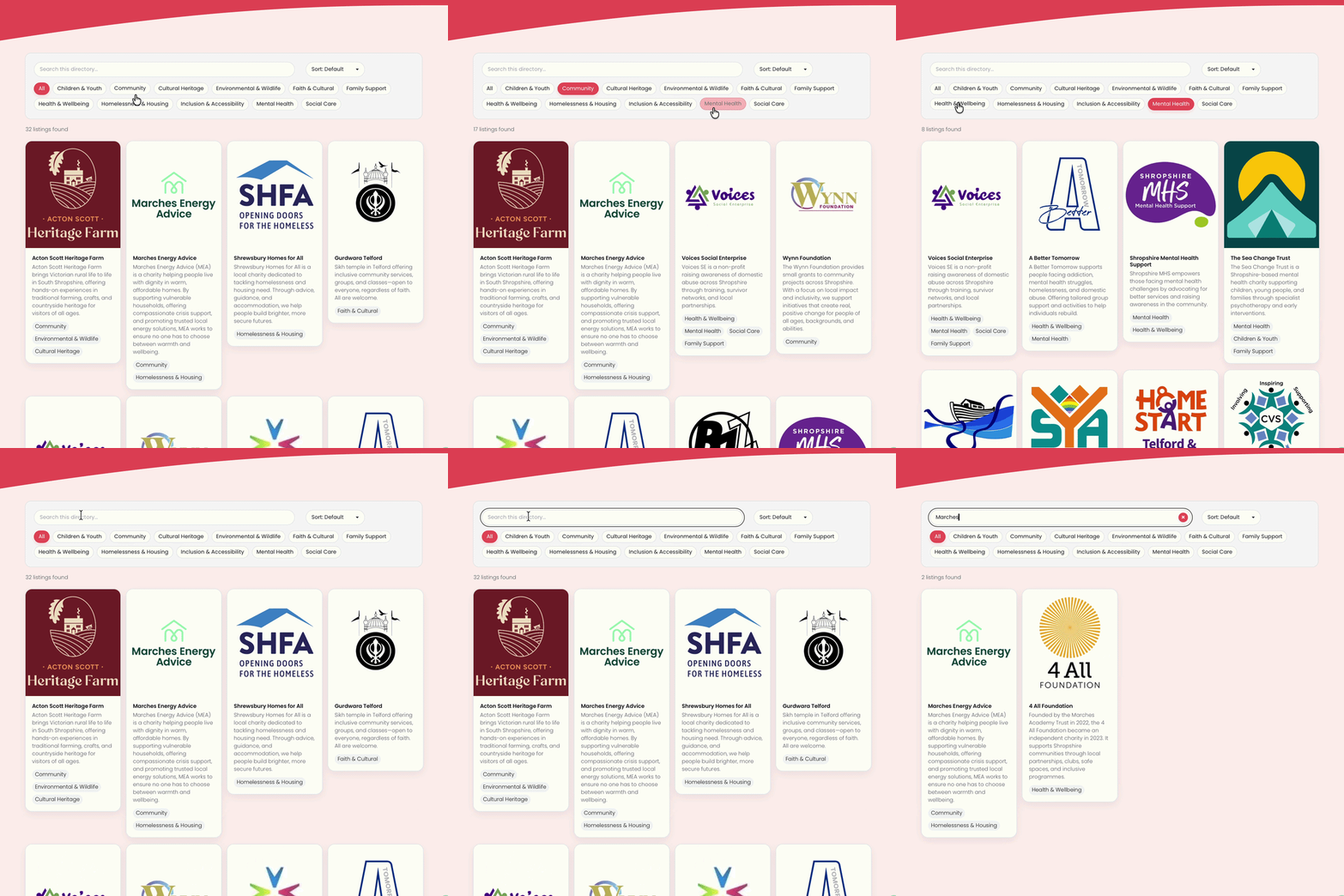 Image 3 of 4
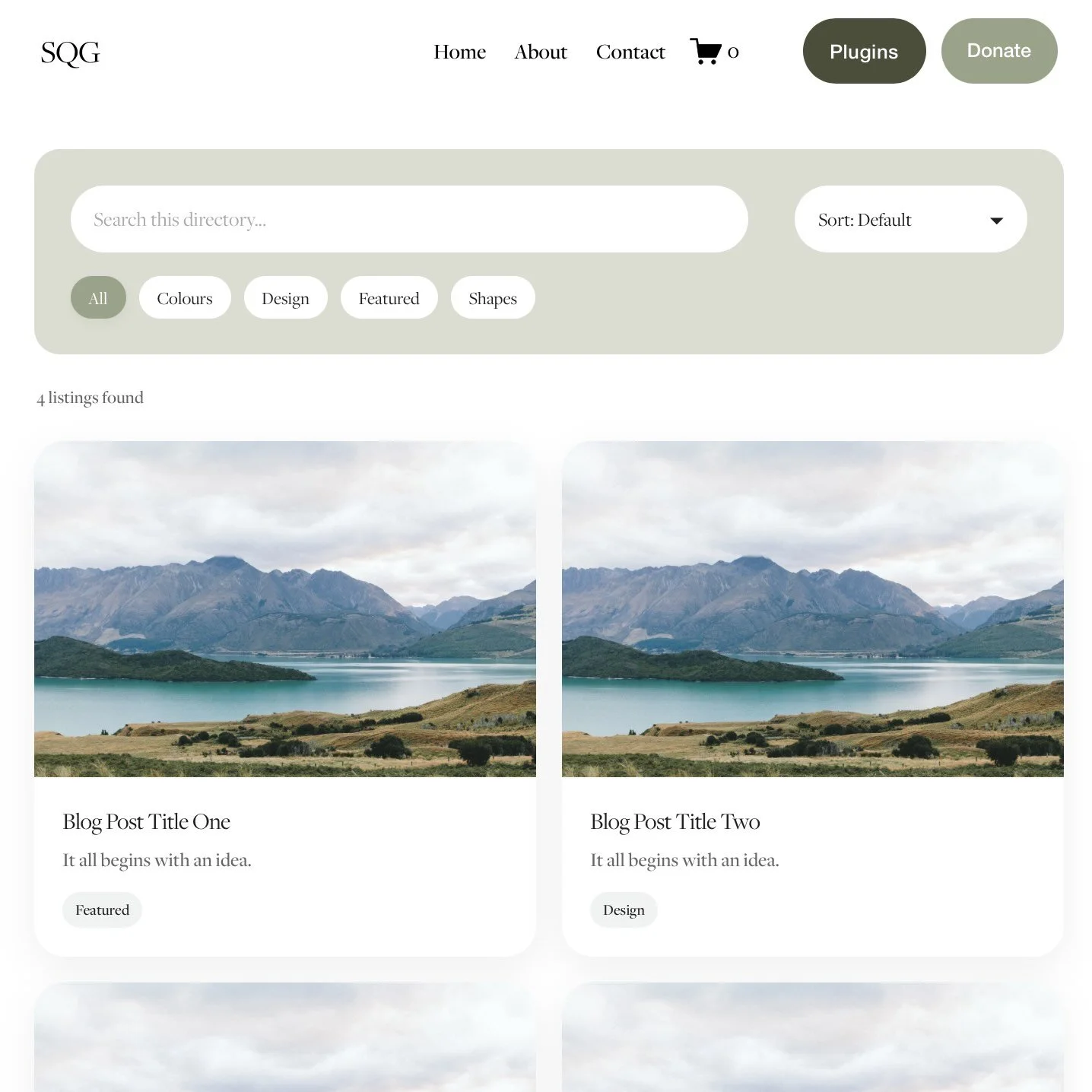 Image 4 of 4
Squarespace Directory Plugin
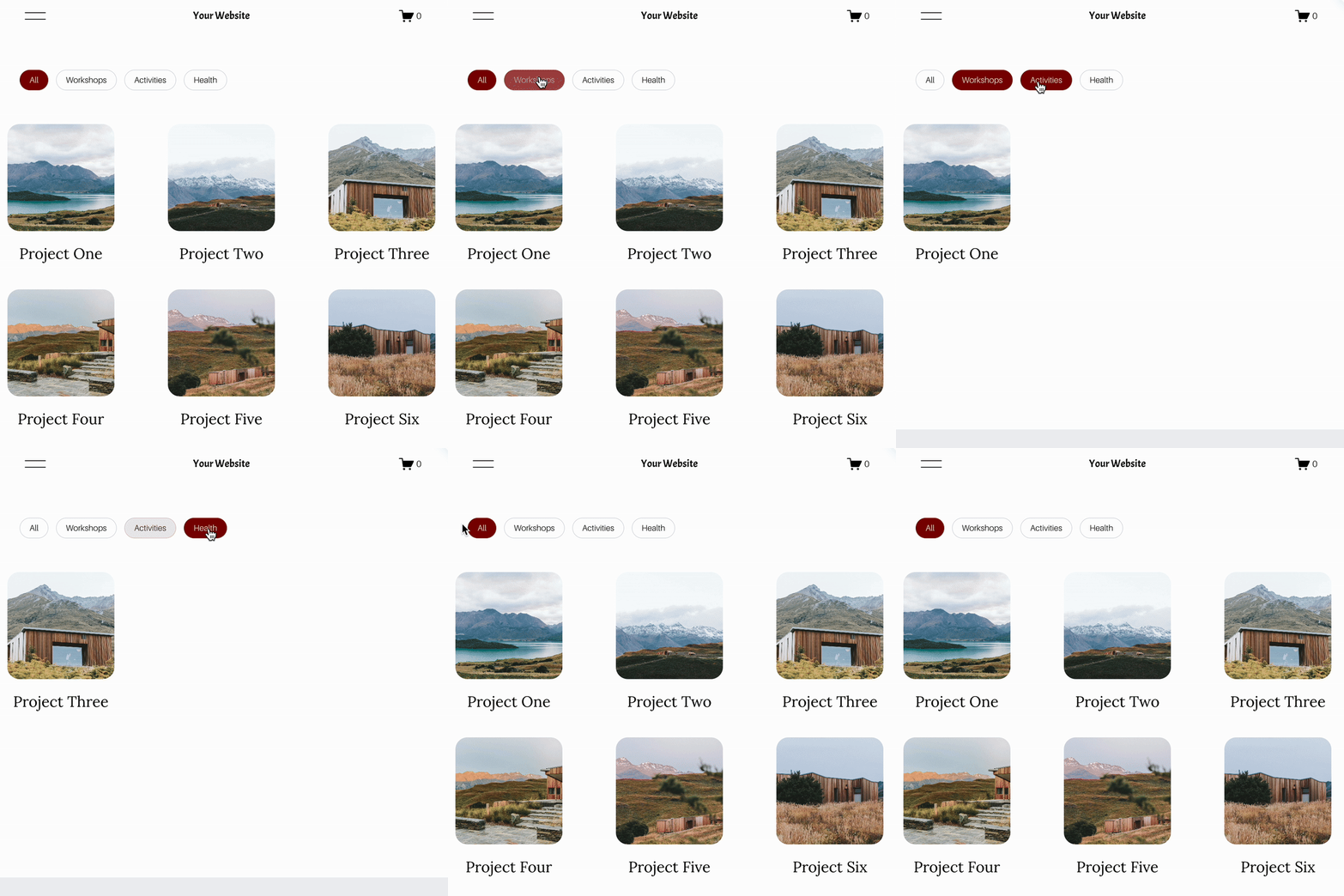

See how the Squarespace Directory Plugin Works
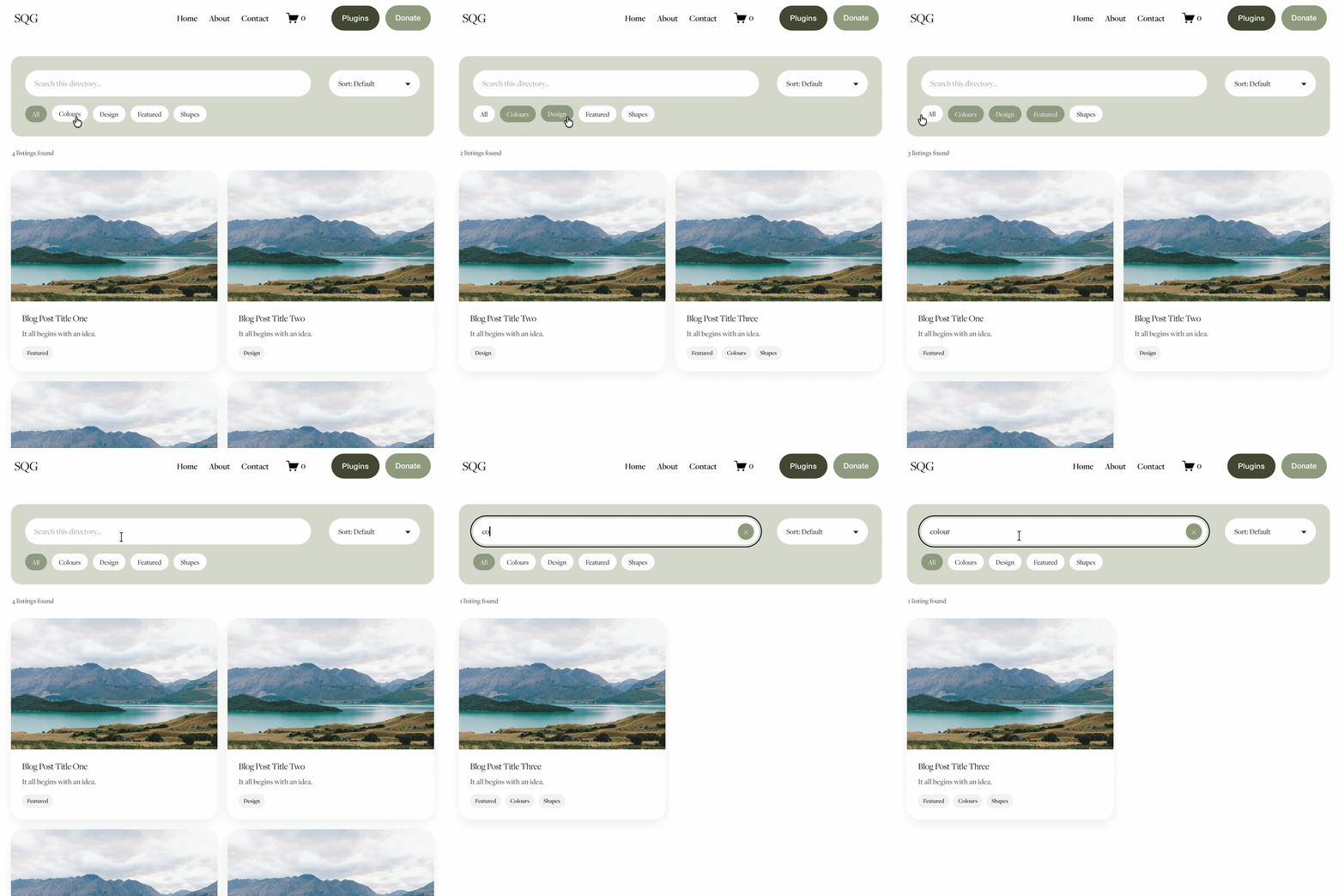
Watch the demonstration and overview of the Squarespace directory plugin. Simple to install and easy to customise.
More than a standard Squarespace layout
Why Choose This Squarespace Directory Plugin?
A standard Squarespace layout can look great, but directories often need more structure to help visitors find the right information quickly. That's where this plugin comes in.
Built for better user experience
Long pages of listings can be frustrating to browse. This plugin helps visitors search and narrow down results faster, making your website easier to navigate and more helpful.
Perfect for purpose-driven organisations and service-based websites
This plugin works particularly well for charities, membership groups, community platforms, support service directories, creative collectives and local business hubs.
Ideal for growing directories
As your listings grow, finding the right information can become harder. The Squarespace Directory Plugin helps visitors explore larger collections without overwhelming them.
Easy to integrate into Squarespace
Keep the look and feel of your existing Squarespace website while upgrading how your directory works. Enjoy a better browsing experience without rebuilding your whole site.
A smarter alternative to a custom build
Get the feel of a custom Squarespace directory website with enhanced functionality, without needing to commission an entirely bespoke directory solution from scratch.
Use Squarespace's existing blog functionality
Create and manage individual directory listings using Squarespace's built-in blog system. Each blog post can act as its own listing or profile page, keeping content management familiar.
Frequently Asked Questions
-
A Squarespace Directory Plugin is a tool that improves how directory style content works on a Squarespace website. It can help visitors search, browse, and explore listings more easily.
-
Yes, you can create a directory in Squarespace. Many people start with built in page layouts, but a Squarespace Directory Plugin helps make the experience more organised, searchable, and user friendly.
-
This plugin is ideal for membership organisations, community groups, charities, nonprofits, business networks, creative directories, supplier listings, and anyone who wants to display searchable listings on Squarespace.
-
Yes, the plugin can be used on multiple websites and multiple blog pages.
-
Yes. One of the main benefits of this Squarespace Directory Plugin is making it easier for people to find relevant listings quickly, instead of scrolling through long pages manually.
-
Yes, absolutely. It is a great choice for charity directories, member directories, support service listings, business networks, partner directories, and community resources.
-
No. This plugin is designed to help you upgrade your directory experience without needing a fully custom website build.
-
Standard layouts can work for small directories, but they often become harder to use as your listings grow. A Squarespace Directory Plugin helps create a better browsing experience and a more professional result.
A smarter way to organise your listings
What is a Squarespace Directory Plugin?
A Squarespace Directory Plugin is an add-on that enhances how directory-style content works on your Squarespace website. It helps visitors browse listings more easily by improving search, organisation, filtering and overall usability.
If you want to create a directory in Squarespace for businesses, charities, members, events, services or resources, a directory plugin can make the experience more effective and user-friendly.
Who is this plugin for?
This plugin is a great fit for anyone who wants to create a directory-style page in Squarespace, including:
- Charities and nonprofit organisations
- Community networks
- Local directories
- Membership groups
- Event organisers
- Creative collectives
- Coach and consultant directories
- Business associations
- Service-based organisations
What can you use it for?
You can use this Squarespace Directory Plugin to create:
- Searchable member directories
- Business and supplier directories
- Team profile pages
- Partner listings
- Support service directories
- Local community resource libraries
- Expert directories
- Venue or location listings
- Curated recommendation pages
Content Library Filter vs Squarespace Directory Plugin — which one do you need?
Both plugins help visitors search and explore organised content on Squarespace, but they're designed for different types of pages. Here's how they compare.
| Feature | Content Library Filter | Directory Plugin |
|---|---|---|
| Content source | Native Squarespace 7.1 Simple List Section cards | Squarespace blog posts |
| Category filtering | Yes | Yes |
| Live keyword search | Yes | Yes |
| A–Z sorting | Yes | Yes |
| Show More functionality | Yes | Yes |
| Edit content using | Squarespace List Section editor | Squarespace blog editor |
| Best for | Resources, links, videos and smaller card-based collections | Members, suppliers, organisations and blog-based directories |
Choose Content Library Filter if...
You want to keep everything inside a standard Squarespace Simple List Section. It's ideal for creating a searchable resource library without setting up a separate blog collection.
Explore Content Library Filter →Choose Directory Plugin if...
You're building your listings as individual blog posts and want a directory that uses Squarespace's blogging system for managing content and individual listing pages.
Explore Directory Plugin →