

Confetti Effect For Squarespace Websites
Add a touch of celebration to your Squarespace website with my confetti effect for Squarespace! Whether you’re announcing a sale, launching a product, or just want to add a fun, engaging element to your site, this effect creates an eye-catching burst of digital confetti that enhances user experience without slowing down your page.
Also check out Style - The 2 heart emoji ❤️ effect for those special occasions 😉
Style 1. Confetti Effect:
Adding The Code For The Squarespace Confetti Effect:
Option 1 Add To One Page:
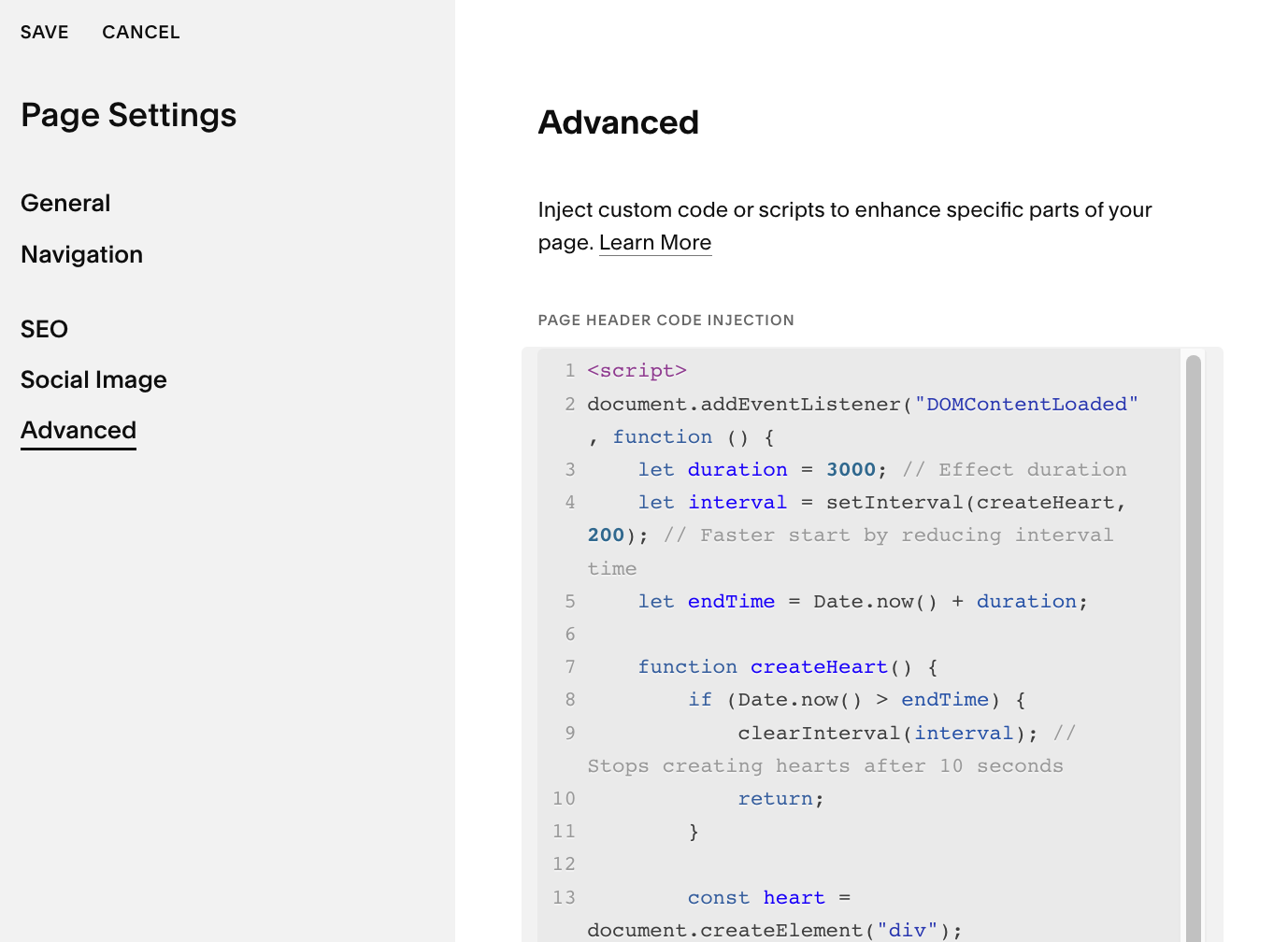
If you want to show your confetti on just one page, add the below code to your pages header code area.
Go to your specific page > advanced > code injection and paste the below code.
Option 2 Add To The Whole Site:
Add The Confetti Effect Code To The Footer Injection Area.
If you want to show the confetti effect across all of your website pages you can add it to the footer code area.
Go to > pages > website tools > code injection and paste the following code.
Confetti Effect Code:
Style 2. Heart Emoji Effect:
Add The Heart Emoji Effect:
Add the code to the whole site: Go to > pages > website tools > code injection and paste the below code.
Add it to one page: Go to your specific page > advanced > code injection and paste the code.
Heart Emoji Effect Code:
Customizing the code to Fit Your Preferences
Changing the Effect Duration
The effect duration is currently set by
let duration = 3000;, which means the hearts will be generated for 3 seconds.To extend or shorten the effect, increase or decrease this number (e.g.,
5000for 5 seconds,10000for 10 seconds).
I hope you enjoy the Confetti Effect For Squarespace!
Easily integrate this confetti effect into your Squarespace site for an instant visual boost. Perfect for promotions, special events, and interactive branding—no coding skills needed!
Let me know how your animated effect turned out in the comments!
Did I help you? Consider buying me a coffee as thanks!
For more cool Squarespace tips check out my blog, or sign up to my newsletter.
Check out my Squarespace Premium Plugins
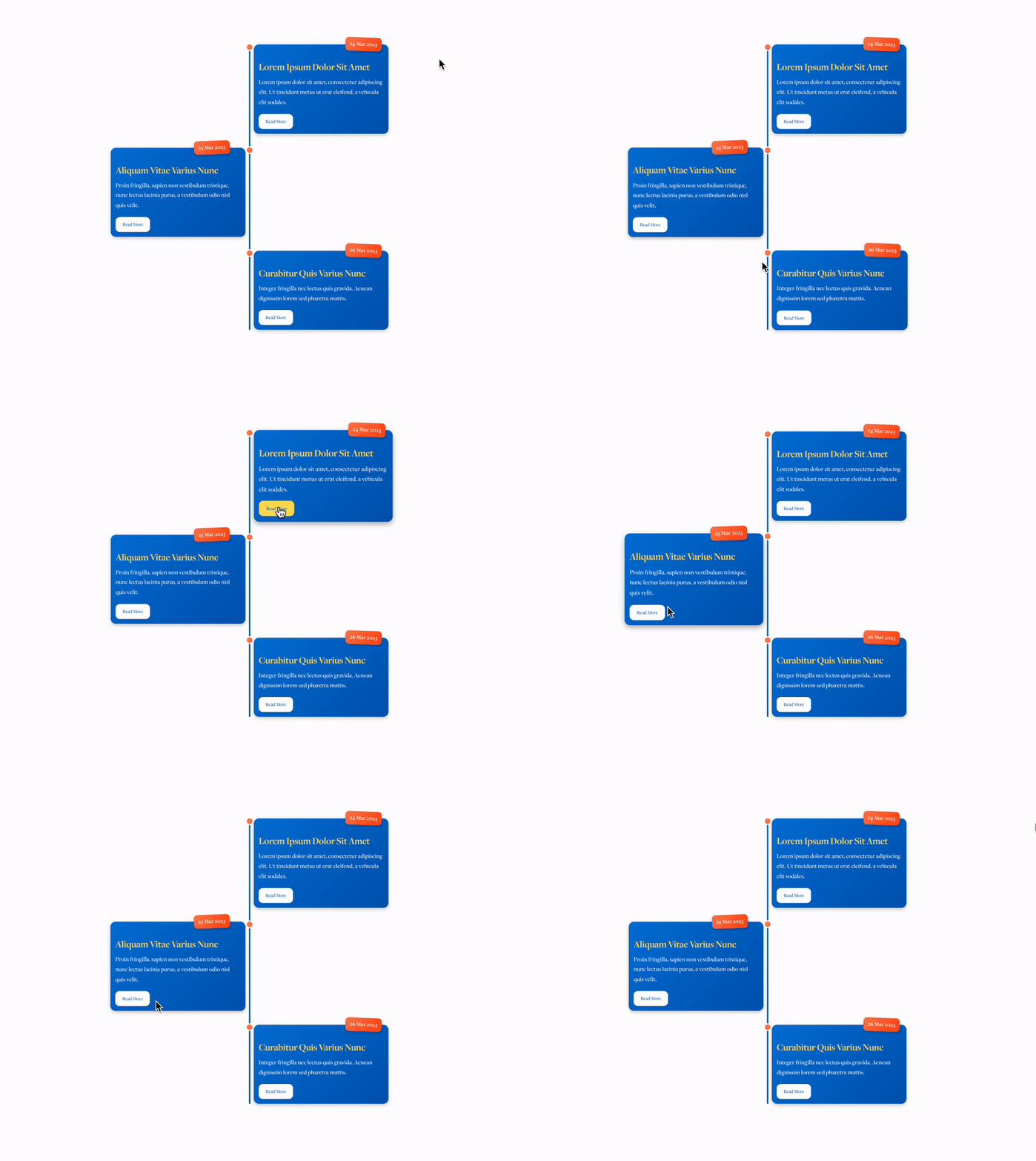
Premium Timeline Plugin
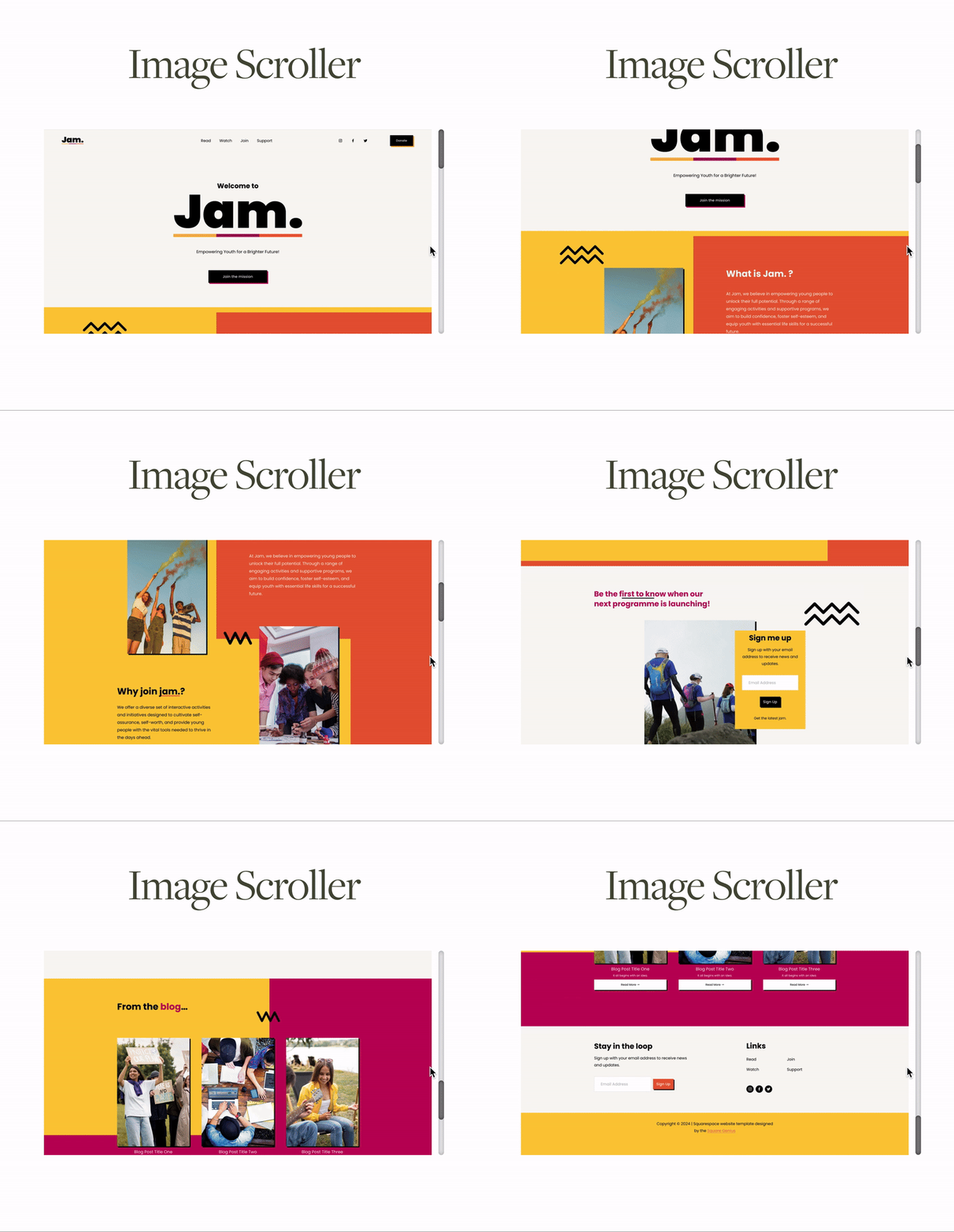
Image Scroller Plugin



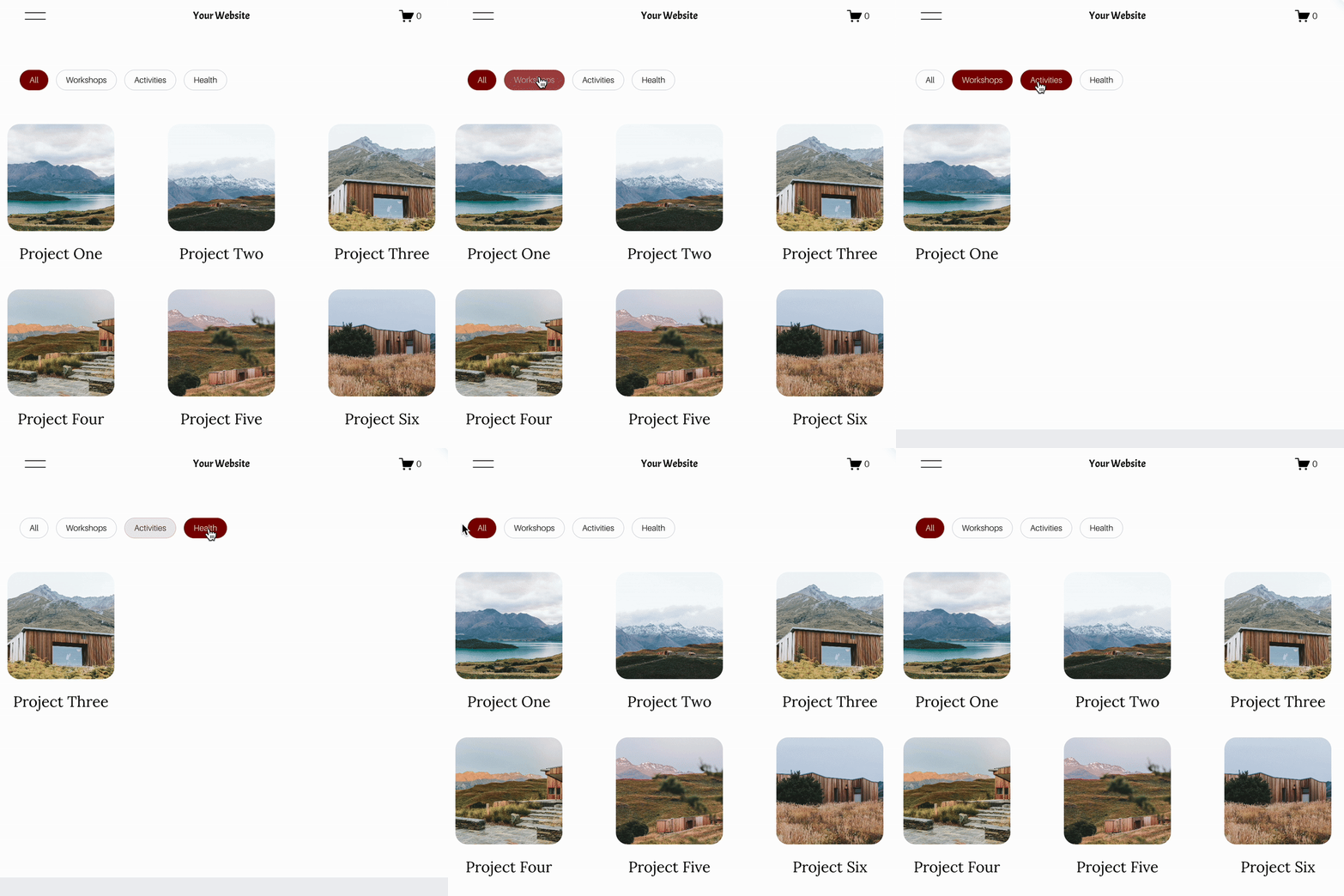
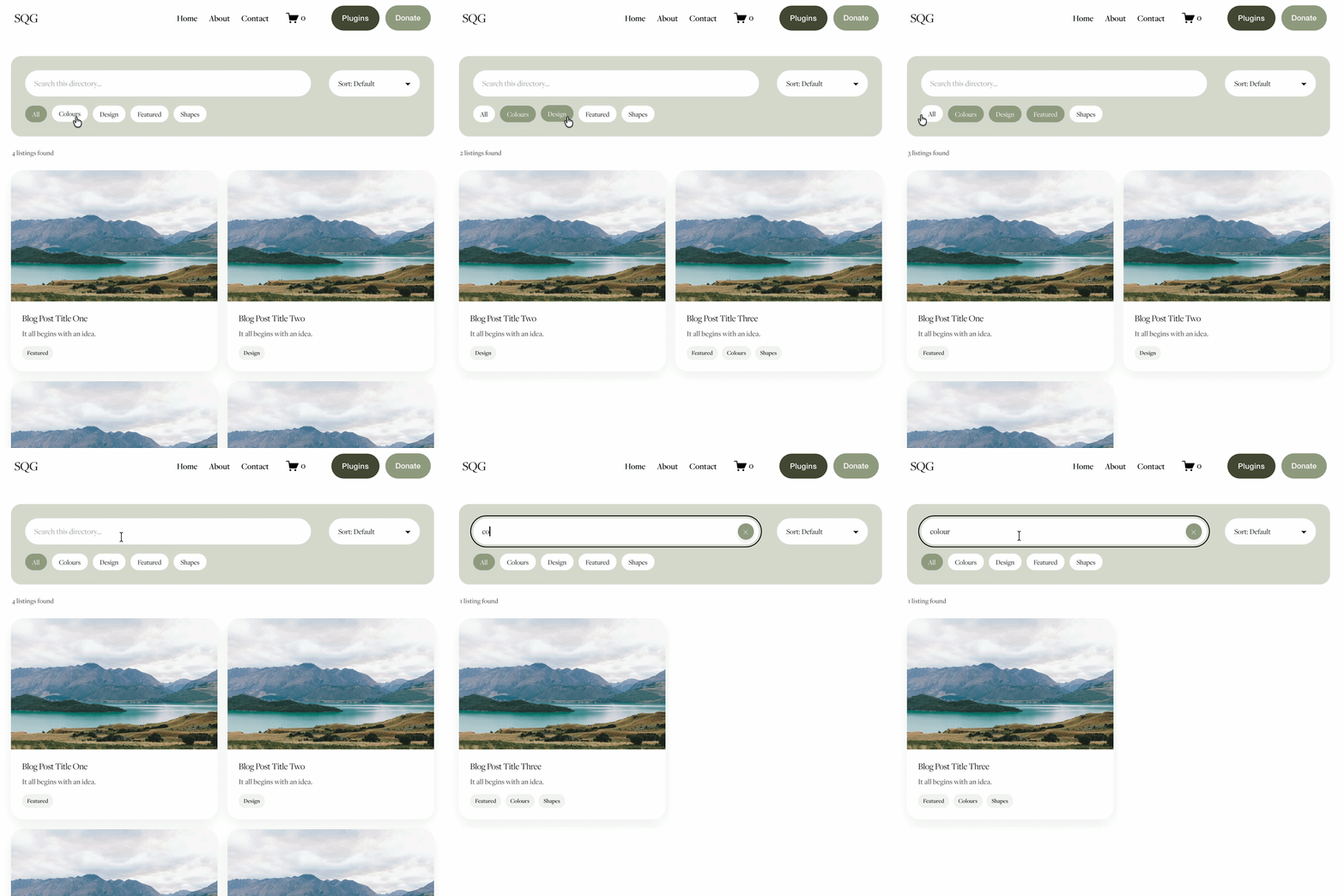
Turn Squarespace List Sections into searchable content libraries
Create a more organised, searchable experience on your Squarespace website with the Content Library Filter Plugin.
Designed specifically for Squarespace 7.1 List Sections, this plugin adds clickable category filters, instant keyword search, alphabetical sorting and Show More functionality to your existing content.
Whether you're creating a resource library, collection of downloadable guides, video hub, team directory or useful links page, visitors can quickly find what they're looking for without endless scrolling.
The best part? You continue managing your content directly in Squarespace. Simply add and edit your List Section cards as normal, assign categories using a small label in the description, and let the plugin handle the filtering.
Searchable. Filterable. Fully customisable. No separate CMS required.
View Demo ➜
Important:
This plugin only works with the built in list section page on Squarespace (It does not work with summary blocks or any other page type)
This plugin is only compatible with Squarespace 7.1 sites.
One-off cost for a full license to use on multiple Squarespace 7.1 websites