 Image 1 of 4
 Image 2 of 4
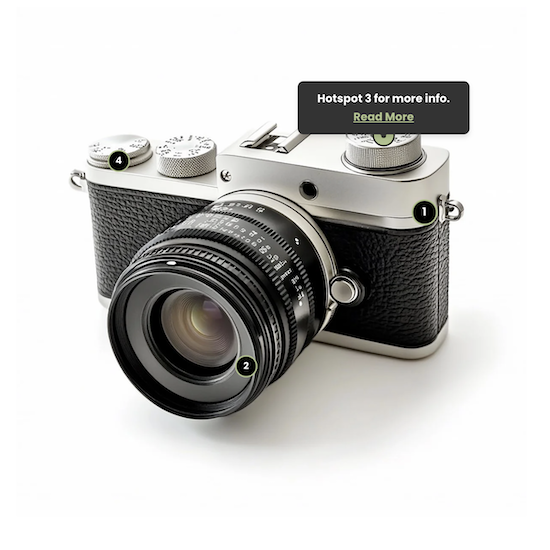 Image 3 of 4
 Image 4 of 4
Squarespace Image Hotspots Plugin


Create Image Hover Effects and Clickable Hotspots in Squarespace
If you are searching for a way to add an image hover effect in Squarespace, this plugin goes far beyond simple animations. Instead of basic zoom or overlay effects, you can create fully interactive image hotspots that reveal tooltips, feature descriptions or links when users hover or tap. Whether you want subtle hover interactions or clearly defined clickable points, this gives you complete control without relying on complicated custom code.

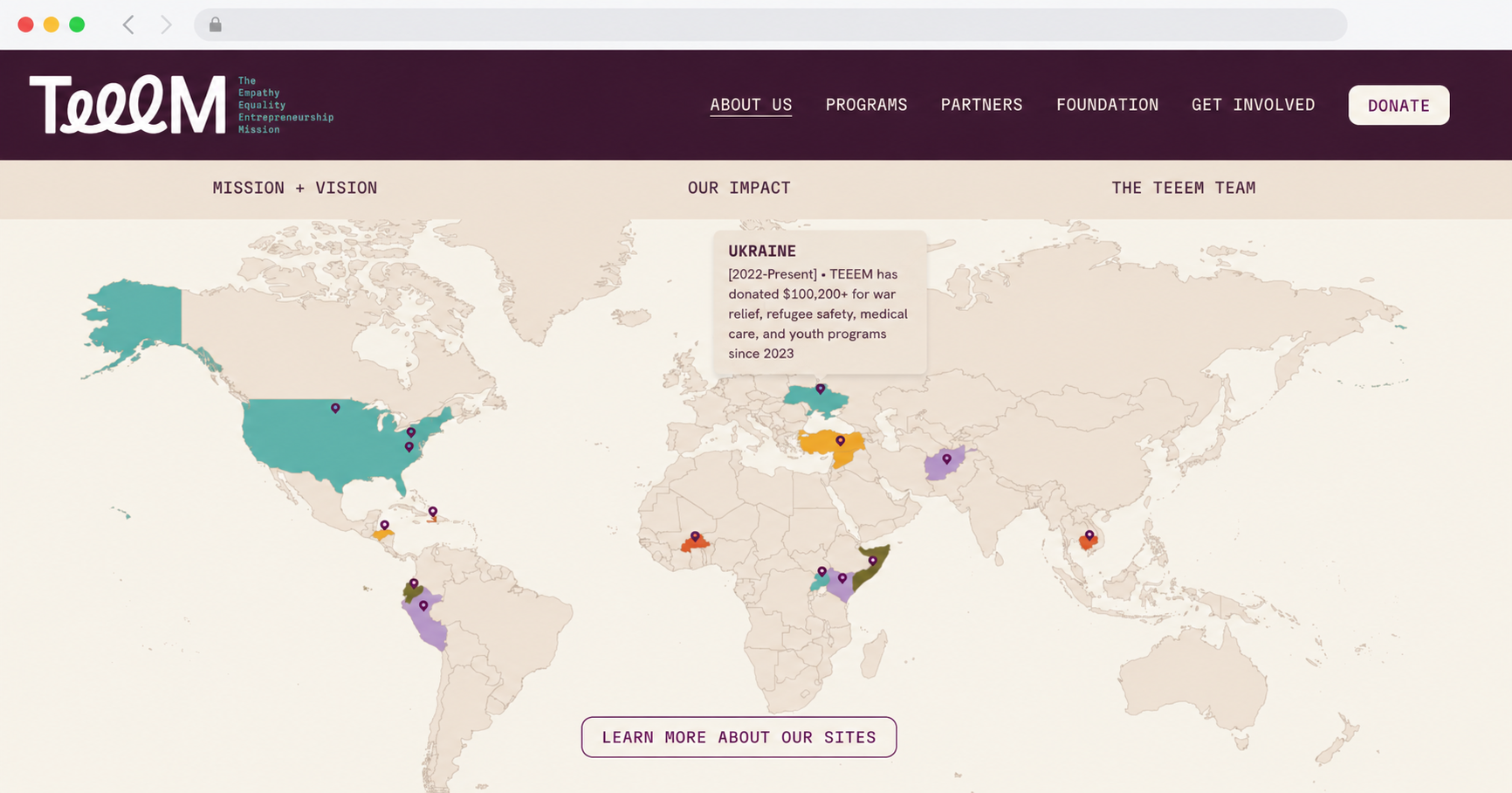
Create a Clickable Location Map
The Clickable Hotpspot plugin is also popular for use on maps to help showcase locations and other geographical information.
Frequently asked questions about the Squarespace Image Hotspot Plugin
-
No coding knowledge is required. The plugin comes with a clear, step by step installation guide so you can set it up confidently, even if you are not technical.
-
Yes. You can use this plugin on unlimited websites. There are no multi licence restrictions, making it ideal for agencies, freelancers and developers.
-
This plugin is designed to work with standard Squarespace image blocks. It does not integrate directly inside native Squarespace product gallery images.
If you need hotspots specifically inside product images, Will Myers’ Image Hotspots Plugin is an excellent solution built for that purpose.
-
Support is provided on a best effort basis for the first 30 days after purchase. If you encounter issues during installation, I will help guide you towards a solution.