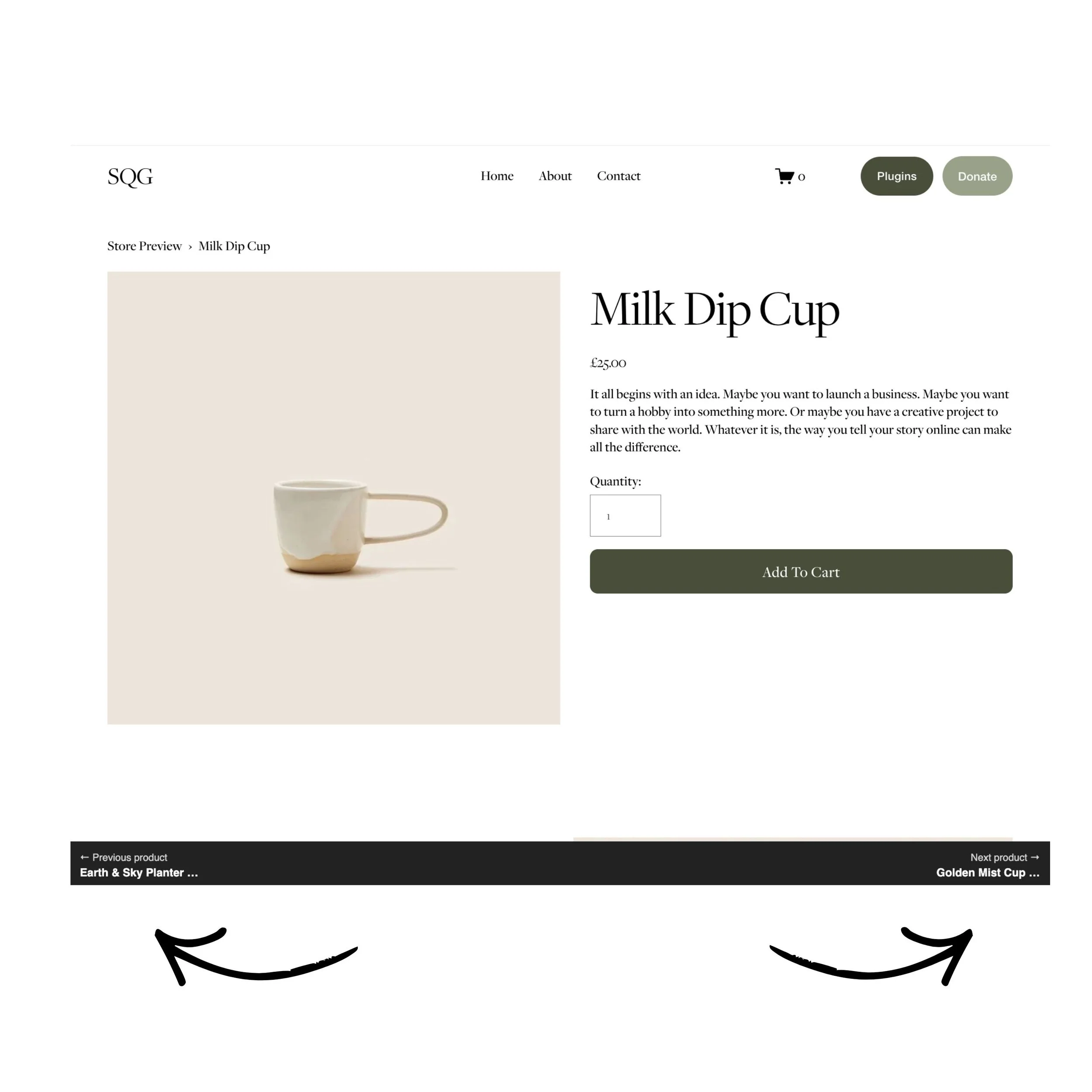
 Image 1 of 4
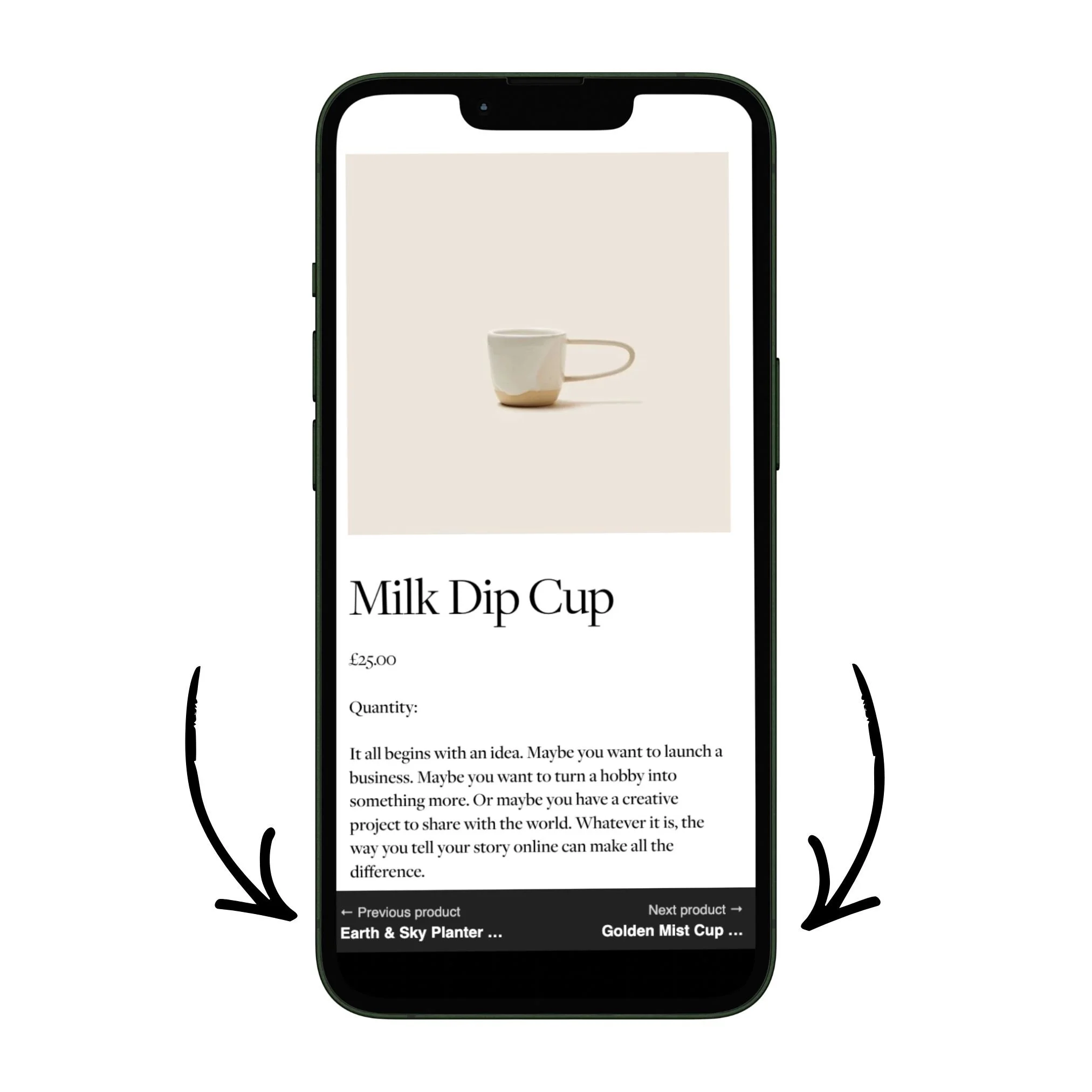
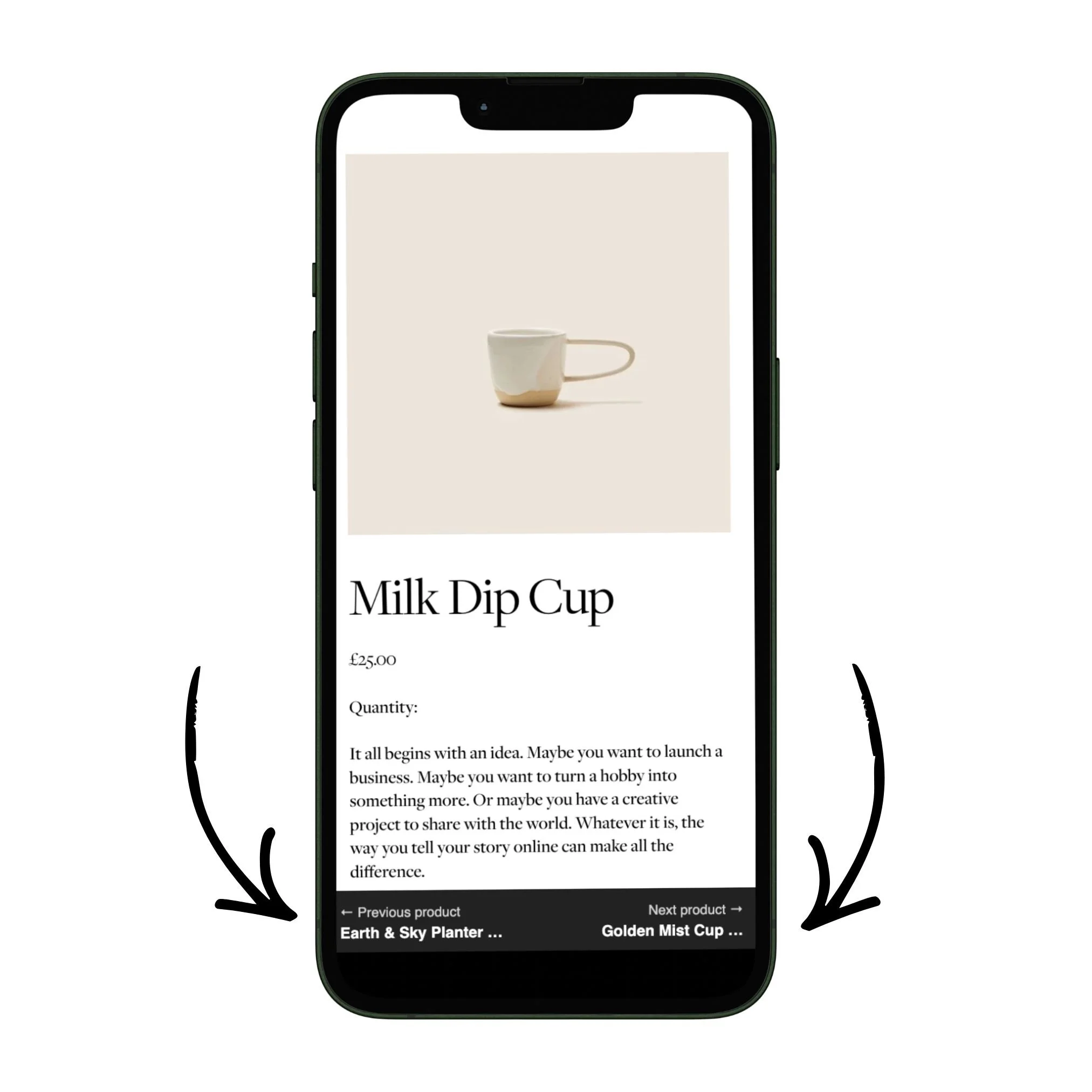 Image 2 of 4
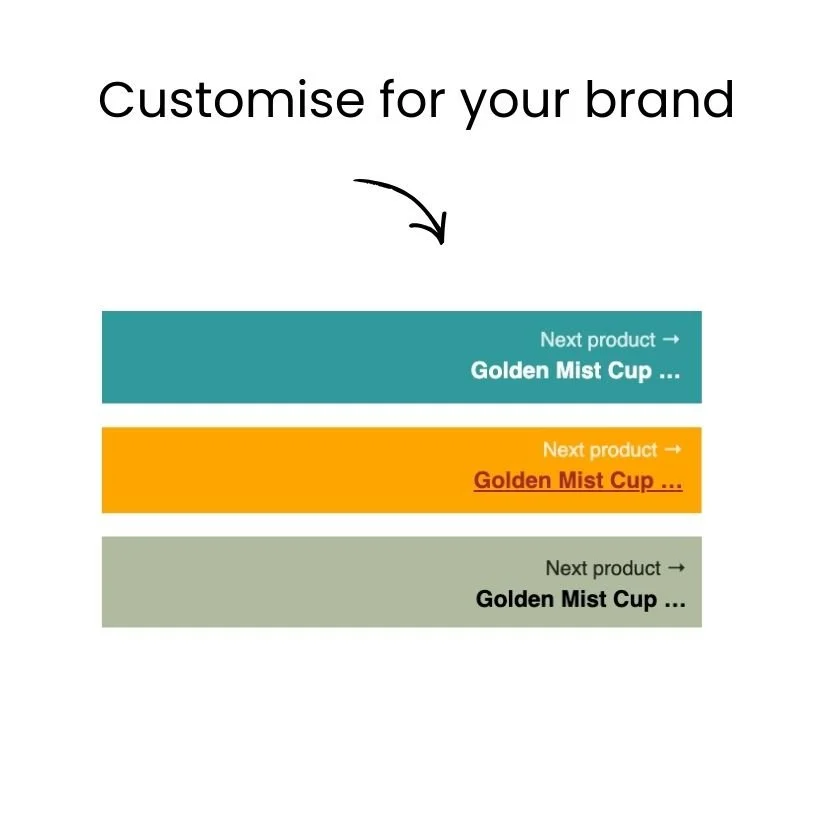 Image 3 of 4
 Image 4 of 4
Why Add a Squarespace Pagination Plugin to your Store?
Instead of forcing visitors back to the main shop every time, this plugin automatically:
Detects all products in your store
Finds the product before and after the one they’re viewing
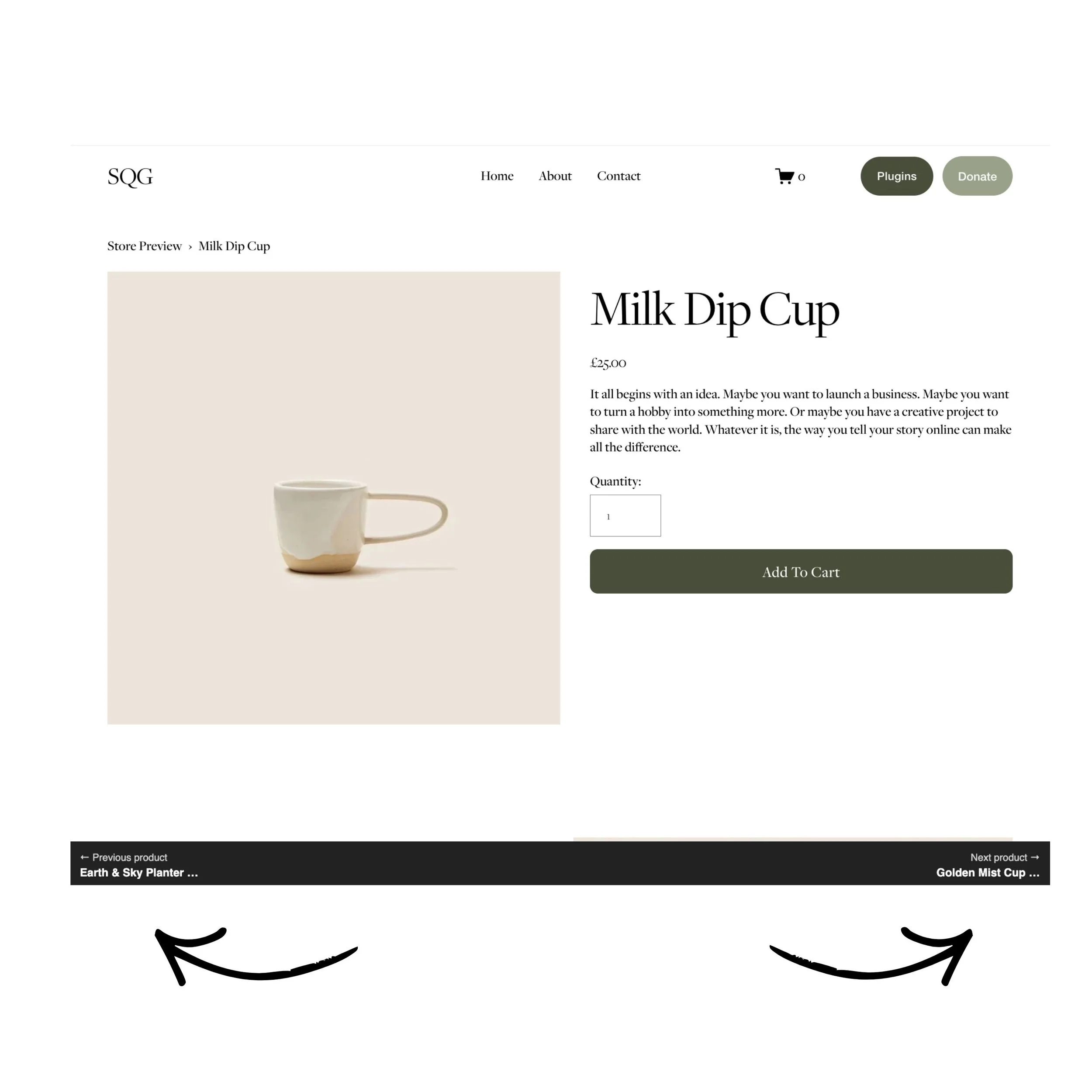
Displays a tidy bar with Previous product and Next product links
Uses each product’s title, auto-trimmed so it always looks neat
Perfect if you want to:
Encourage deeper browsing and increase time-on-site
Help users discover more products without extra clicks
Create a smoother, more “shop-like” experience inside Squarespace
What This Plugin Does
This plugin automatically:
Detects all products in your shop
Identifies the product before and after the one being viewed
Displays a sleek, responsive pagination bar at the bottom of the page
Shows each product title (auto-trimmed for neatness)
Links users smoothly between products without returning to your main shop
It’s designed for Squarespace 7.1 and works instantly on any product page using simple copy-and-paste code.
Why Add Product Pagination to Squarespace?
Squarespace doesn’t provide built-in next/previous product navigation — which means shoppers often hit a dead end after viewing a single item.
With this plugin, you can:
Keep customers browsing longer
Highlight more products automatically
Reduce friction between pages
Increase conversions by encouraging deeper exploration
Improve mobile usability with clear, thumb-friendly navigation
It’s a small addition that makes a big difference to your shop’s UX.
Features
-
No manual input needed. The plugin reads your product listing page and builds navigation for you.
-
Pure JavaScript + CSS. No heavy libraries. No performance drag.
-
The pagination bar adapts gracefully to any screen size.
-
Easily change colours, fonts, spacing, alignment, and positioning.
-
Tested across multiple store layouts and product structures.